1Pipeline
The roadmap is in front of you.
Each stage's date, open tasks and team sit at the top. Click a stage to open its board.
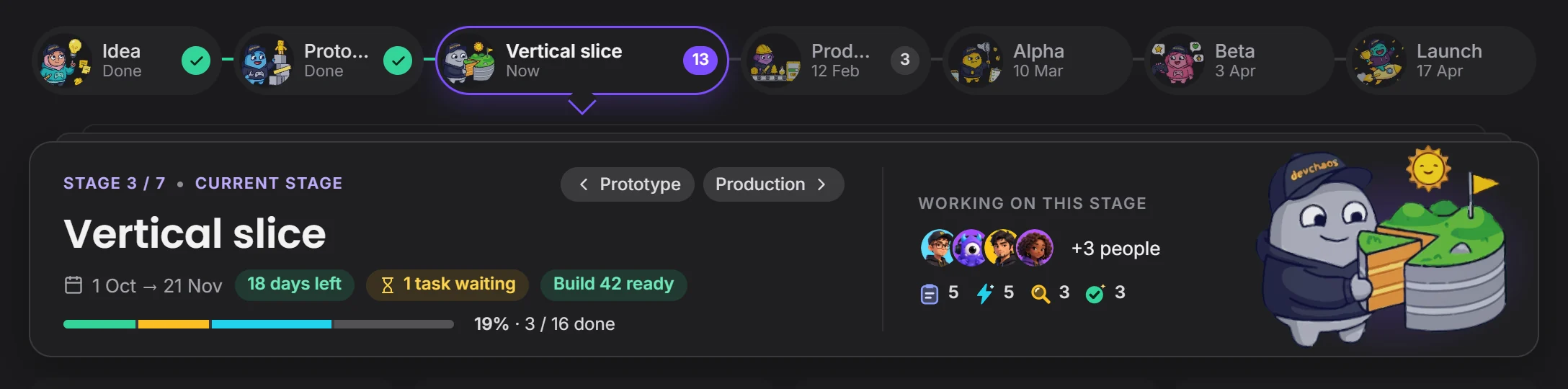 current stage
By field
GamesVFXAnimationFilm and TVPost productionAds and music videosXR / VRBy role
ProgrammingGame and level designScript2D art3D and charactersAnimationVFX and compositingSound and musicDirecting and productionSolutions/By role
Stages, tasks, files and the team in one place. You see where things stand without calling a meeting, and you decide who can reach what.

Seven stages, who is waiting on what: at a glance.
Scroll and it falls into place.
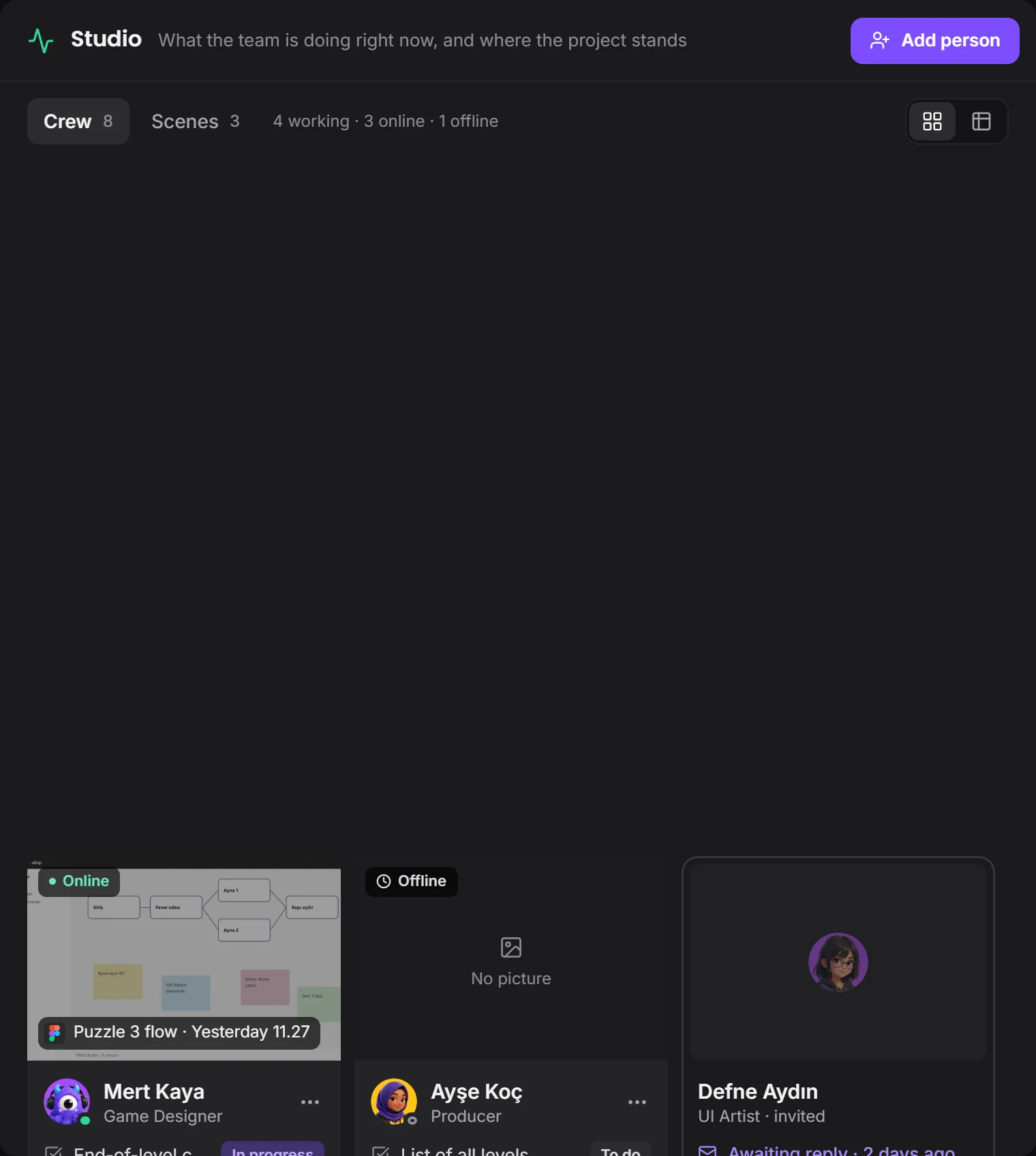
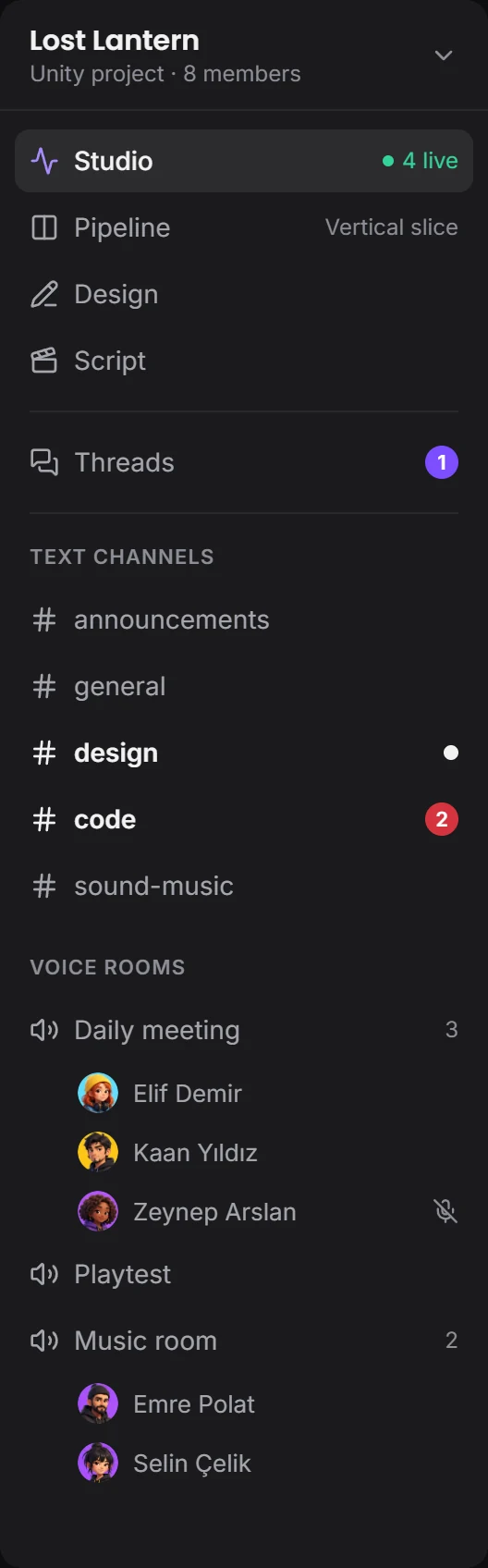
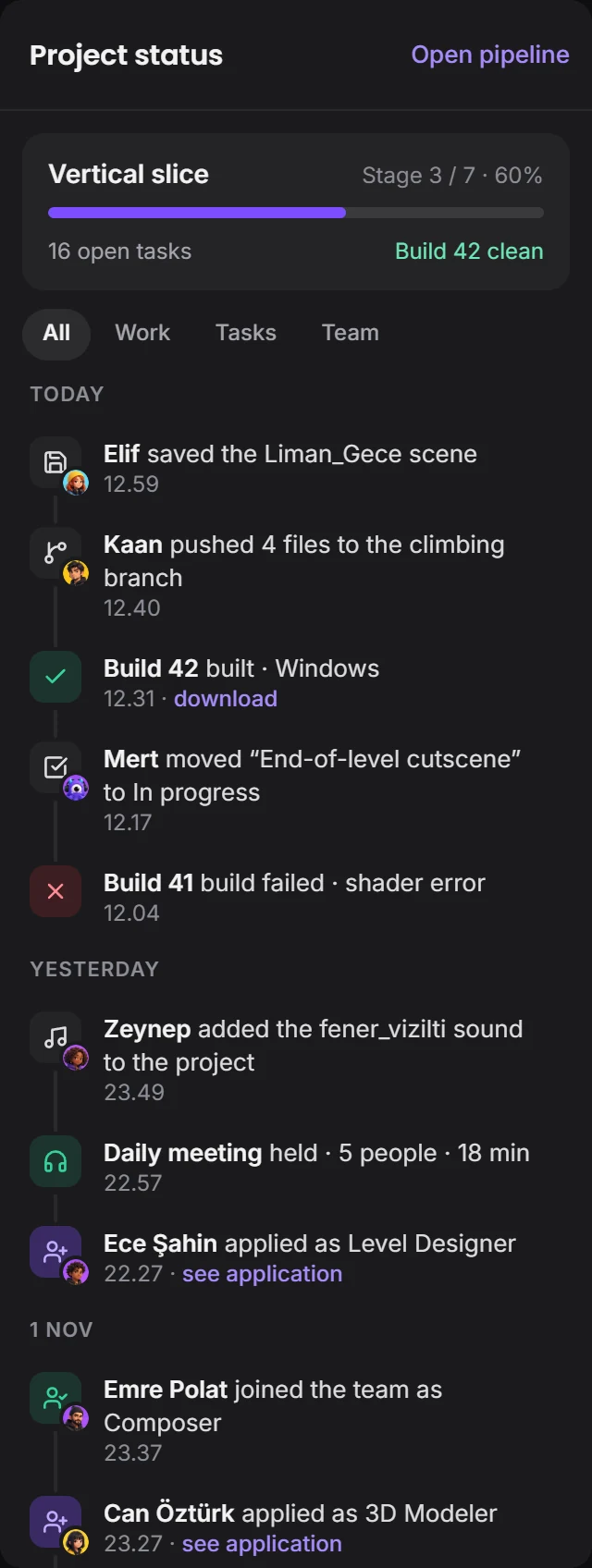
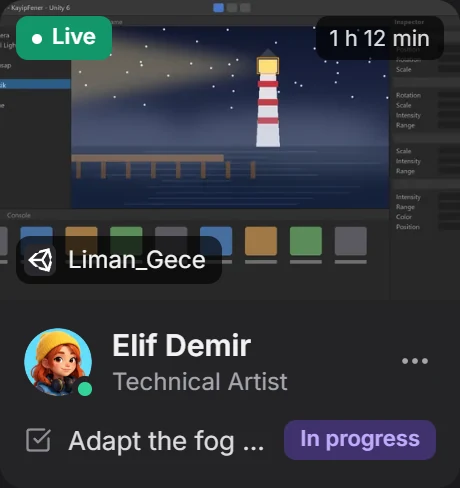
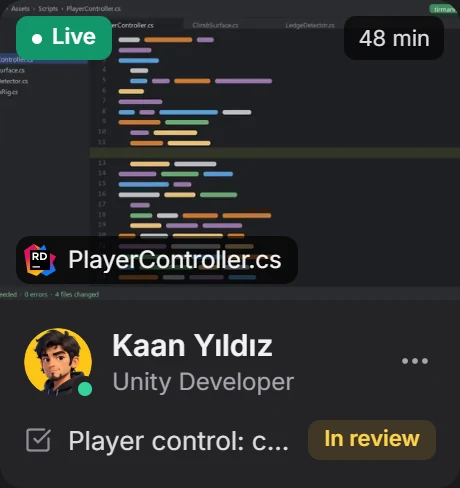
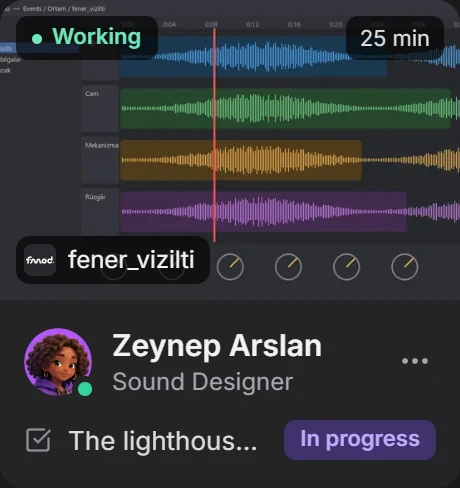
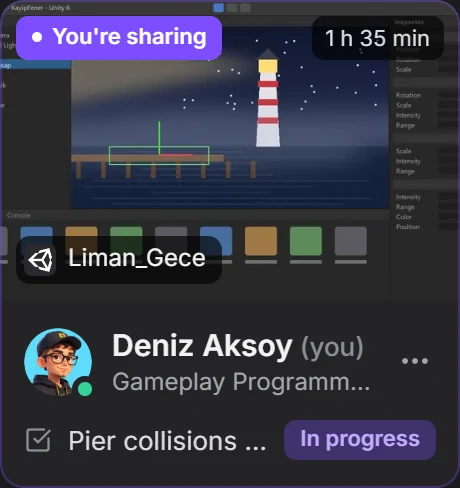
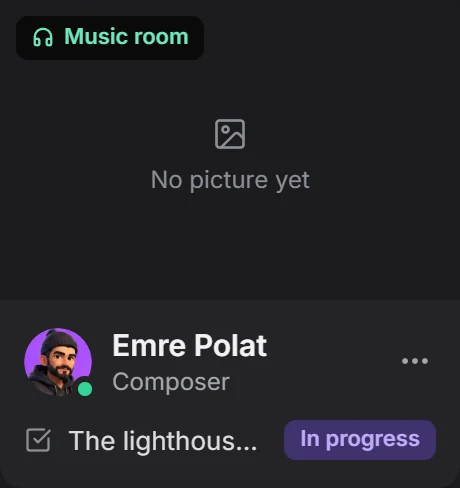
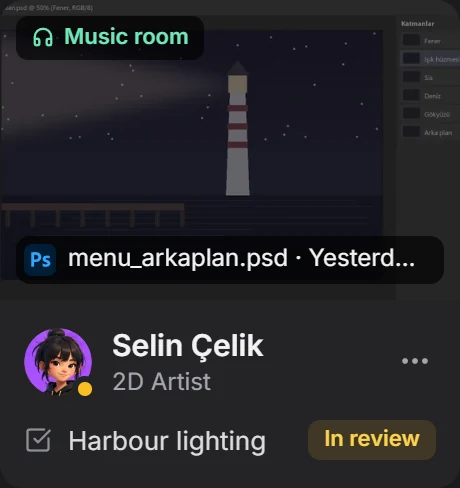
Studio: a live summary of the project.
Each stage's date, open tasks and team sit at the top. Click a stage to open its board.
current stagePosition, permissions, current work, open tasks and join date: as cards or a table.
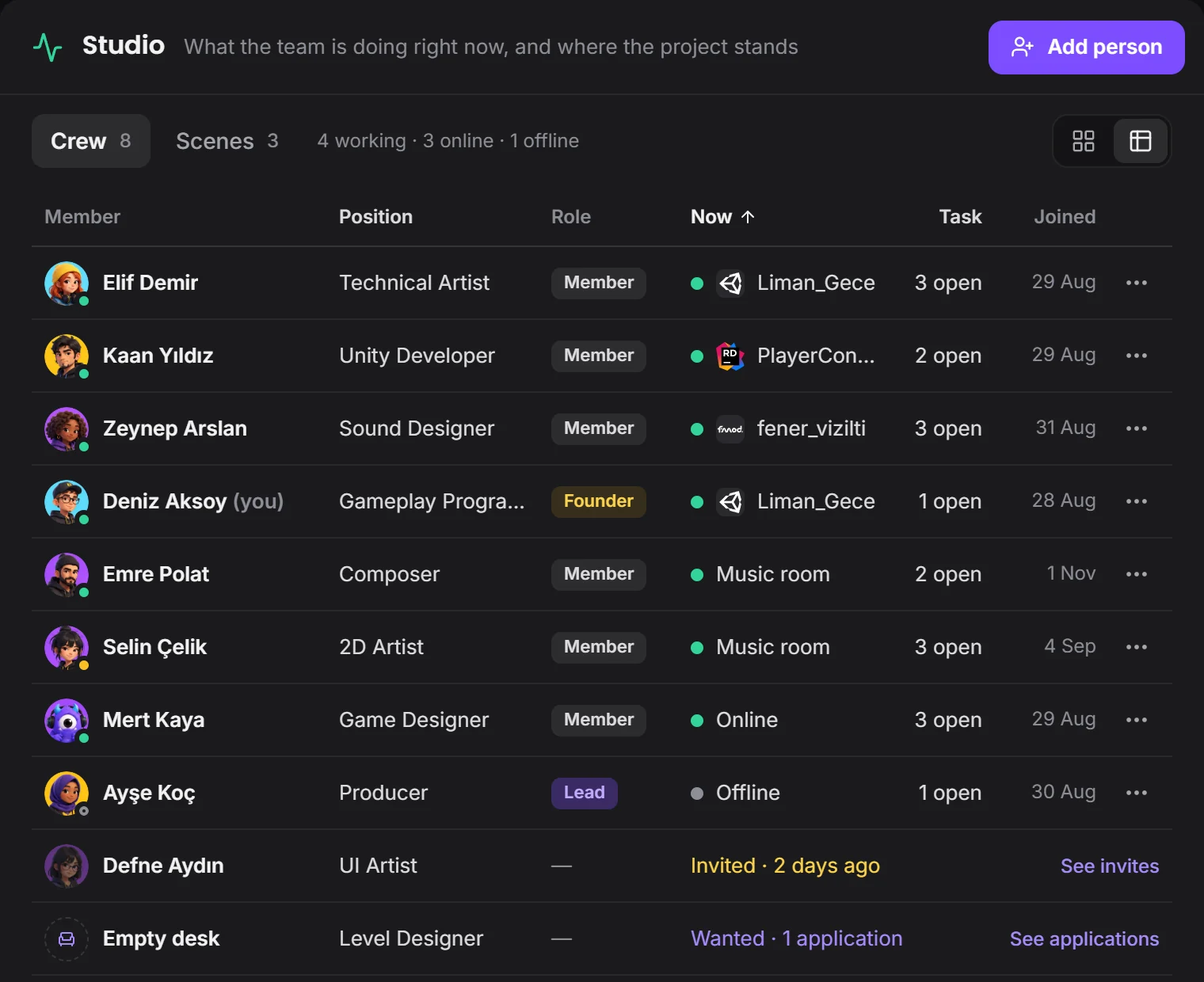 who is where right now
Founder, Lead, Member. For each lead you tick whether they can manage tasks, the pipeline, channels, members or settings.
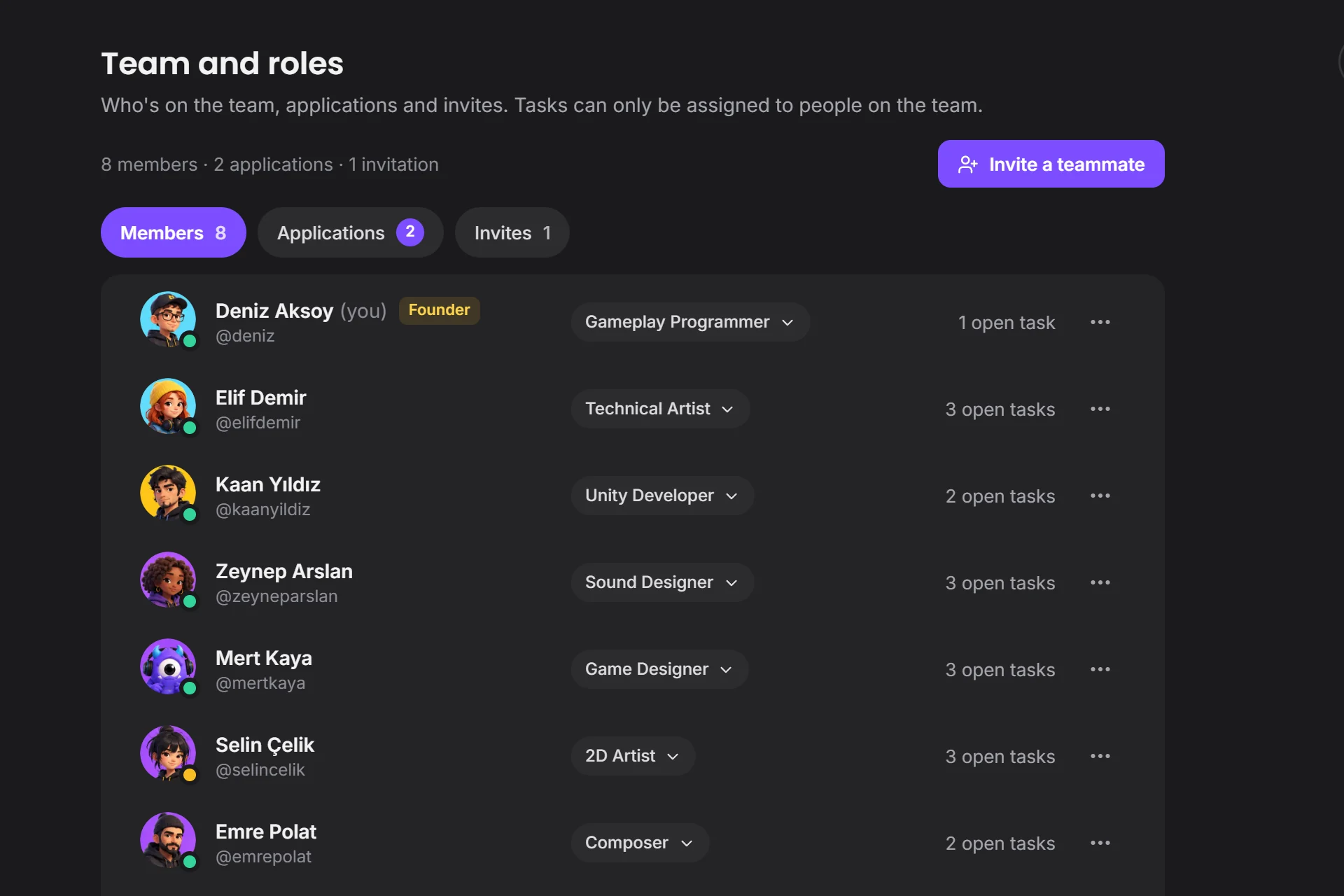 you choose the positionapplications are here
The Devchaos server, or your studio's own computer. The office computer becomes the storage, and the team reaches it from anywhere.
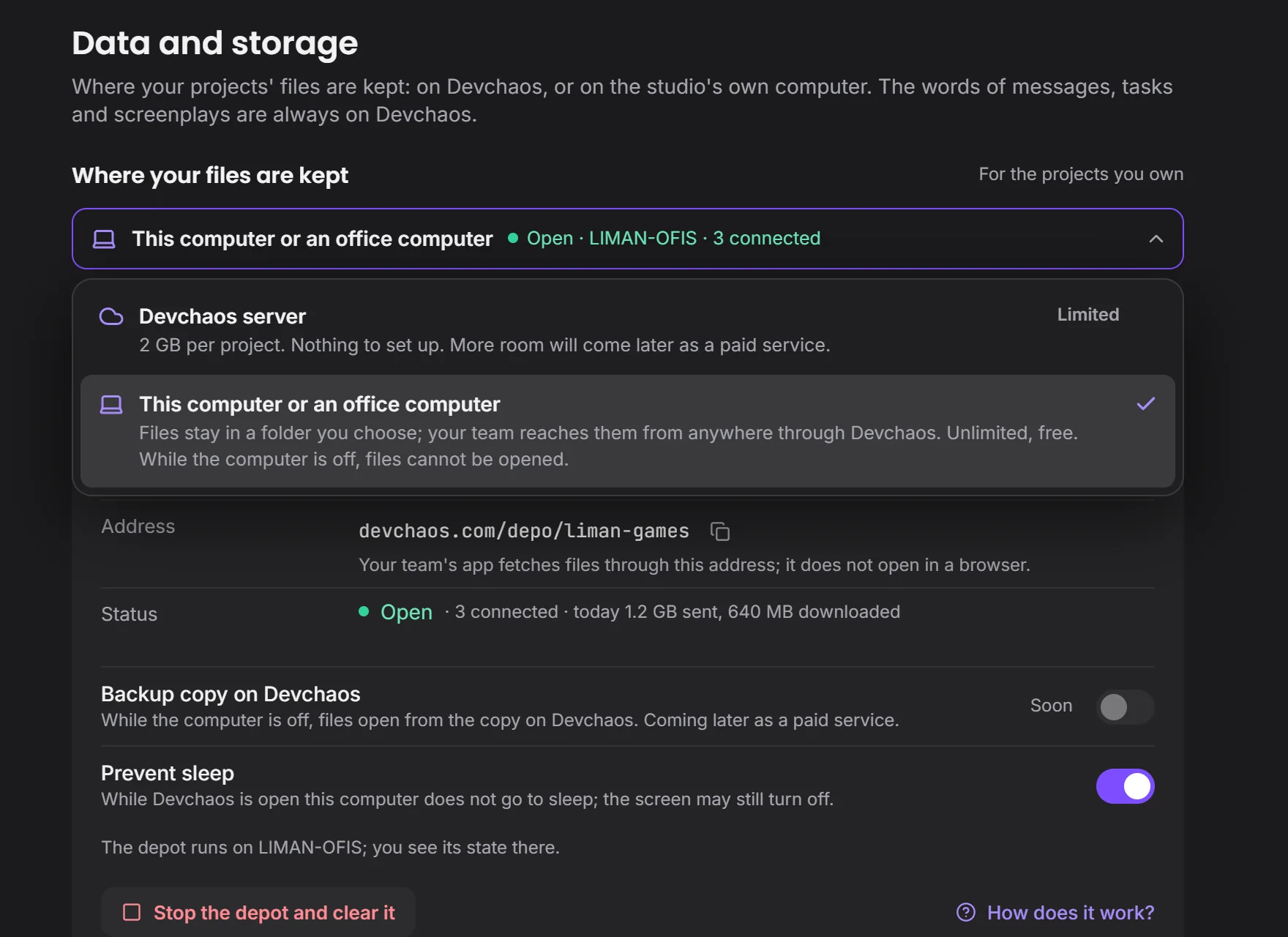 nothing to installfiles stay with you
Decision, task and result in one project.
Devchaos doesn't replace your program, it stands beside it. Whichever one is open shows on your Studio card; there are 50 programs on the list, and you can add yours if it's missing.
 Premiere Pro
 DaVinci Resolve
 Figma
 Unity
 Unreal
 Blender
Yes. You pick ready-made stage names such as Idea, Pre-production, Development, Polish and Handoff, put them in order, and give each an icon and a date. You can save the set as a template and use it in another project.
You decide. In What your team sees you choose who sees it, and whether that's the program, the file name, the time, screenshots and how often; you can hide a program and set limits by working hours or by project.
You choose between two places: the Devchaos server (2 GB per project), or a computer left on at the office.
Not yet, it's coming soon. Voice rooms and camera are on the way. For now you use the room's text chat during a screen share.