1Room
The draft plays in the message.
WAV, MP3, OGG, FLAC and M4A play inside the message. You listen without downloading, and it's clear who sent what and when.
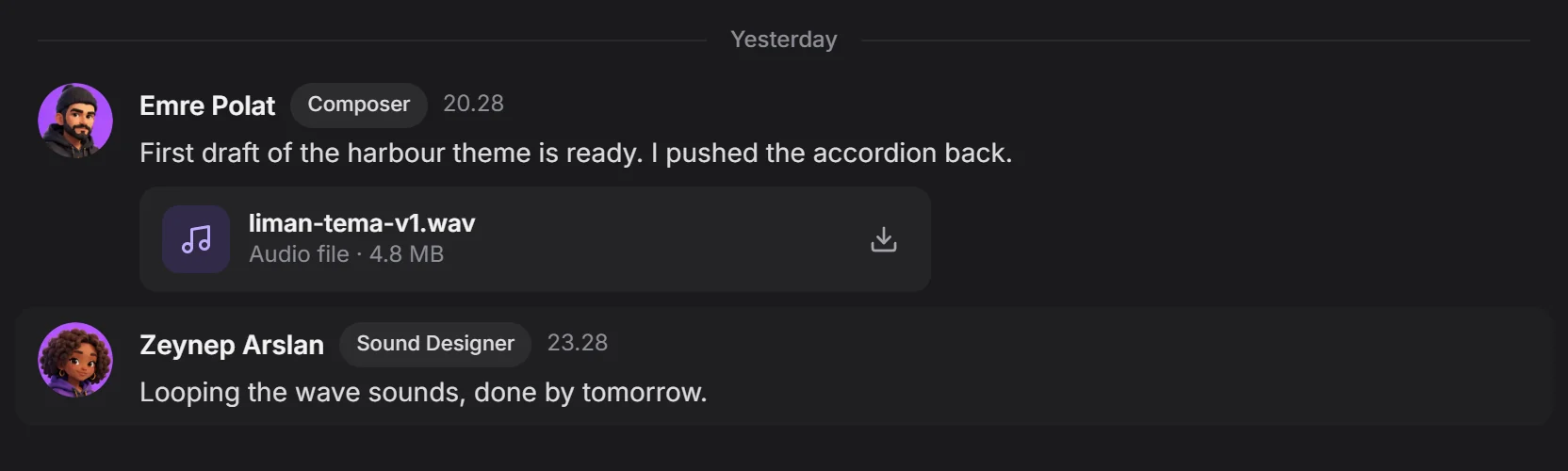 plays inside the message
By field
GamesVFXAnimationFilm and TVPost productionAds and music videosXR / VRBy role
ProgrammingGame and level designScript2D art3D and charactersAnimationVFX and compositingSound and musicDirecting and productionSolutions/By role
Drop audio as a file and the team listens inside the message. Comments gather in a thread, versions don't get lost, and the task closes on the board.

The file plays in the channel, the comments stay in the thread.
Channels, chat and team. Scroll and it falls into place.
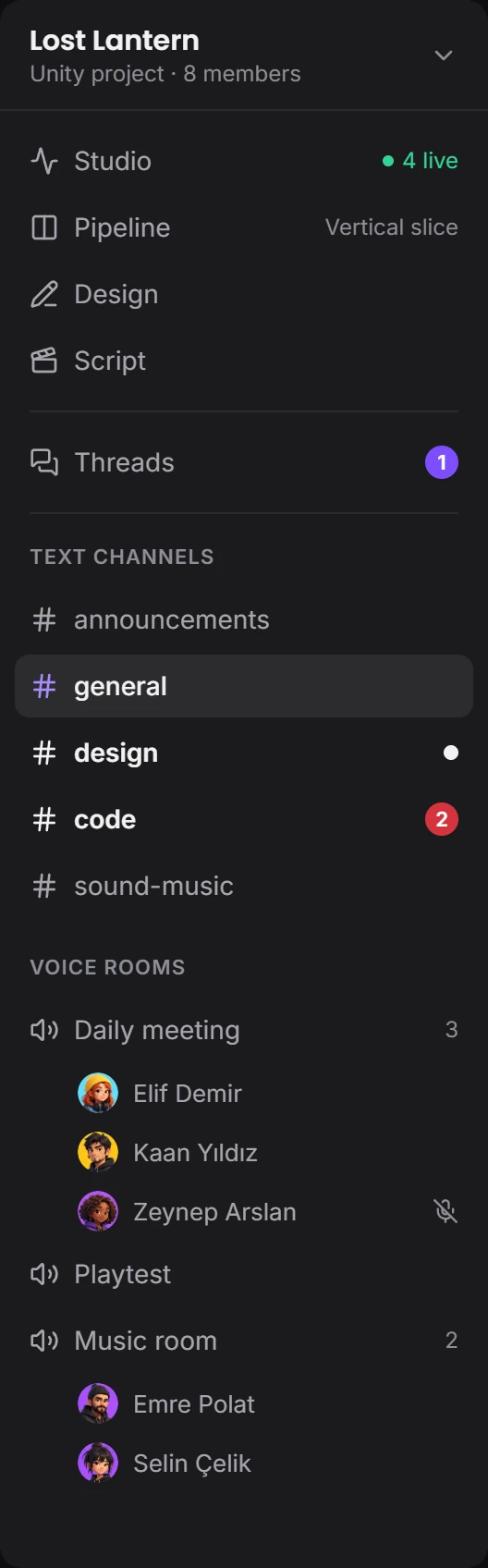
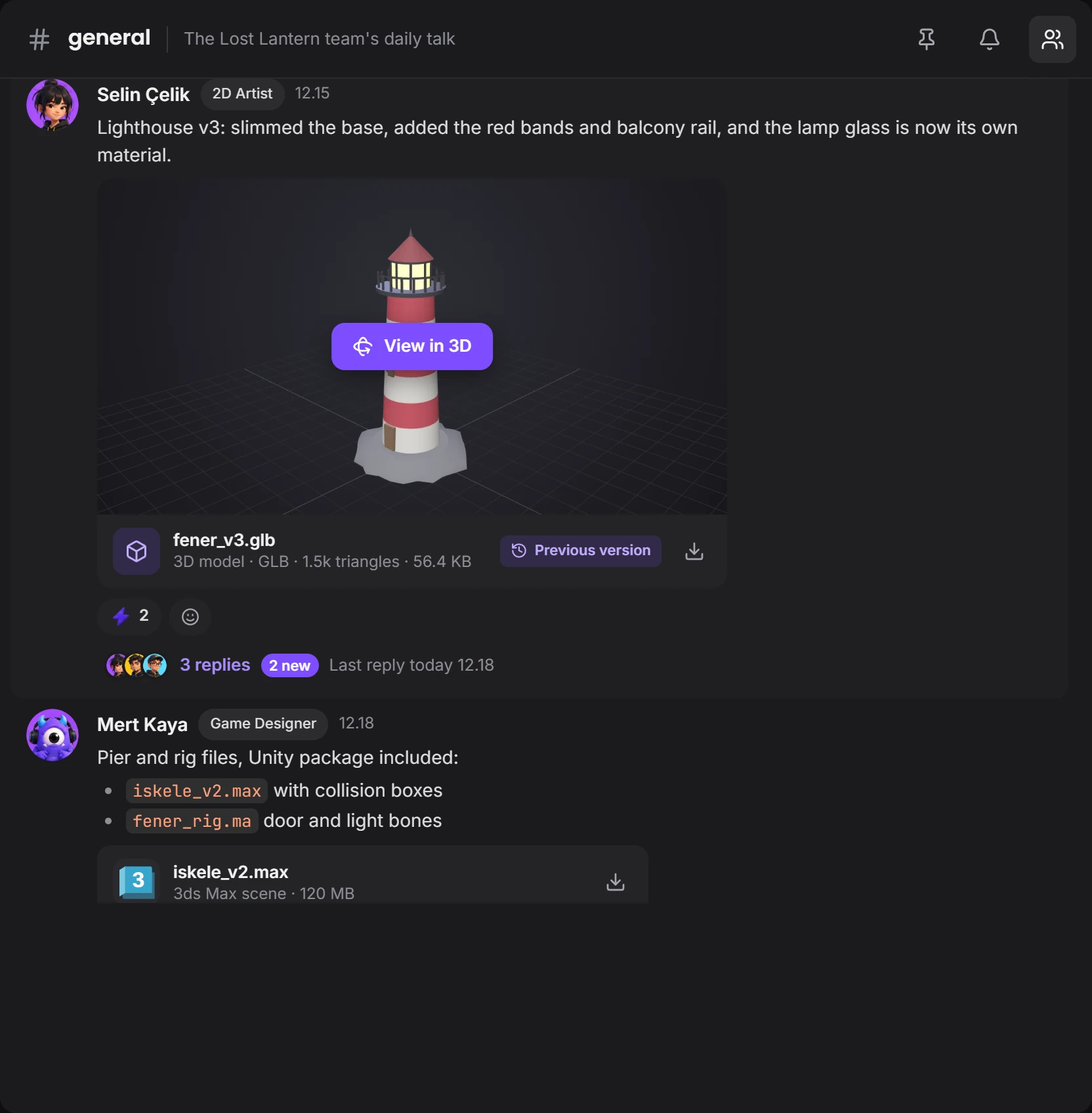


Voice rooms are coming soon; text channels and files work today.
WAV, MP3, OGG, FLAC and M4A play inside the message. You listen without downloading, and it's clear who sent what and when.
plays inside the messageOpen a thread under the draft and comments gather at the side. The channel doesn't fill up with music files, and decisions don't get lost.
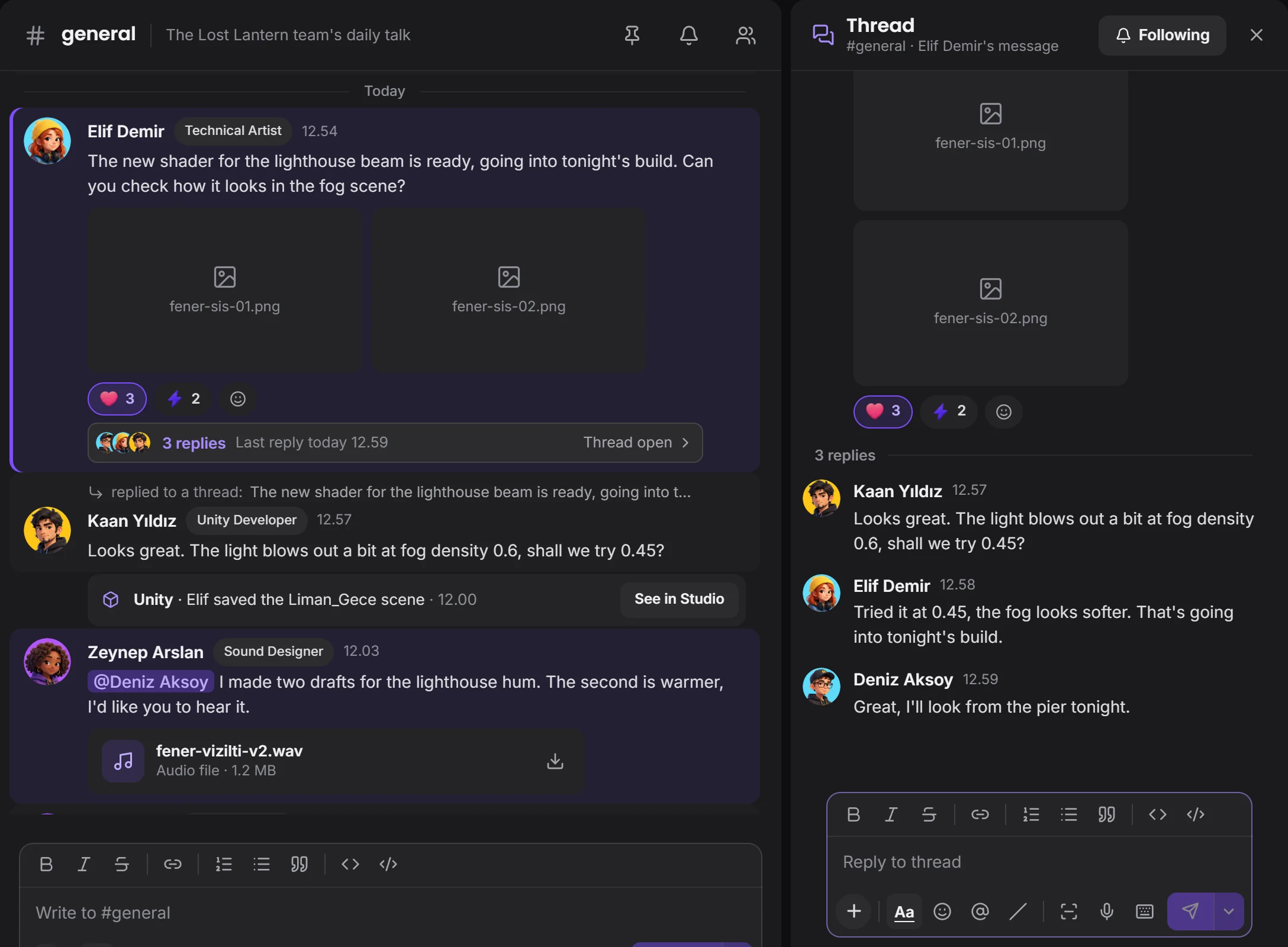 the channel stays cleanthe thread opens beside it
Wave sounds, the lighthouse hum, the main theme: every job is a card. The file is tied to the card and goes to approval when it's handed in.
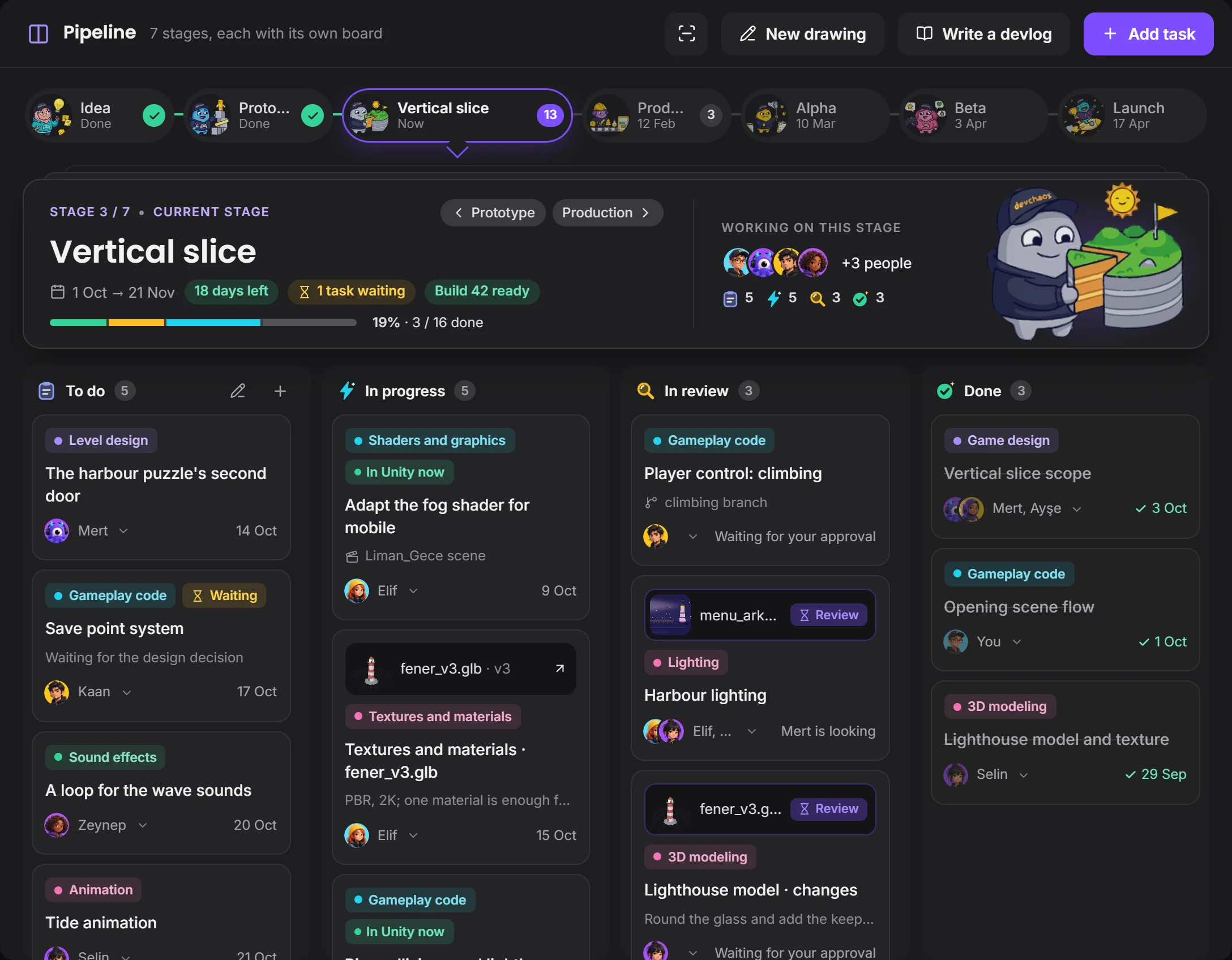 current stagefile waiting for approval
FMOD or Reaper shows on your card while it's open. Whoever is waiting for the sound knows without asking.
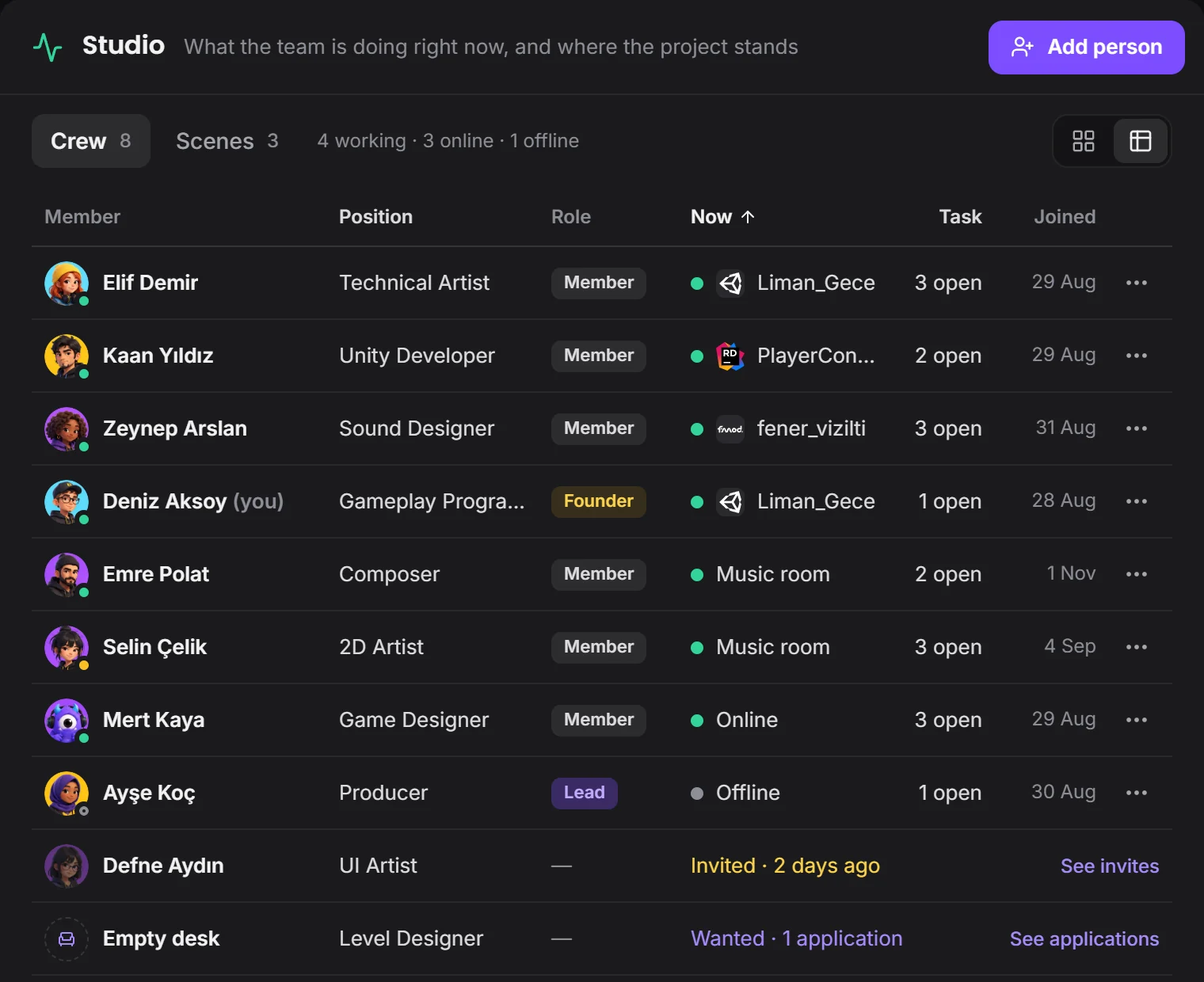 who is where right now
From draft to approval, the file doesn't get lost.
Devchaos doesn't replace your program, it stands beside it. Whichever one is open shows on your Studio card; there are 50 programs on the list, and you can add yours if it's missing.
 FMOD
 Wwise
 Reaper
 Ableton
 FL Studio
 Audacity
 Bitwig
Not yet, it's coming soon. Voice rooms and camera are on the way. For now you use the room's text chat during a screen share.
Not yet, only the picture goes through. To play a sound for the team, drop the file in the channel.
You choose between two places: the Devchaos server (2 GB per project), or a computer left on at the office.
You decide. In What your team sees you choose who sees it, and whether that's the program, the file name, the time, screenshots and how often; you can hide a program and set limits by working hours or by project.