Product
Solutions

By field

Games VFX Animation Film and TV Post production Ads and music videos XR / VR

By role

Programming Game and level design Script 2D art 3D and characters Animation VFX and compositing Sound and music Directing and production
Editions Platforms Community Sign in Download for Windows

Like your whole team is in the room,
make games.write scripts.draw scenes.finish effects.cut films.

Who it's for

For everyone
in the credits.

Whatever program your team is in, Devchaos sees it.

A production.

Type your name and the last frame is yours.

Five workspaces.
One window.

An idea is talked over in the Room, written in Script, shaped in Drawing and turned into work in Pipeline. In Studio you see who's on it.

ROOM

01 Room

Talk, drop your file, show your screen.

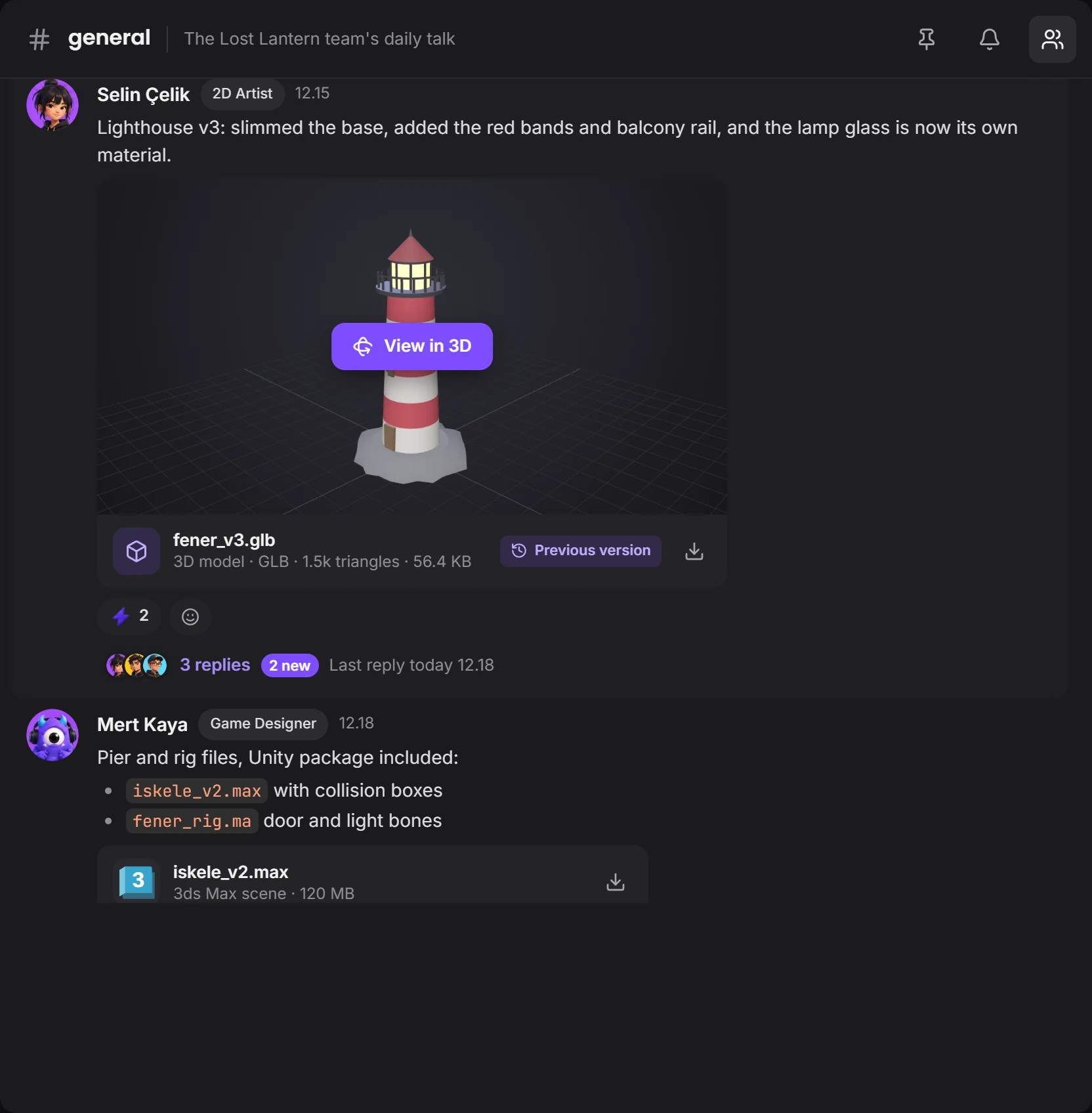
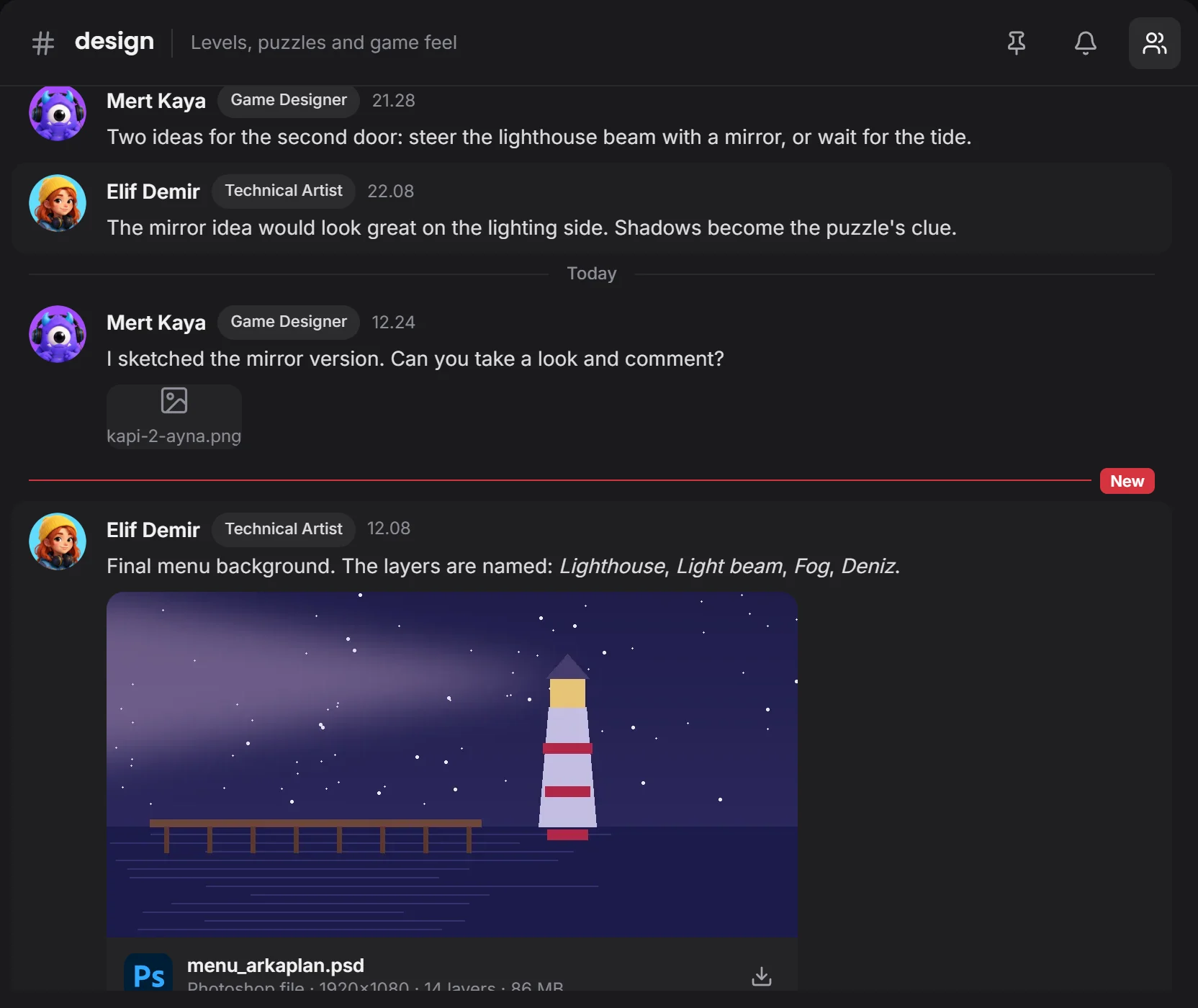
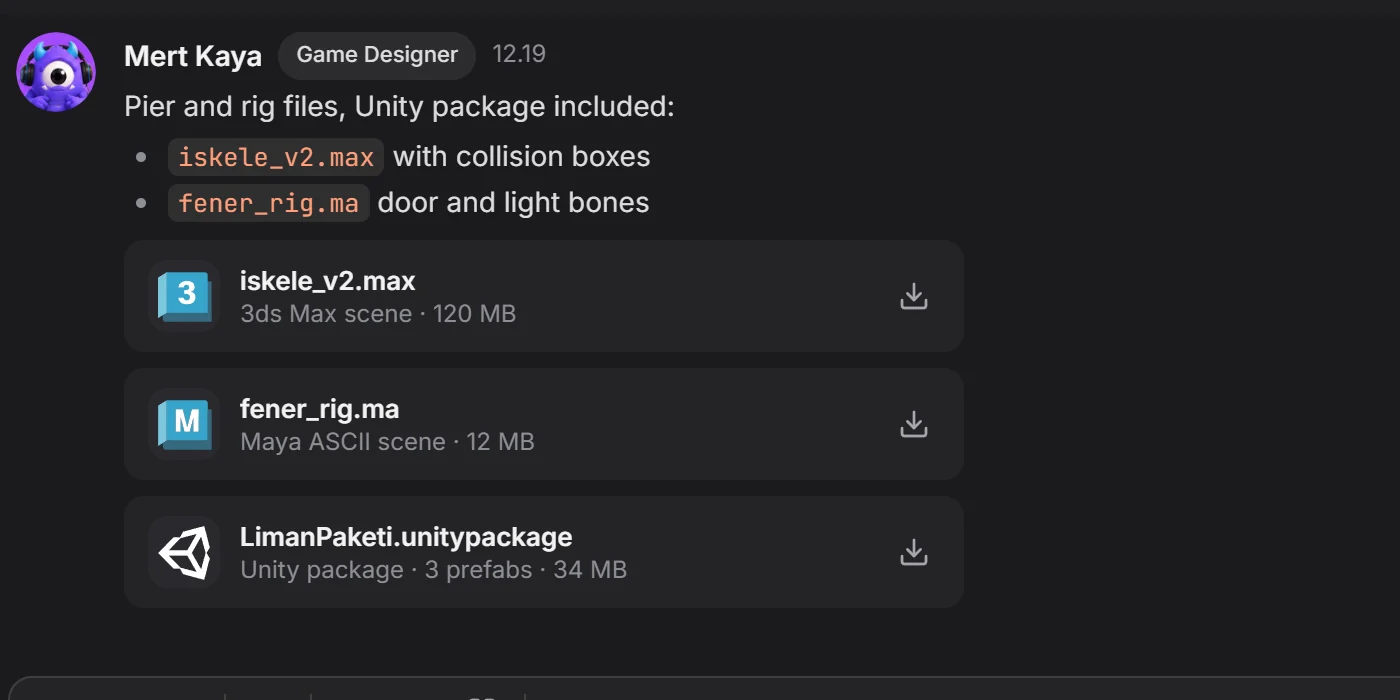
Channels, threads and messages together. You turn 3D models right in the chat, and .blend, .max and .ma files arrive with previews.

Channel chat: team messages and the menu background picture 3ds Max, Maya and Unity files in a message

talk turns into writing →

SCRIPT

02 Script

Write like it's a page. Write together.

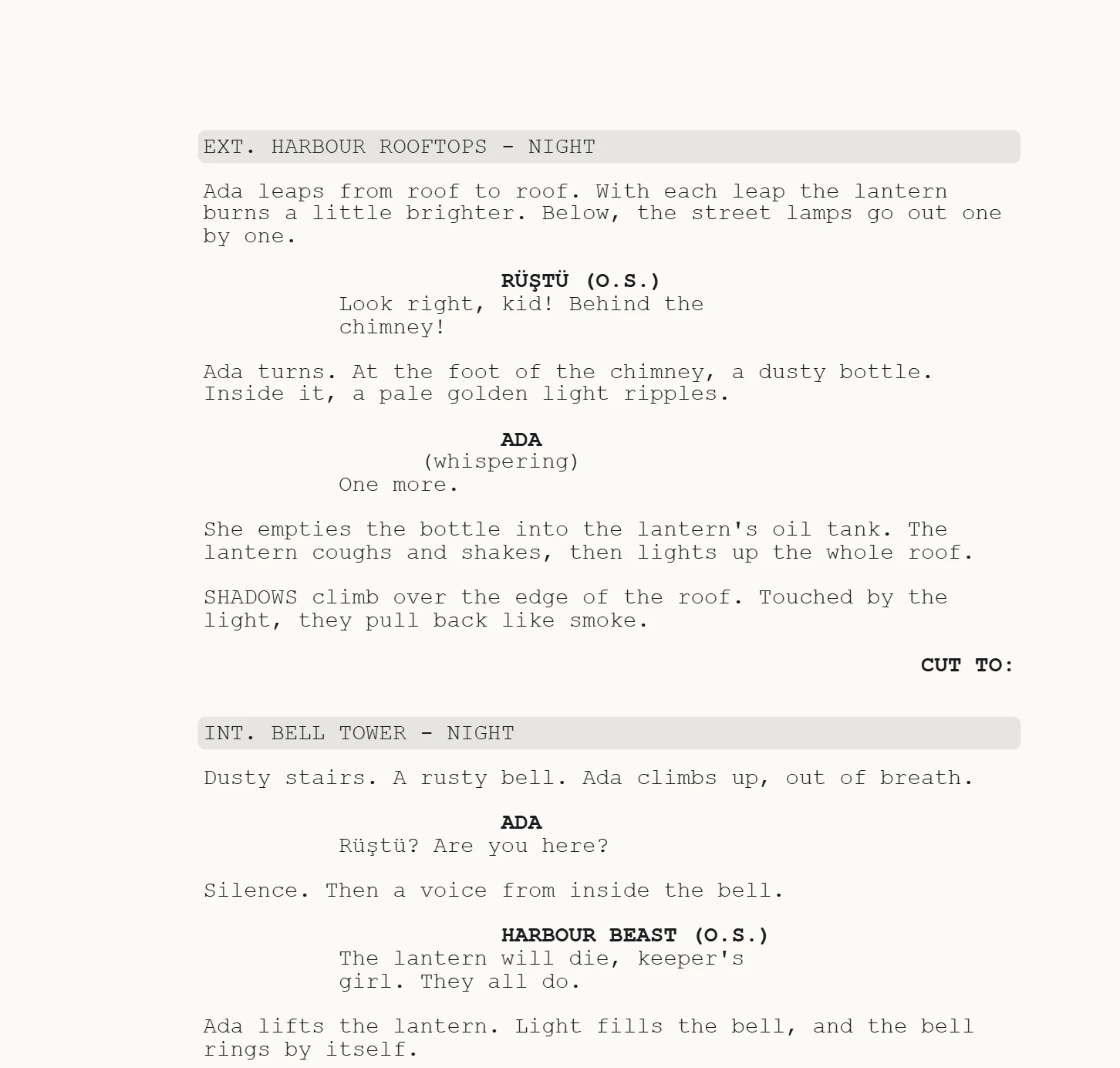
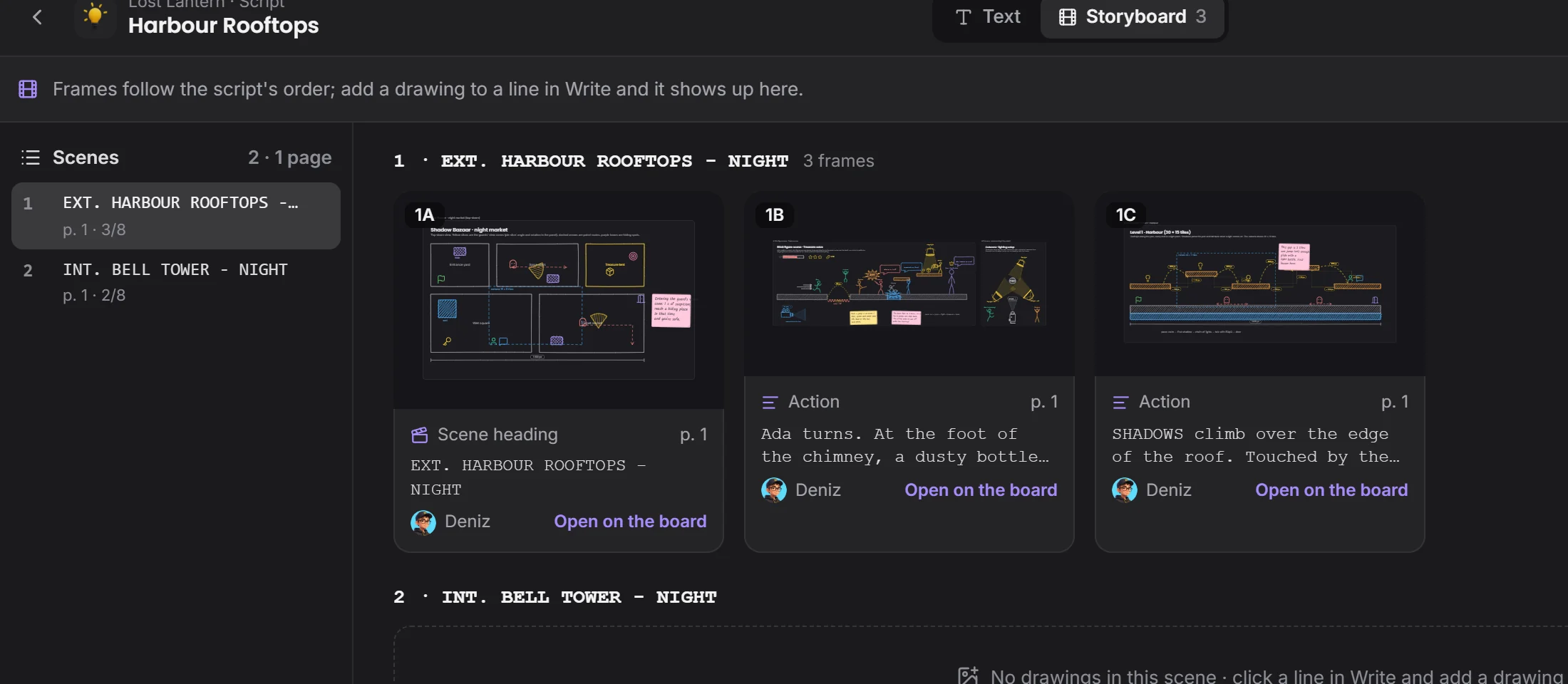
Scene headings, characters and dialogue fall into place by themselves. Add a drawing to a line and the storyboard lays itself out.

A script page: Harbour Rooftops, dialogue between Ada and Rüştü Storyboard: drawings laid out beside the scenes

a line becomes a drawing →

DRAWING

03 Drawing

Explain the idea by drawing it.

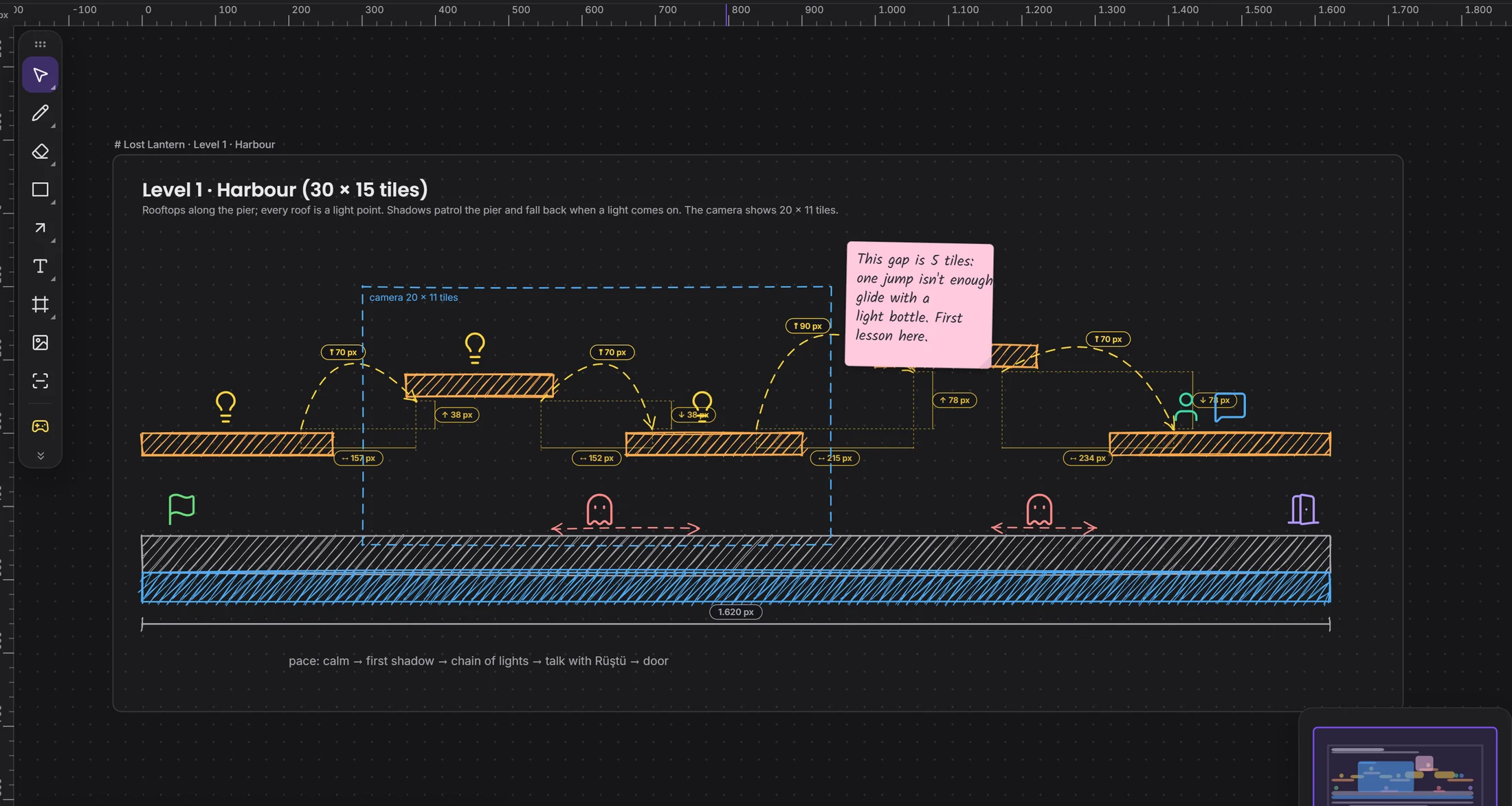
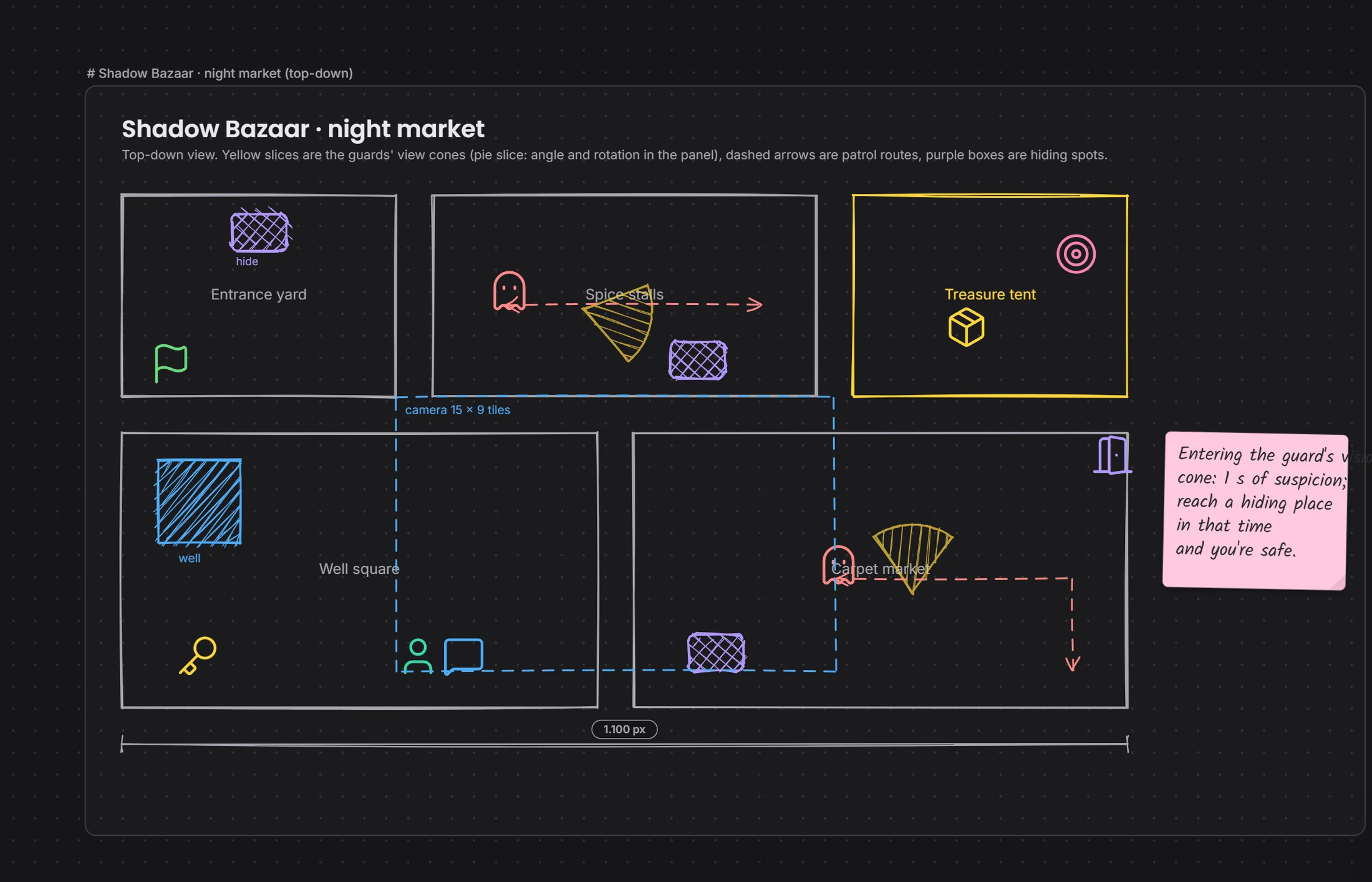
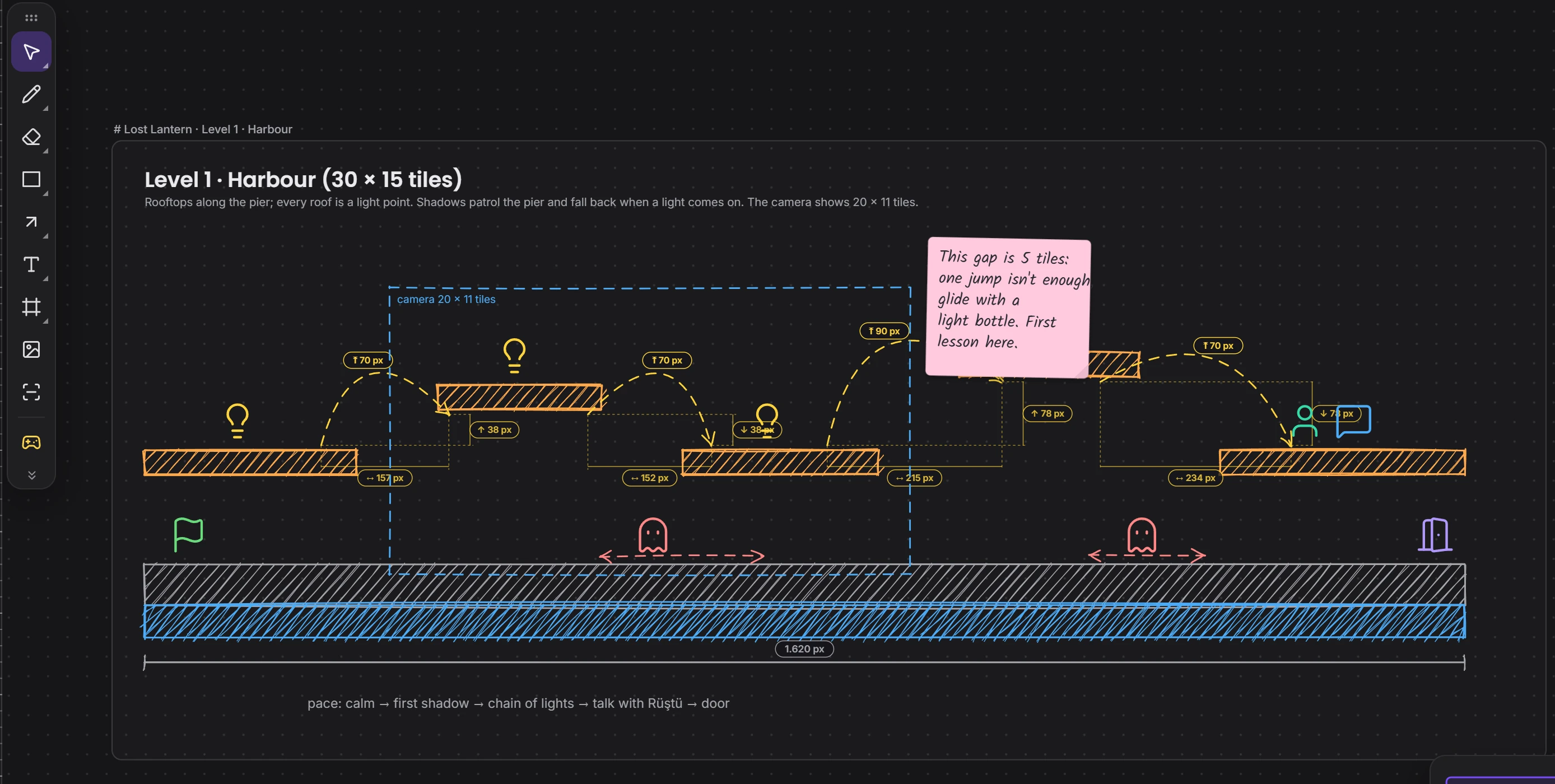
Like drawing by hand, but with measures, layers, templates and a shared pen. Cameras, lights and stick figures too.

Drawing: a side view of the harbour level, jump arcs and measures Drawing: a level's plan from above

a drawing becomes a task →

PIPELINE

04 Pipeline

From idea to handoff, stage by stage.

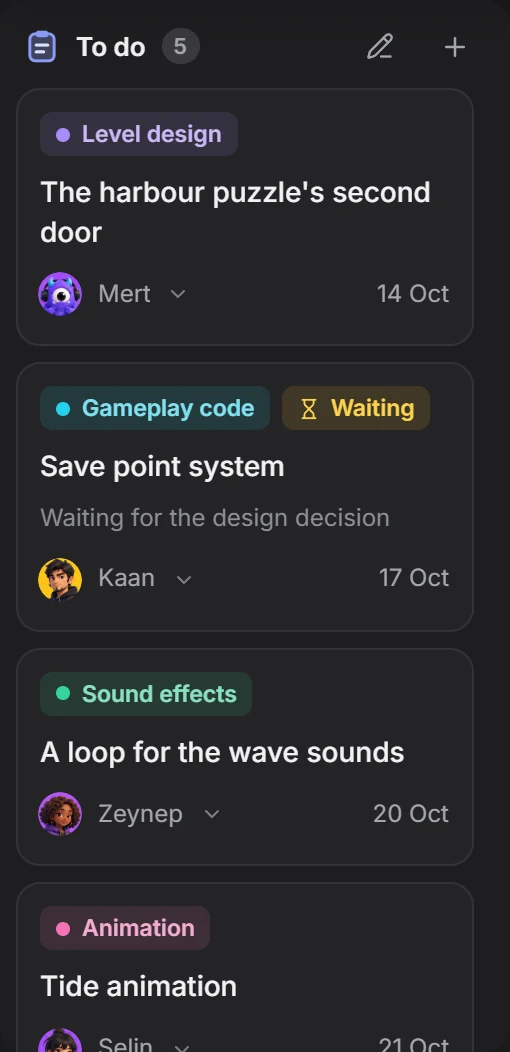
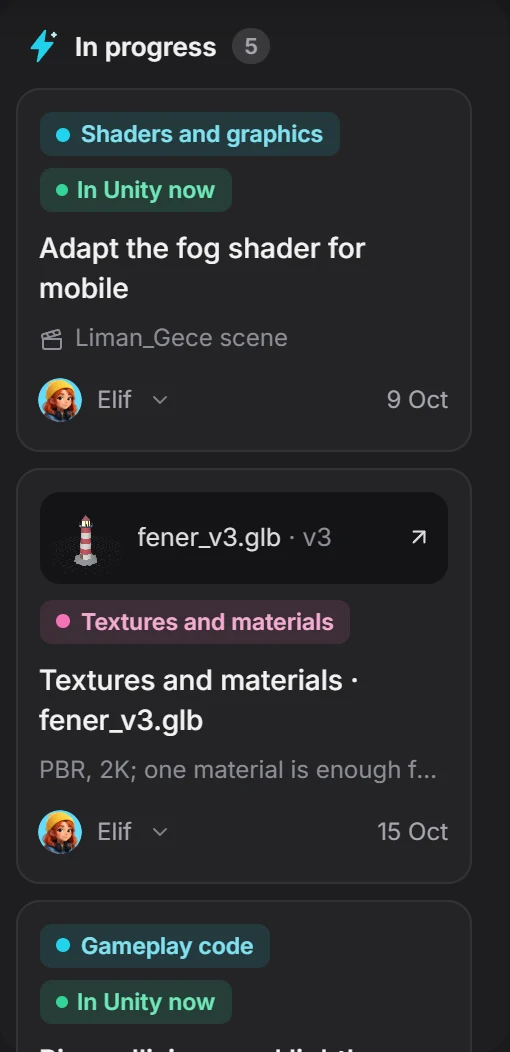
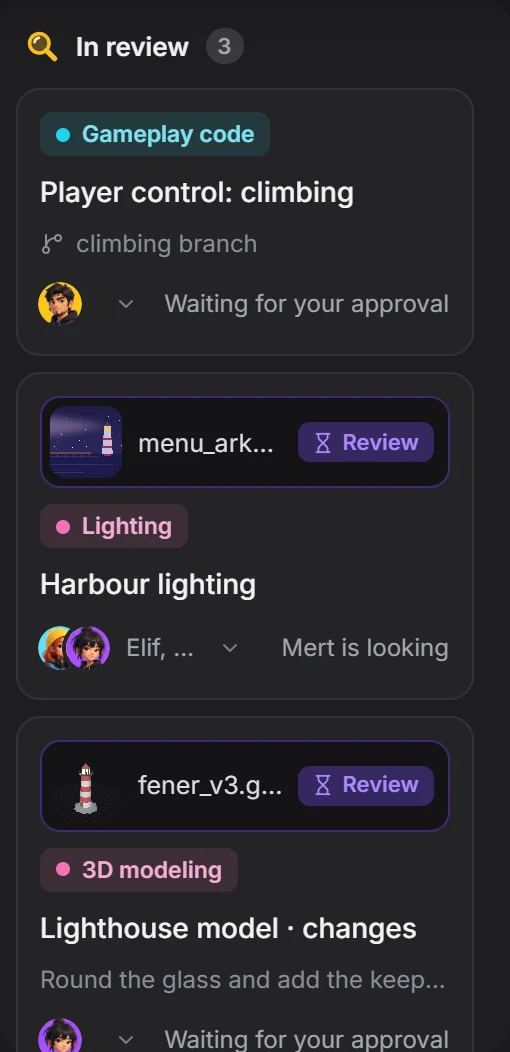
Every stage has its own board. A file comes in, gets marks, gets changed, gets approved, and all of it stays in the task's history.

To do column In progress column In review column Pipeline: the stage strip, with the Vertical slice stage open

see who's doing the work →

STUDIO

05 Studio

What's the team doing right now?

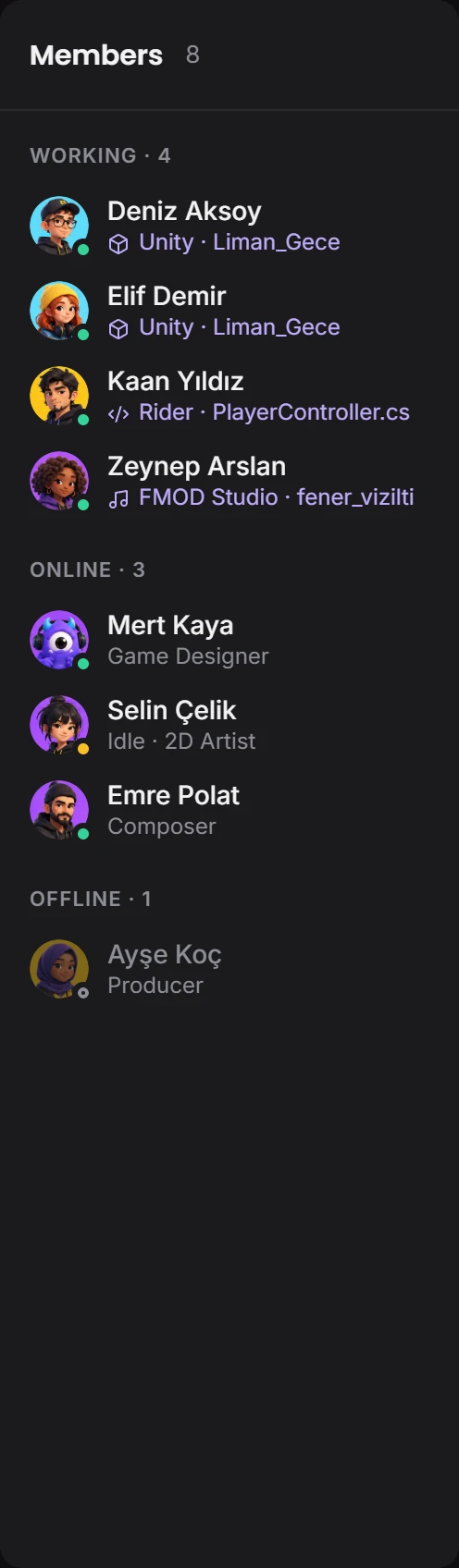
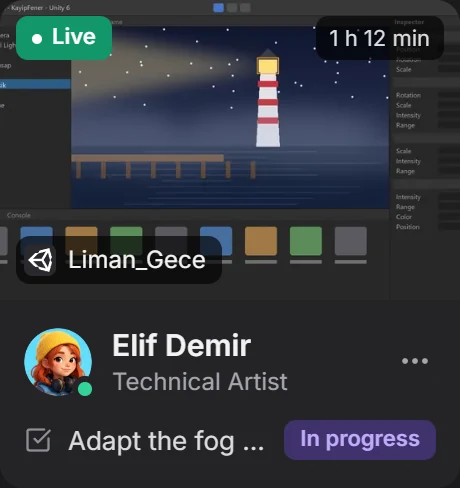
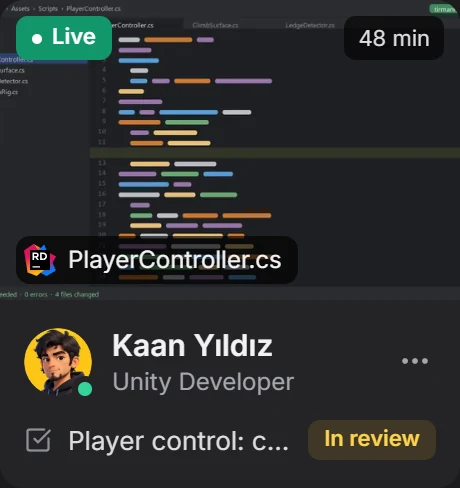
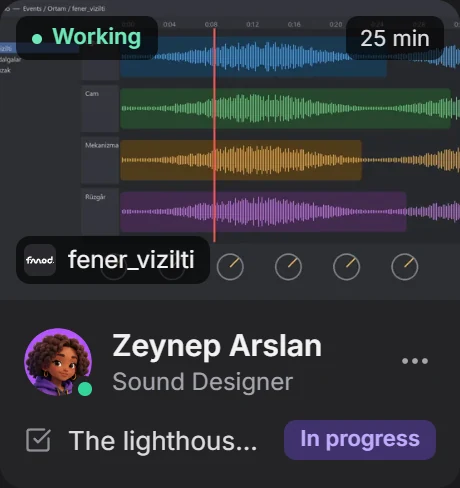
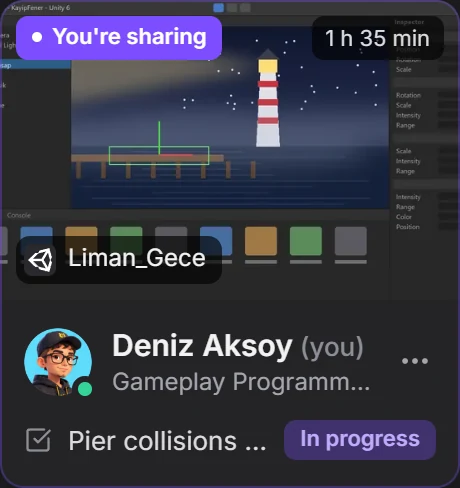
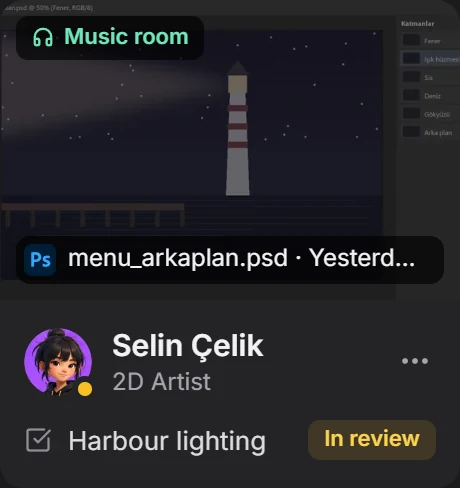
Who's in which program, on which file. If two people enter the same scene, both know in advance. Each person chooses what's shown.

Elif Demir, in Unity on the Liman_Gece scene Kaan Yıldız, in Rider on PlayerController.cs Zeynep Arslan, in FMOD on fener_vizilti Deniz Aksoy, in Unity on the Liman_Gece scene Warning: Elif and you are on the same scene

Stuck somewhere?
someone's right beside you.

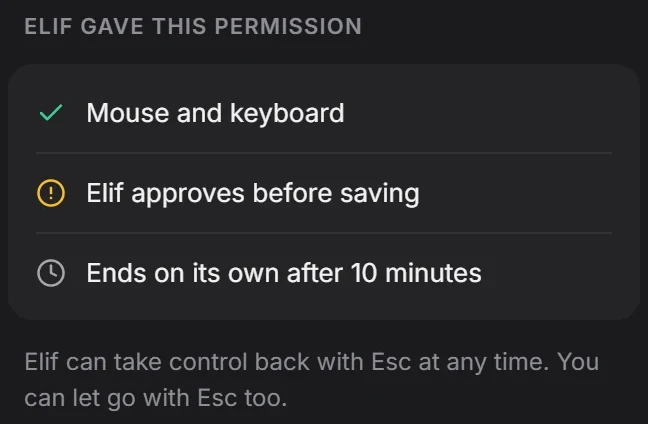
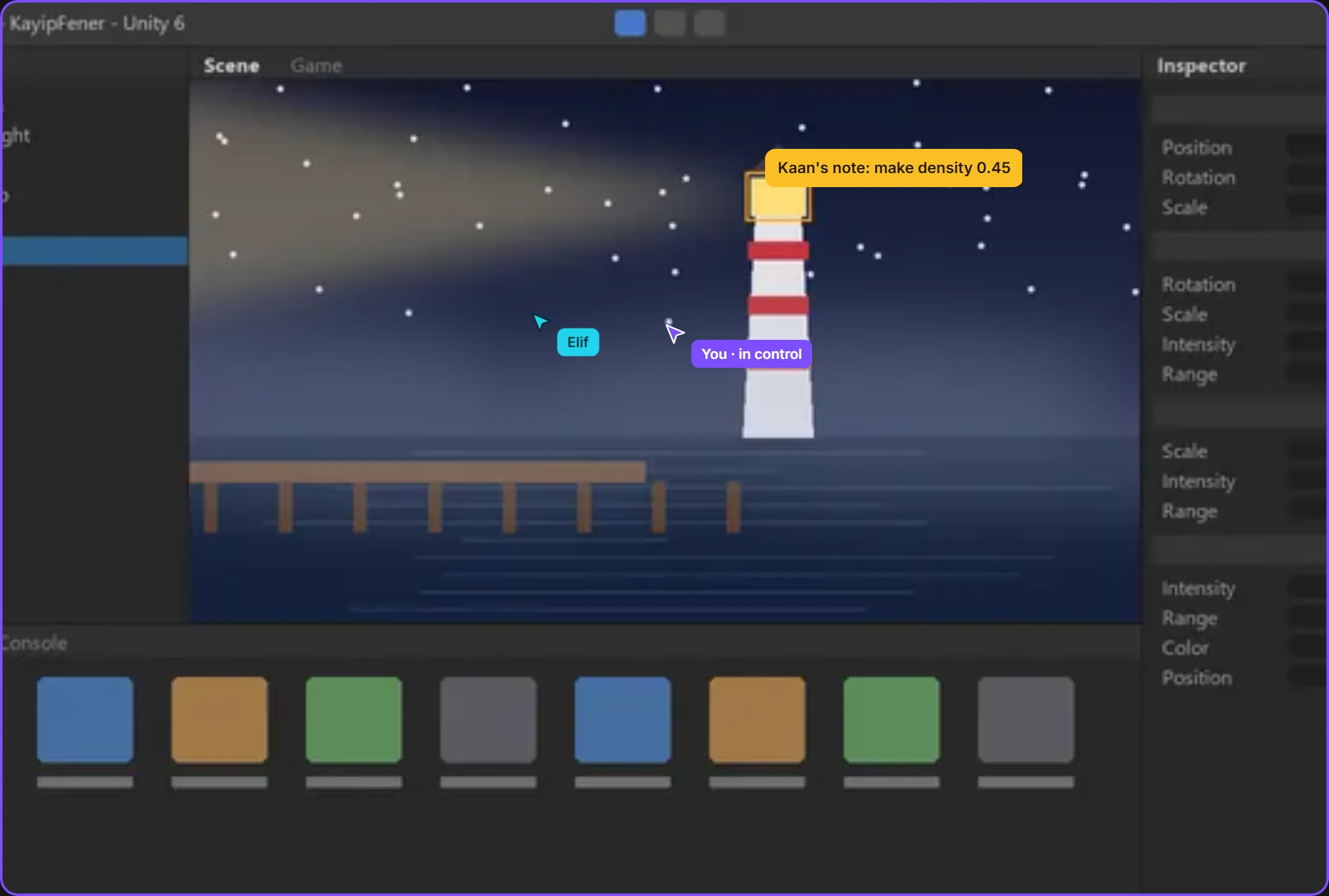
You share only the window you choose, not your desktop. Your teammate watches, draws on it, and with your permission takes the mouse for a while.
The drawing Deniz is sharing: a side view of the harbour level
You're watching Deniz's window
Kaan wants the mouseMouse and keyboard · 10 minutes Decline Allow
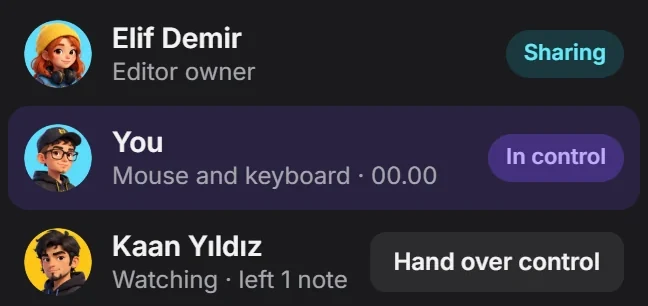
Session: Elif is sharing, you're in control with mouse and keyboard, Kaan is watching
Elif gave this permission: mouse and keyboard, Elif approves before saving, ends by itself after 10 minutes

Only that window

With its menus and pop-ups, and nothing else on show.

Pointer or full control

A pointer is enough to show something; mouse and keyboard to fix it.

It comes back when time's up

Or take it back with one key, whenever you like.

Come to play or to make. Completely free for a short while.

Come to

Get your friends together here.

Start a group, open channels, split the talk into threads. Send GIFs, send a nudge, throw a keyboard. Stuck somewhere? Share your screen, and with your permission a friend takes the mouse.
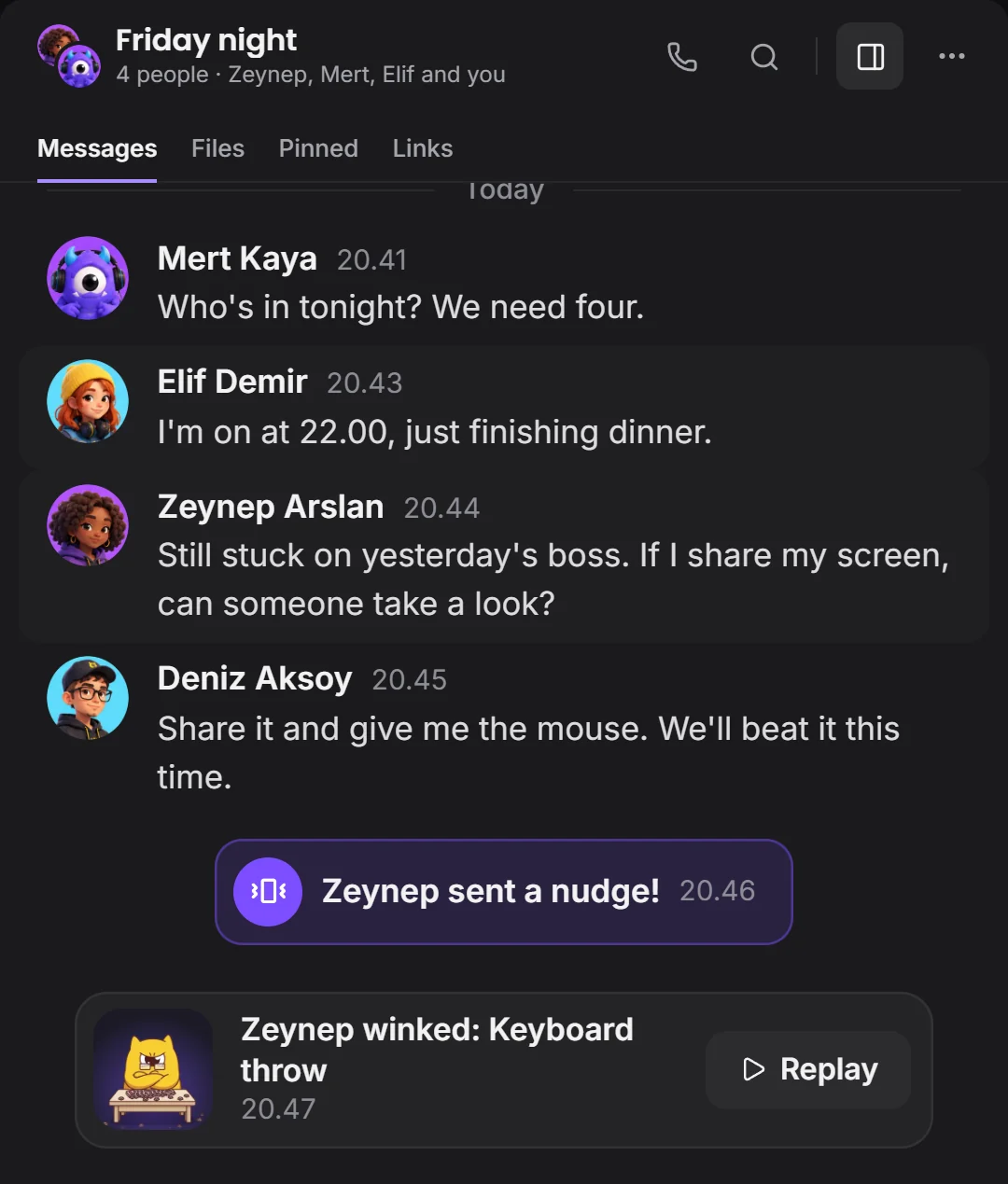
The Friday night group: tonight's plan, a screen share request, a nudge and a wink
RoomChat, files, screen sharing and control. Voice rooms very soon.

or to

Get your team around one table.

Script, drawing, tasks and approval in one window. Your programs stay the same, and everyone sees where the work is.
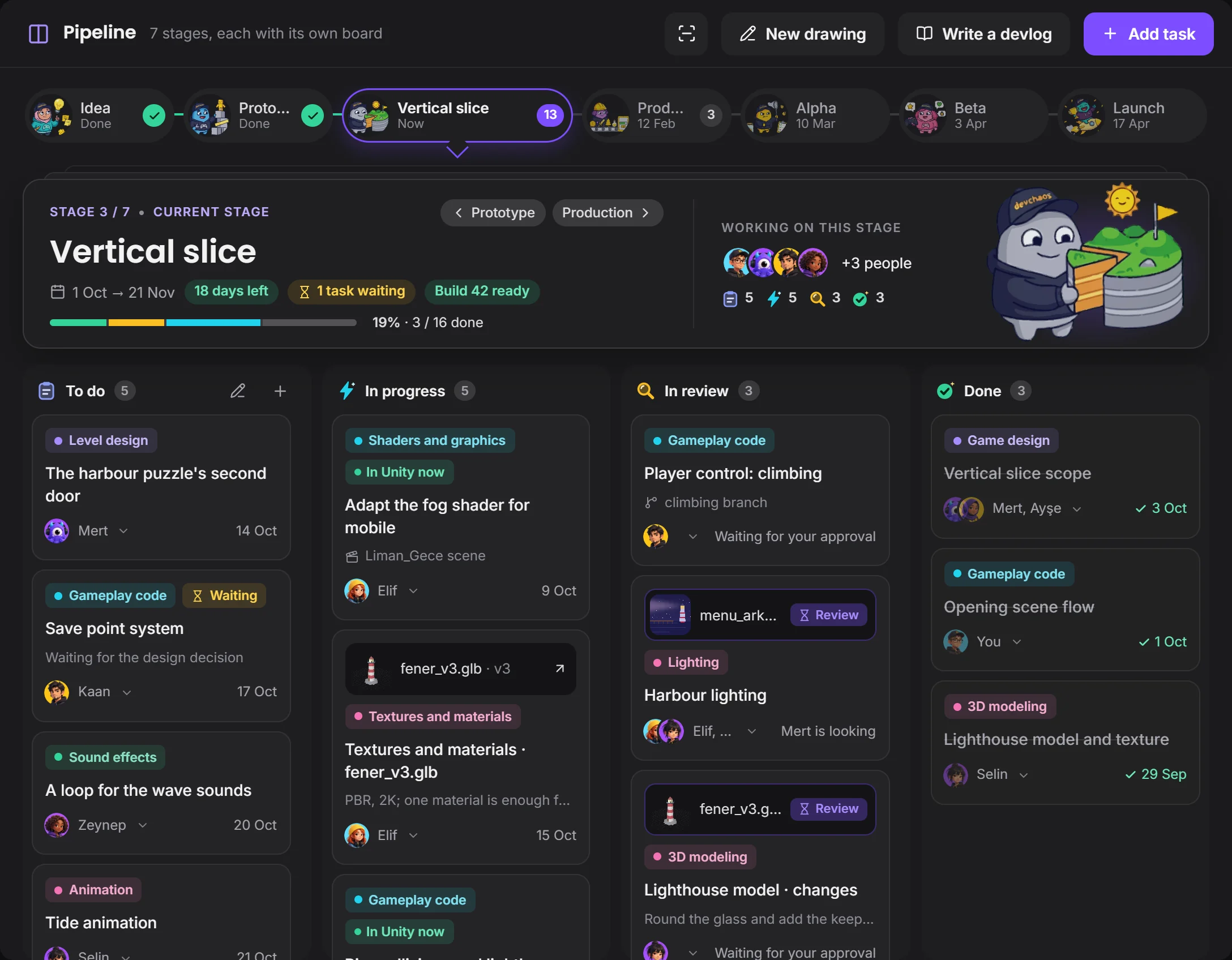
Pipeline board: stages, tasks and who's on them
ScriptScript, storyboard and PDF
DrawingDrawing and ready-made templates
AllPipeline, approval, Studio and the rest
A Devchaos mascot furiously smashing a keyboard on the desk

For a short while

COMPLETELY FREE

All four editions are open. No card needed: download, sign in, start.

Download for Windows

Platforms

On Windows today. Mac, Linux and your pocket are next.

Windows

Download now

macOS

Soon

Linux

Soon

iPhone, iPad

Soon

Android

Soon

Conversations, Pipeline and approvals on your phone. When you're at the computer, the phone stays quiet.

Come to the room.
The team's inside.

Download it, sign in with your devchaos.com account, open your project or join an invitation.

Completely free for a short while.
The Devchaos mascots standing side by side and waving