1Screen sharing
Hand over the mouse, with permission.
A teammate asks for control; you choose pointer or full control, 10 minutes or 30. You can take it back whenever you like.
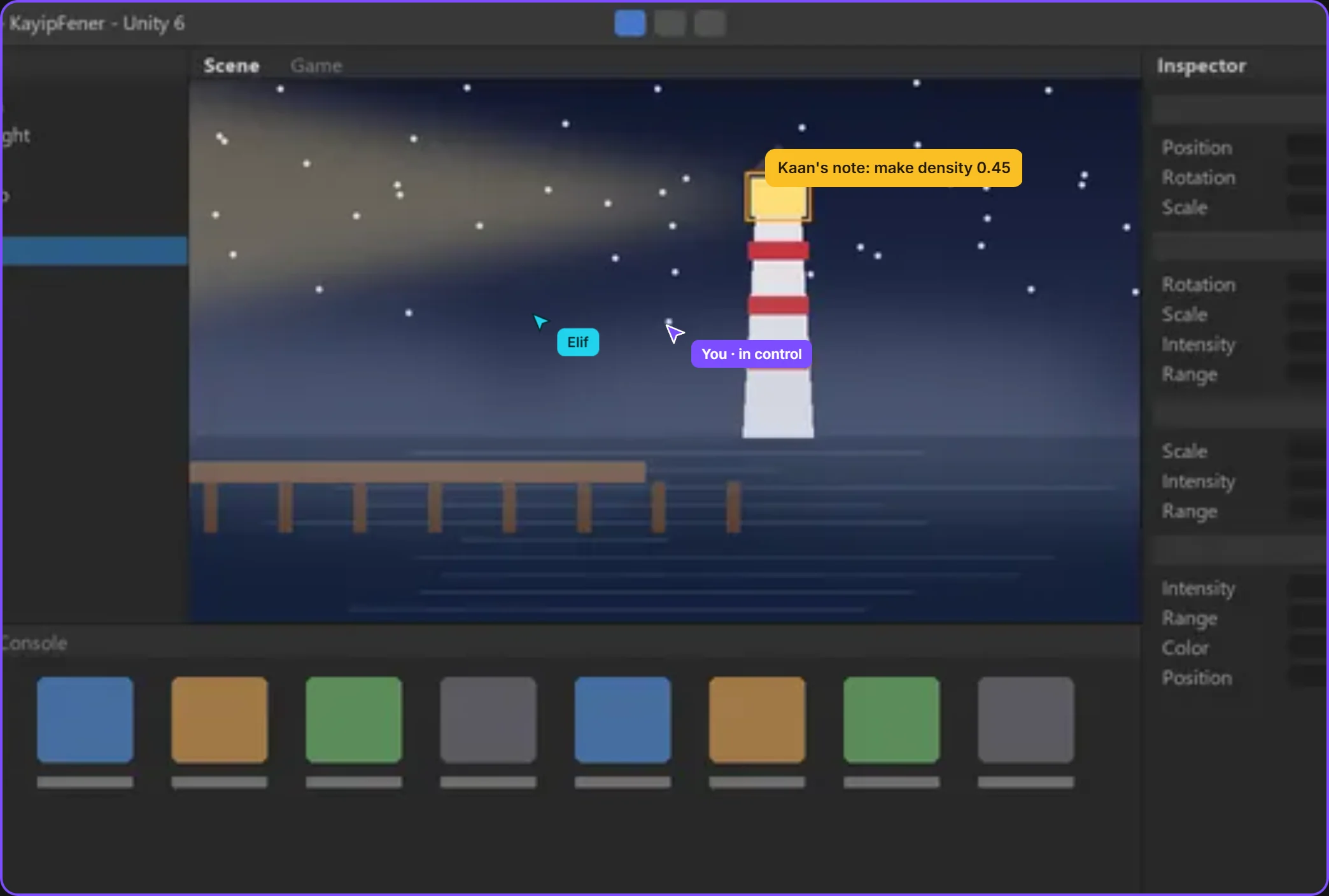 only this windowthe mouse moves with permission
By field
Games VFX Animation Film and TV Post production Ads and music videos XR / VRBy role
Programming Game and level design Script 2D art 3D and characters Animation VFX and compositing Sound and music Directing and productionSolutions/By role
Where's the problem, which node: show it instead of describing it. Hand over control with permission, upload the version, make the decision on the file.

Share your window, let the team watch, hand over the mouse with your permission.
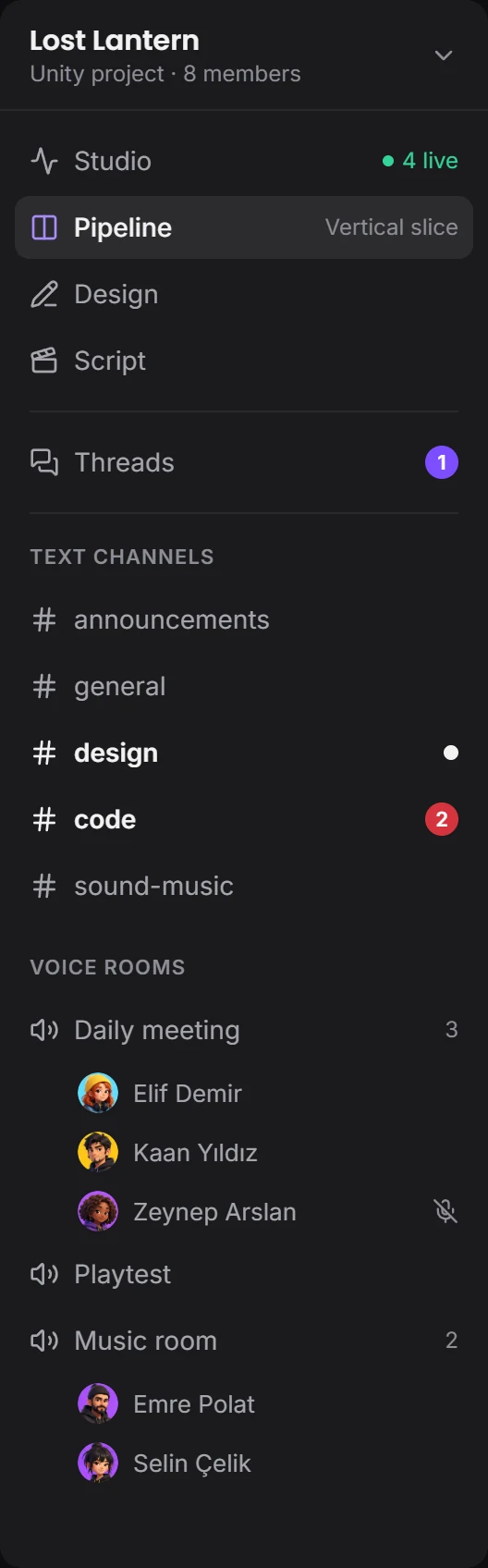
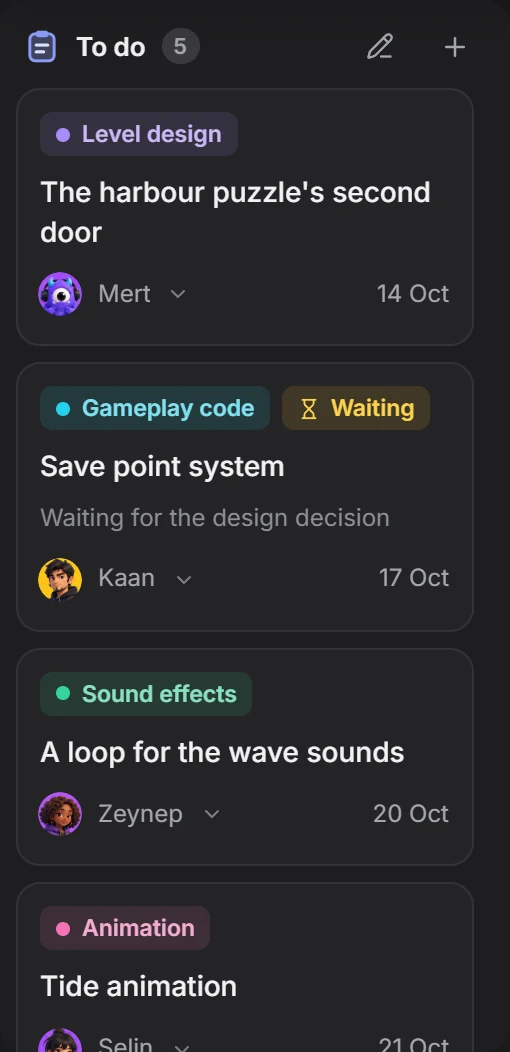
The Pipeline window, piece by piece. Scroll and it falls into place.


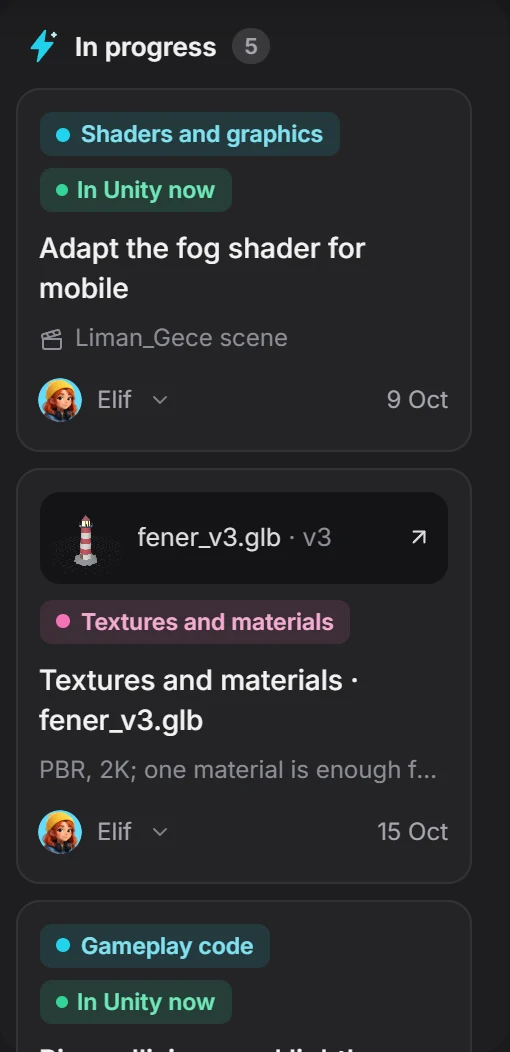
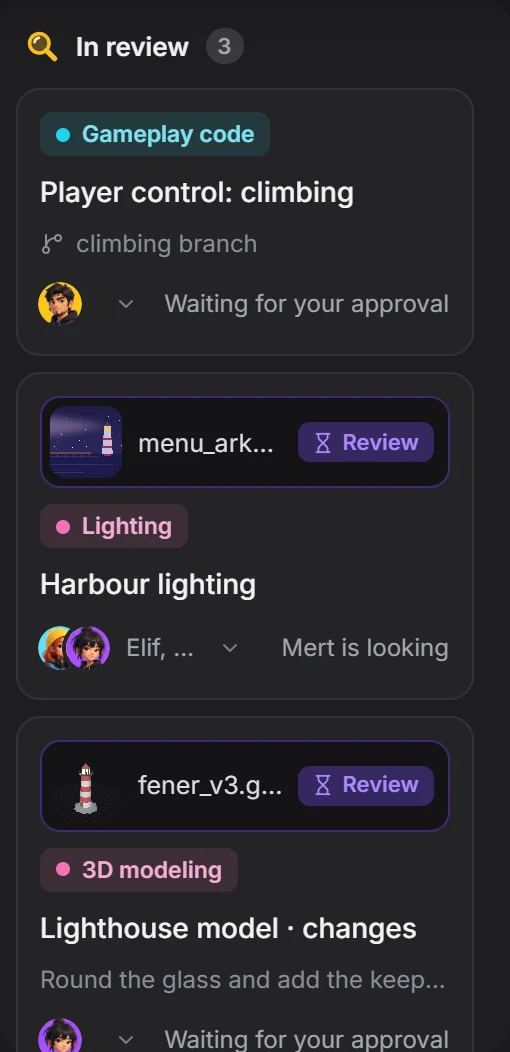
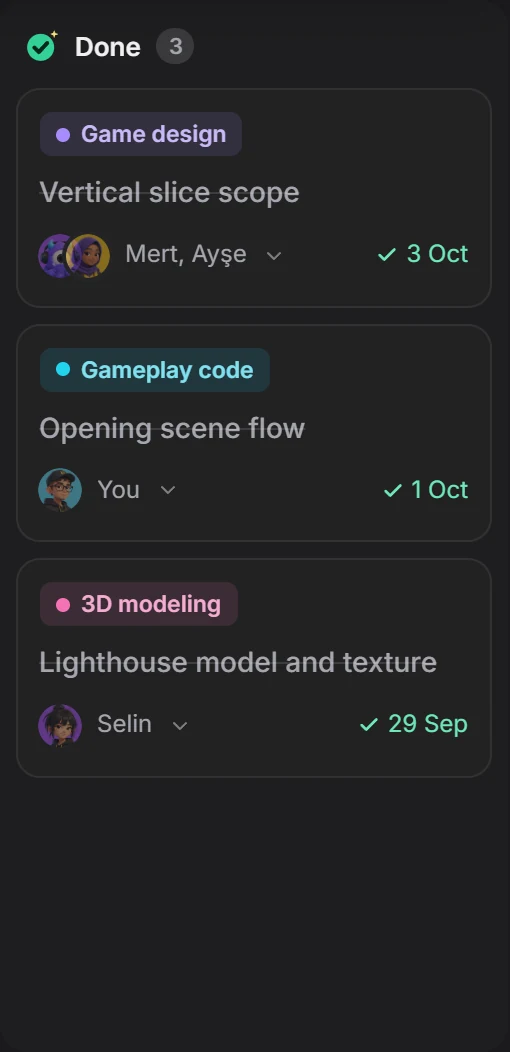
Only the window you choose is visible.
A teammate asks for control; you choose pointer or full control, 10 minutes or 30. You can take it back whenever you like.
only this windowthe mouse moves with permissionWith the node graph template, draw the system as boxes and links. Links follow the boxes, and everyone looks at the same flow.
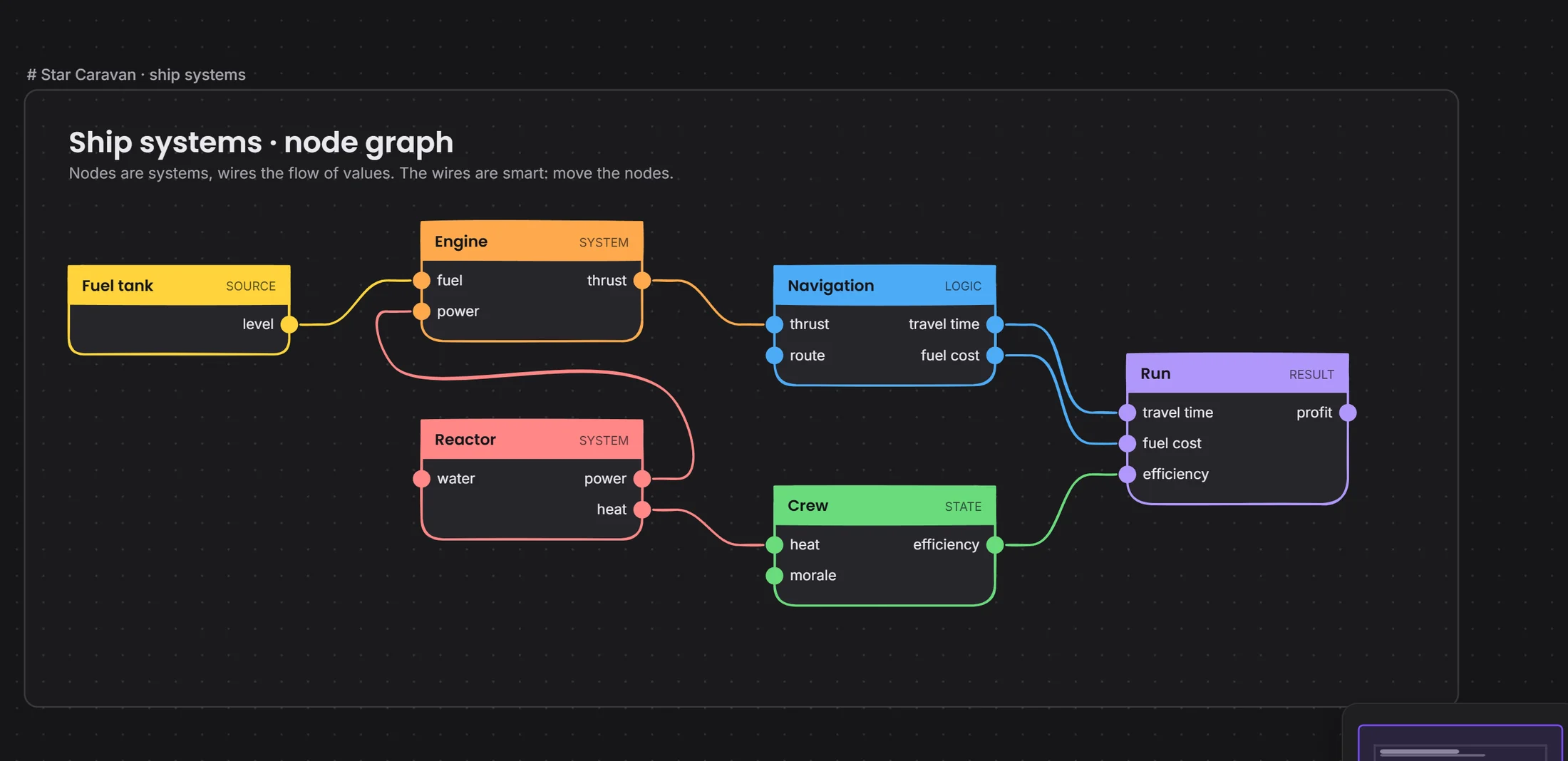 nodesthe wires follow the box
The task window holds the linked files, the people responsible and the history. When you hand in, it becomes a new version.
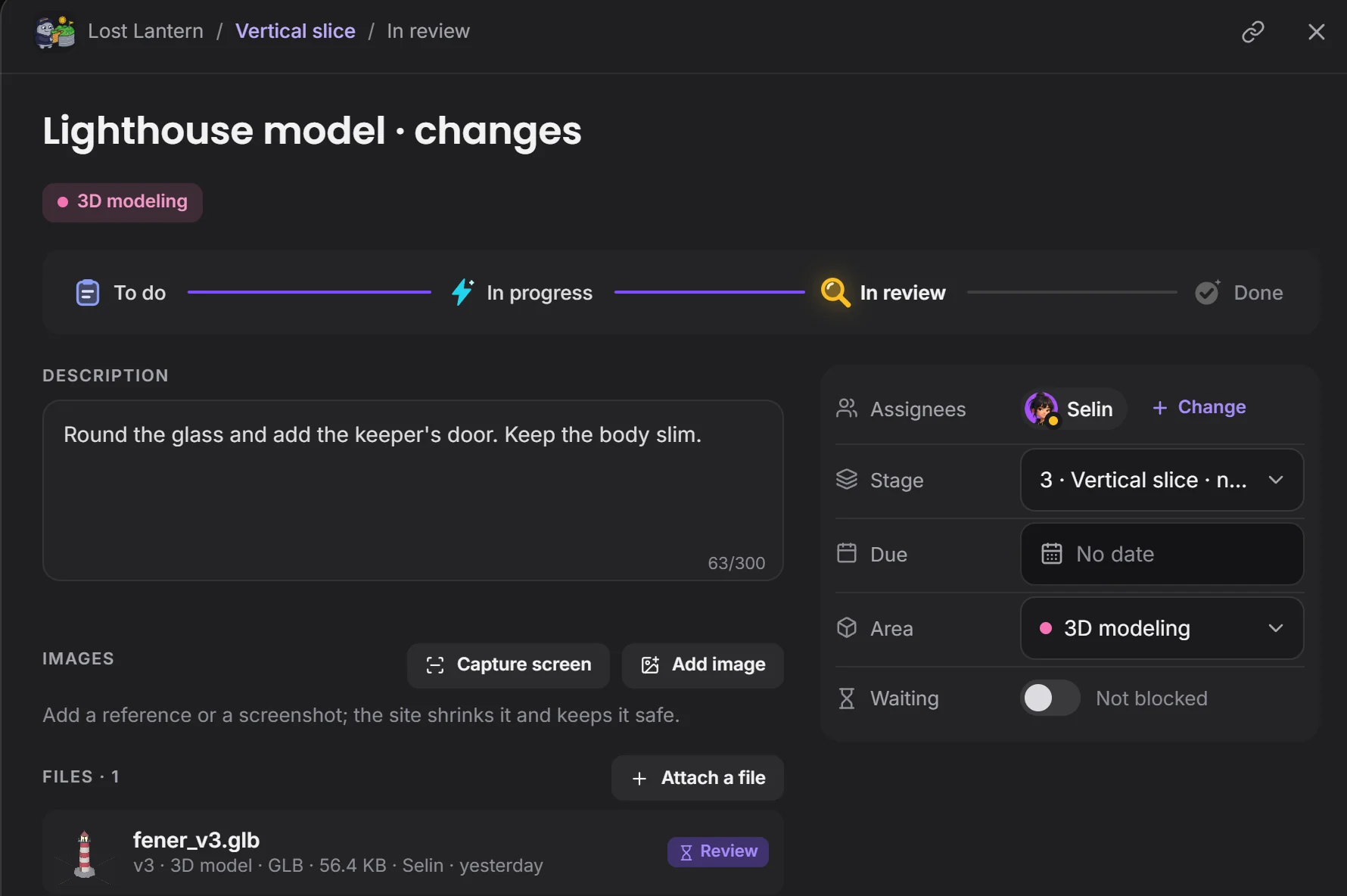 where the work standsthe file comes with its task
Open it beside the last version and decide. If you request changes, whoever did the work hears about it.
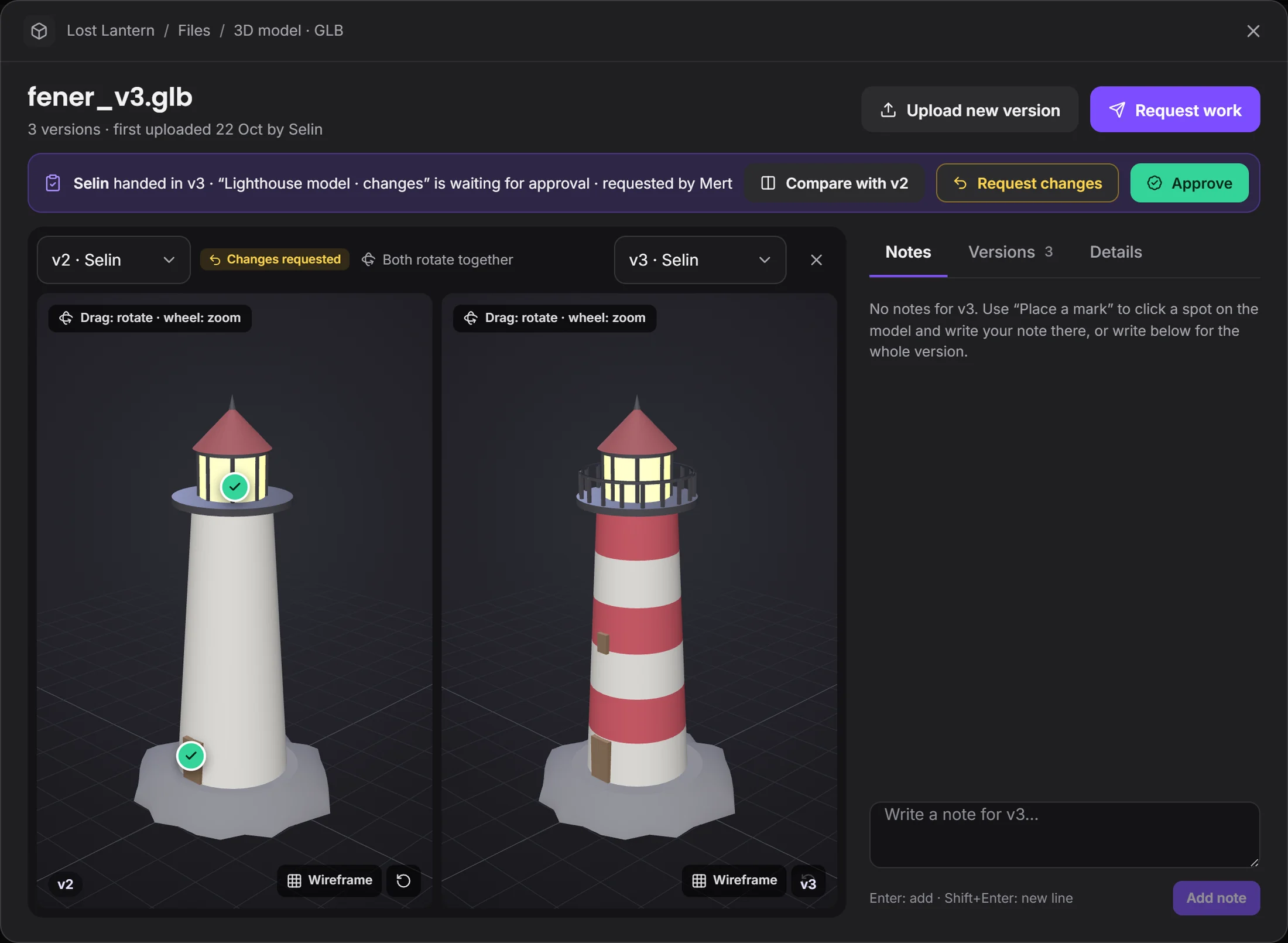 both turn togetherthe decision is made here
Versions and decisions don't get lost.
Devchaos doesn't replace your program, it stands beside it. Whichever one is open shows on your Studio card; there are 50 programs on the list, and you can add yours if it's missing.
 Nuke
 After Effects
 Houdini
 EmberGen
 DaVinci Resolve
Not yet, it's coming soon. Voice rooms and camera are on the way. For now you use the room's text chat during a screen share.
You decide. In What your team sees you choose who sees it, and whether that's the program, the file name, the time, screenshots and how often; you can hide a program and set limits by working hours or by project.
You choose from three places: the Devchaos server (2 GB per project), a computer left on at the office, or your own cloud storage (such as Cloudflare R2, Amazon S3 or Backblaze).
On Windows for now. macOS, Linux and phones are next.