1Review
The mark is on that exact spot.
Click on the picture and write your note. Replies gather at the side, showing who said what and on which version.
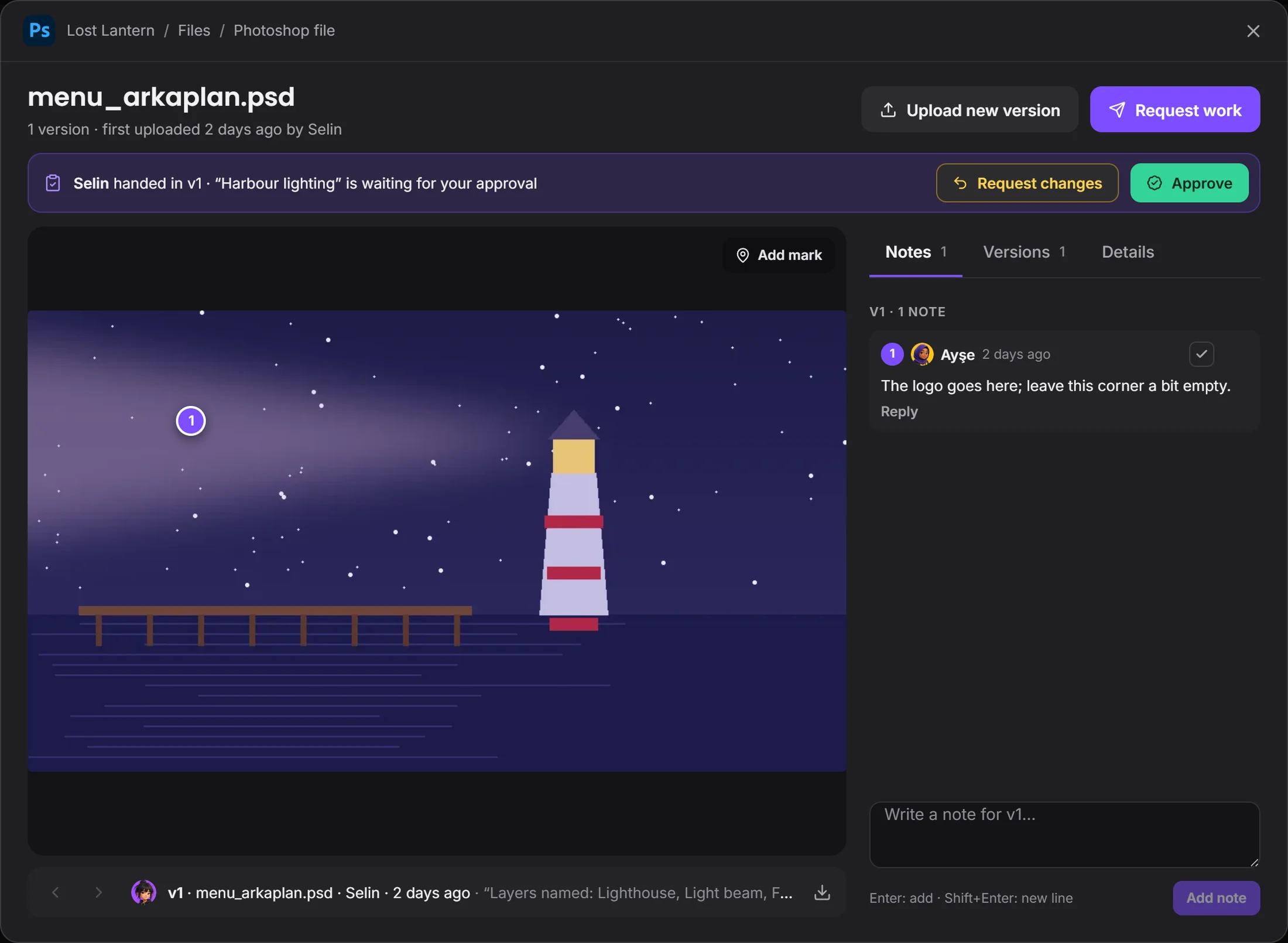 the mark is right hereapprove or request changes
By field
Games VFX Animation Film and TV Post production Ads and music videos XR / VRBy role
Programming Game and level design Script 2D art 3D and characters Animation VFX and compositing Sound and music Directing and productionSolutions/By role
No more messages about "that thing top left". The comment sits on the exact spot in the picture, versions line up in order, and work waiting for approval doesn't get lost.
Drop the picture, get marks on it, approve it.
The Room window, piece by piece. Scroll and it falls into place.
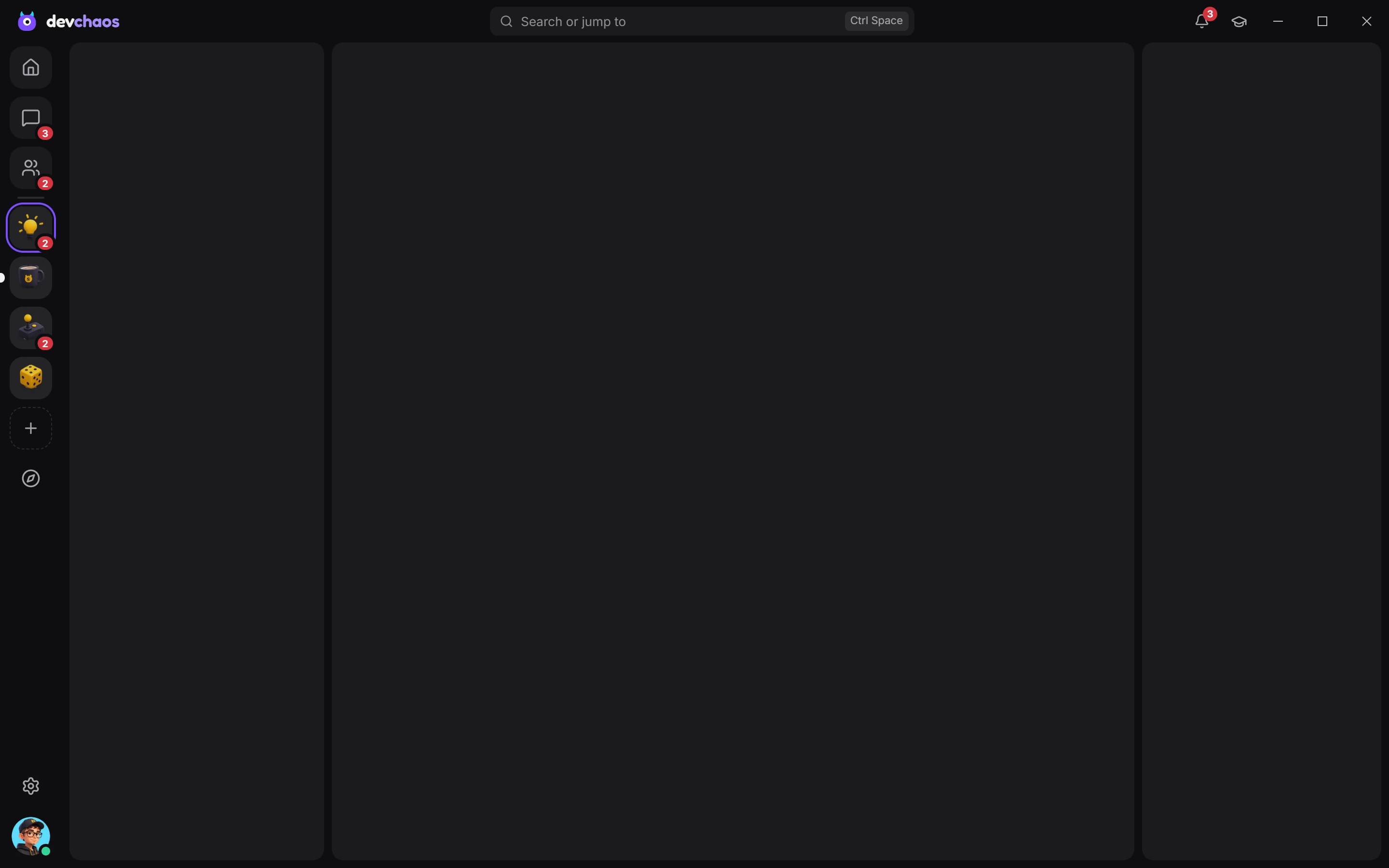
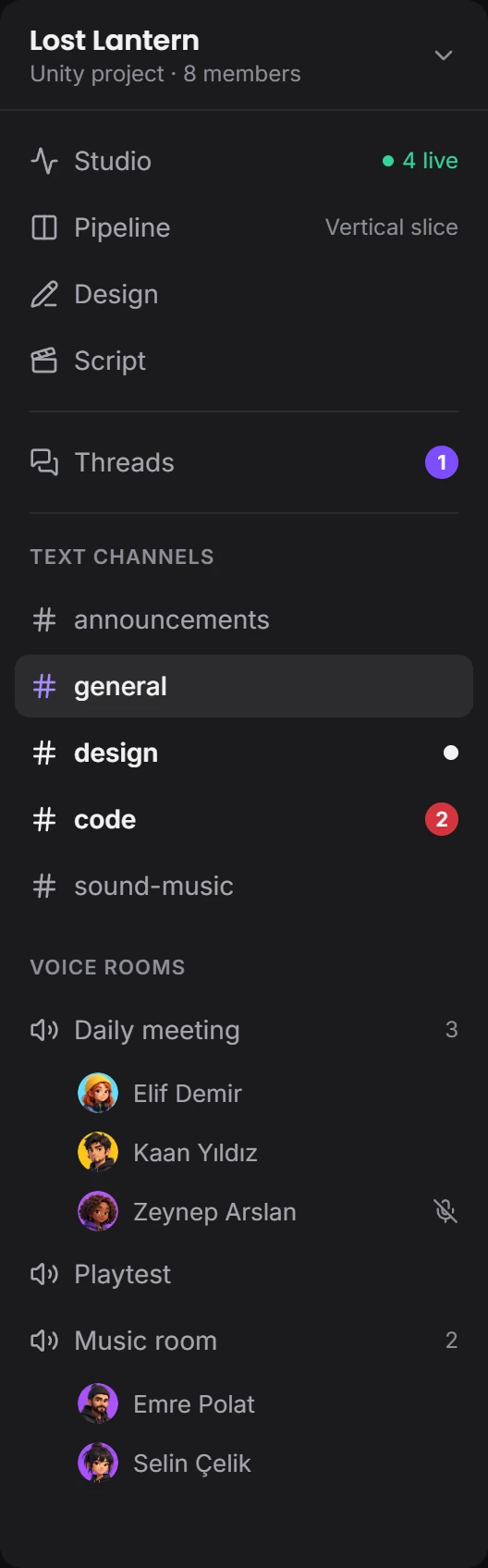
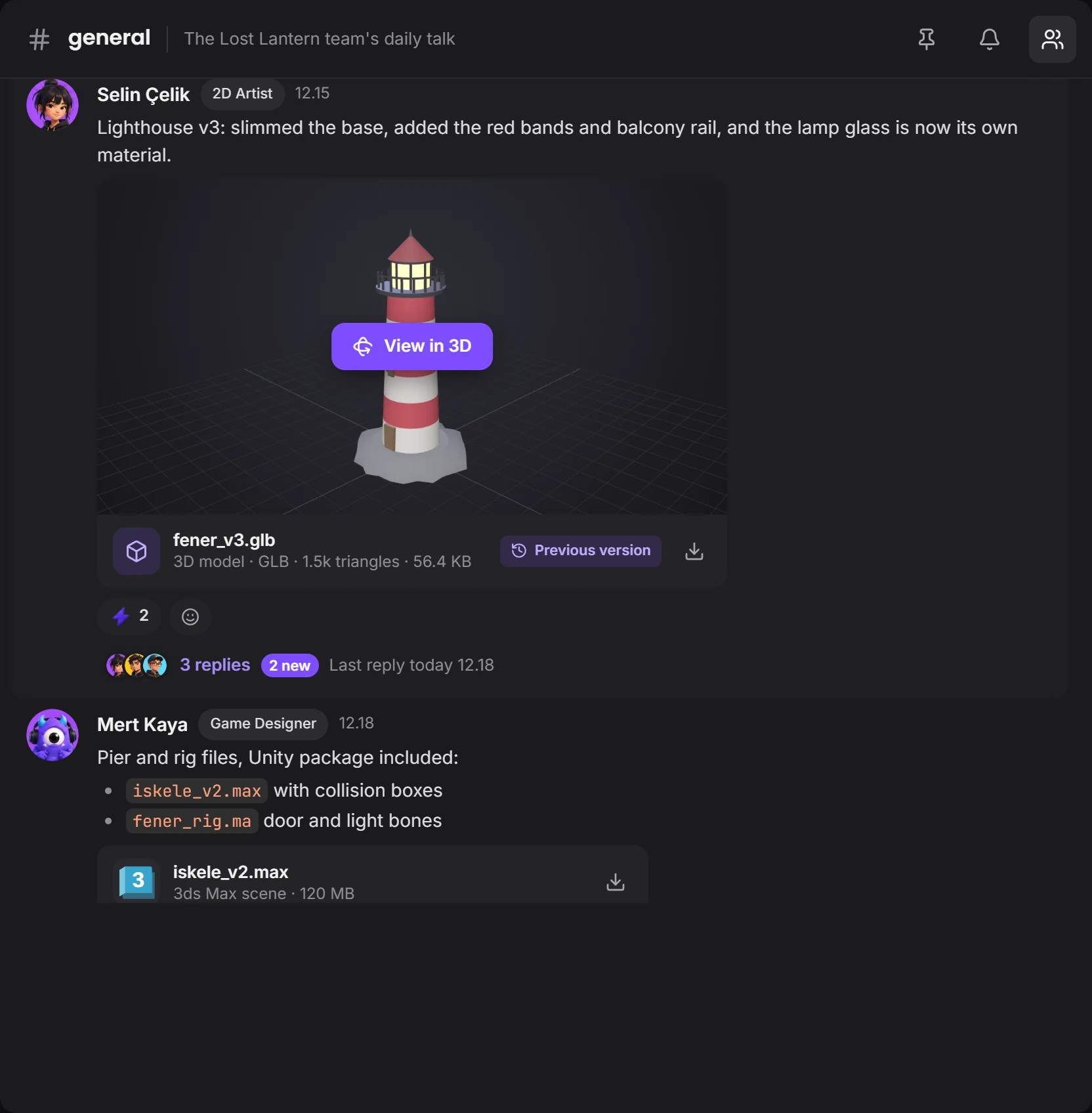


The same window works for pictures, models and other files.
Click on the picture and write your note. Replies gather at the side, showing who said what and on which version.
the mark is right hereapprove or request changesDrop a picture in the channel and it opens large. A PSD arrives with its preview and opens in Photoshop with one click.
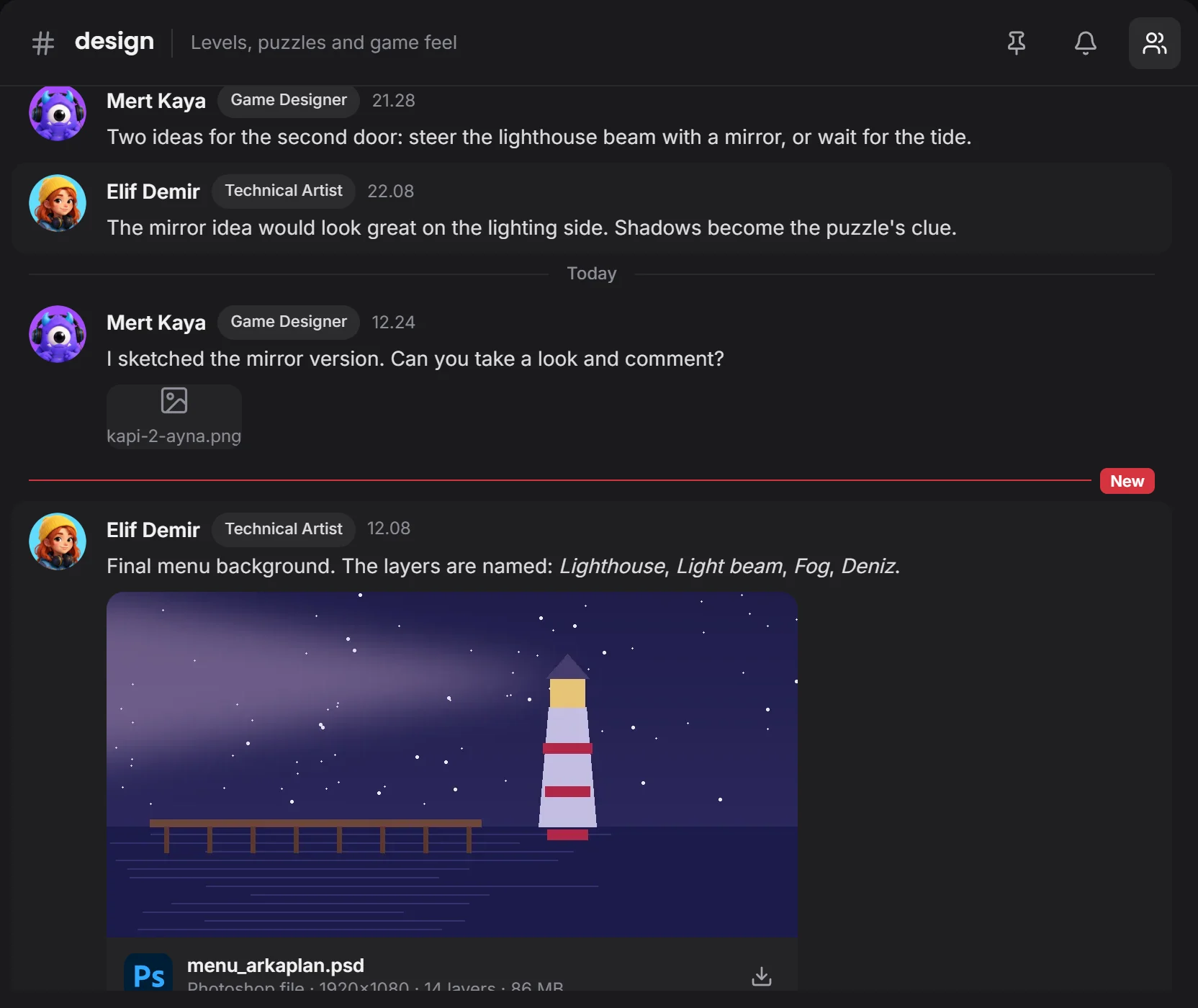 comes with a preview
Upload a file with the same name and it becomes a new version. Type filters, search and picture previews help you find what you need.
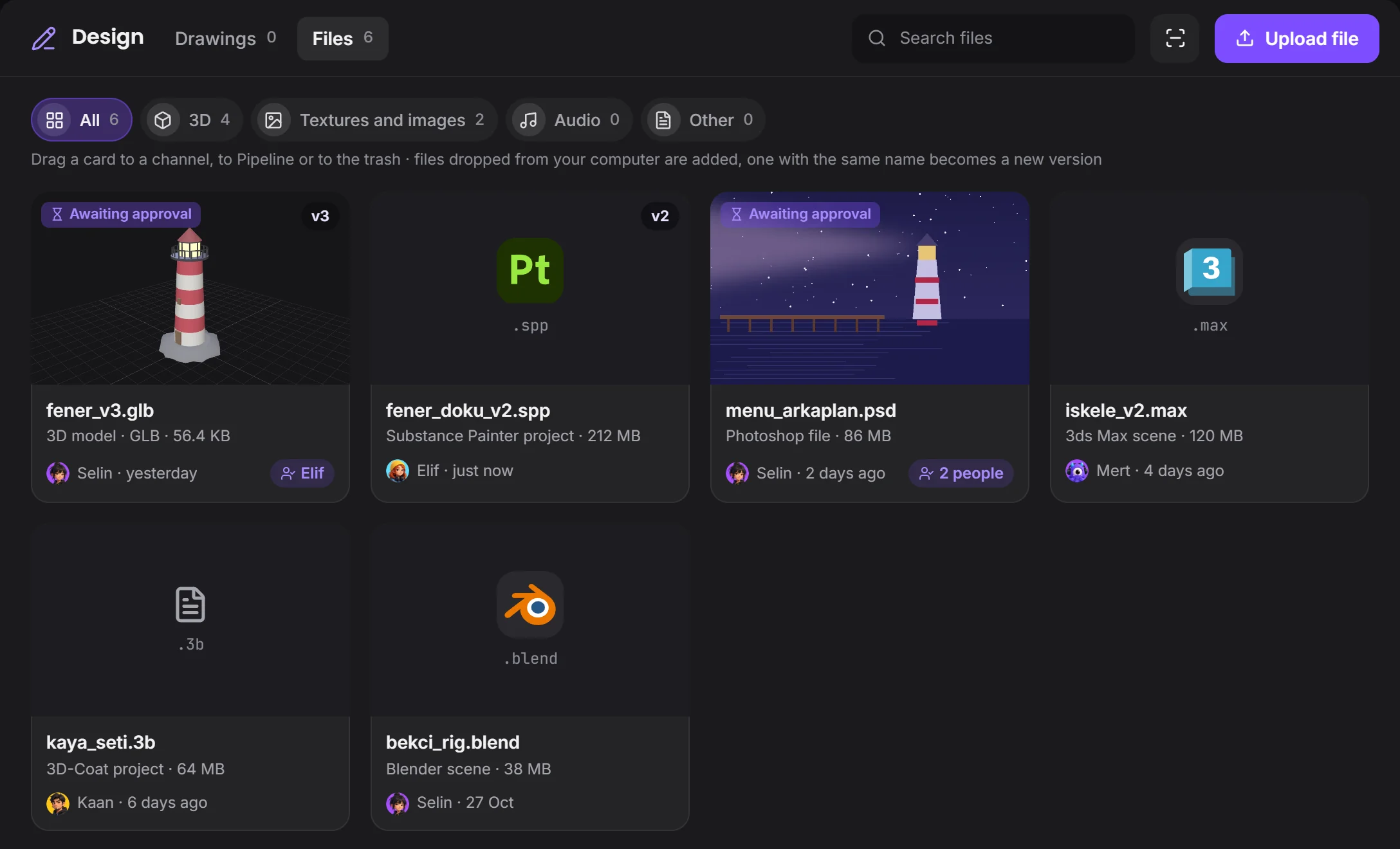 its version is hereits program's logo
Build the HUD and screen flow in a drawing. Pieces move, arrows follow, and the team works at the same time.
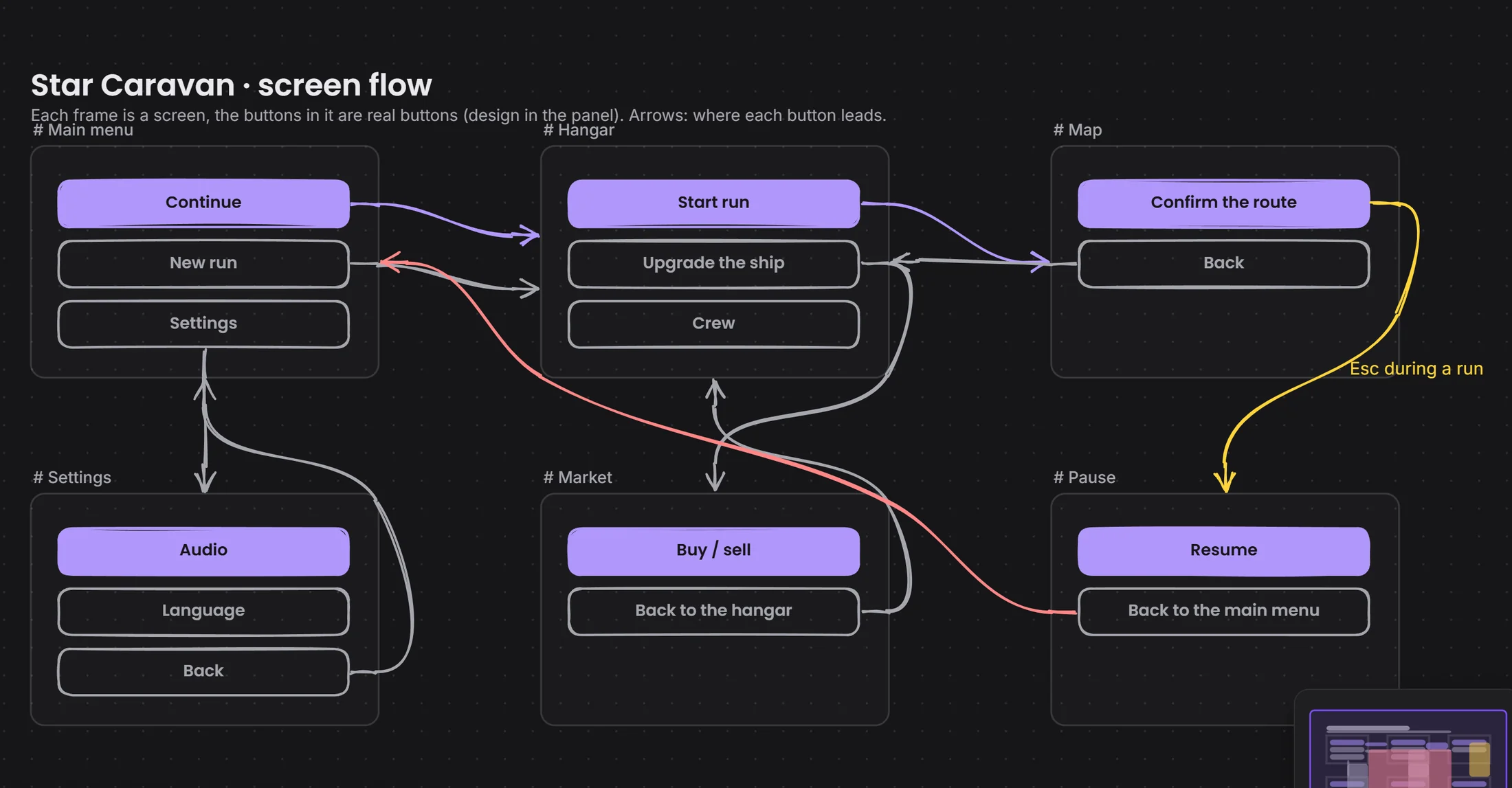 an arrow from button to screenevery frame is a screen
The request, the hand-in and the comments on one file's page.
Devchaos doesn't replace your program, it stands beside it. Whichever one is open shows on your Studio card; there are 50 programs on the list, and you can add yours if it's missing.
 Photoshop
 Krita
 Aseprite
 Clip Studio
 Illustrator
 Figma
You decide. In What your team sees you choose who sees it, and whether that's the program, the file name, the time, screenshots and how often; you can hide a program and set limits by working hours or by project.
You choose from three places: the Devchaos server (2 GB per project), a computer left on at the office, or your own cloud storage (such as Cloudflare R2, Amazon S3 or Backblaze).
Not yet, it's coming soon. Voice rooms and camera are on the way. For now you use the room's text chat during a screen share.
Completely free for a short while. We're in the test version: every window is open and nothing is charged.