Product
Solutions

By field

Games VFX Animation Film and TV Post production Ads and music videos XR / VR

By role

Programming Game and level design Script 2D art 3D and characters Animation VFX and compositing Sound and music Directing and production
Editions Platforms Community Sign in My page
Theme
Motion
Download for Windows

Solutions/By field

FILM

From script to handoff, one project.

Don't let the writers' room, storyboard and production plan scatter across separate files. The page is written here, the frame is drawn here, the work is tracked here.

Write it like a page, pour the scene into a storyboard.

The Script window, piece by piece.

Scroll and it falls into place.

Writers work on one page with live cursors.

1Script

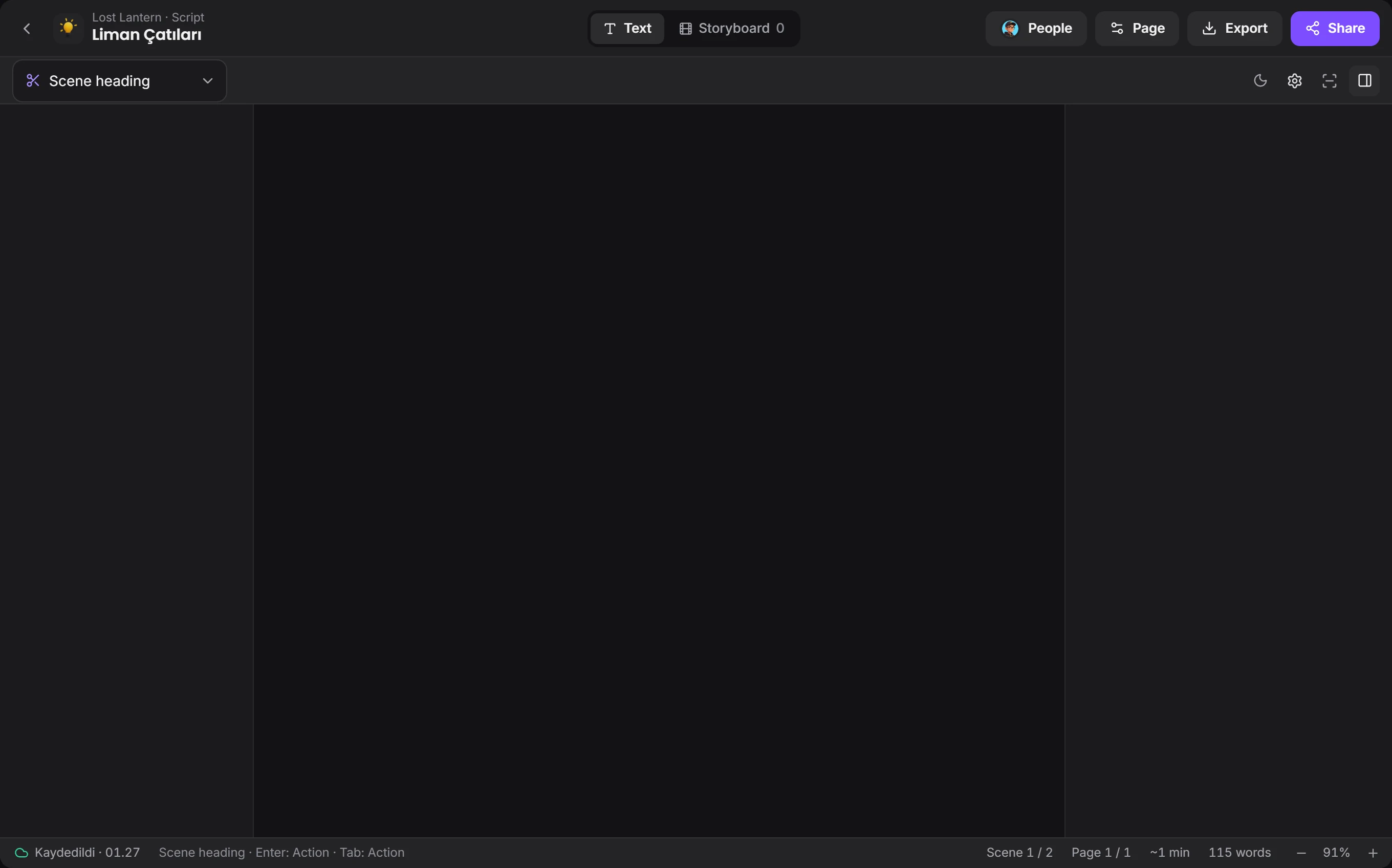
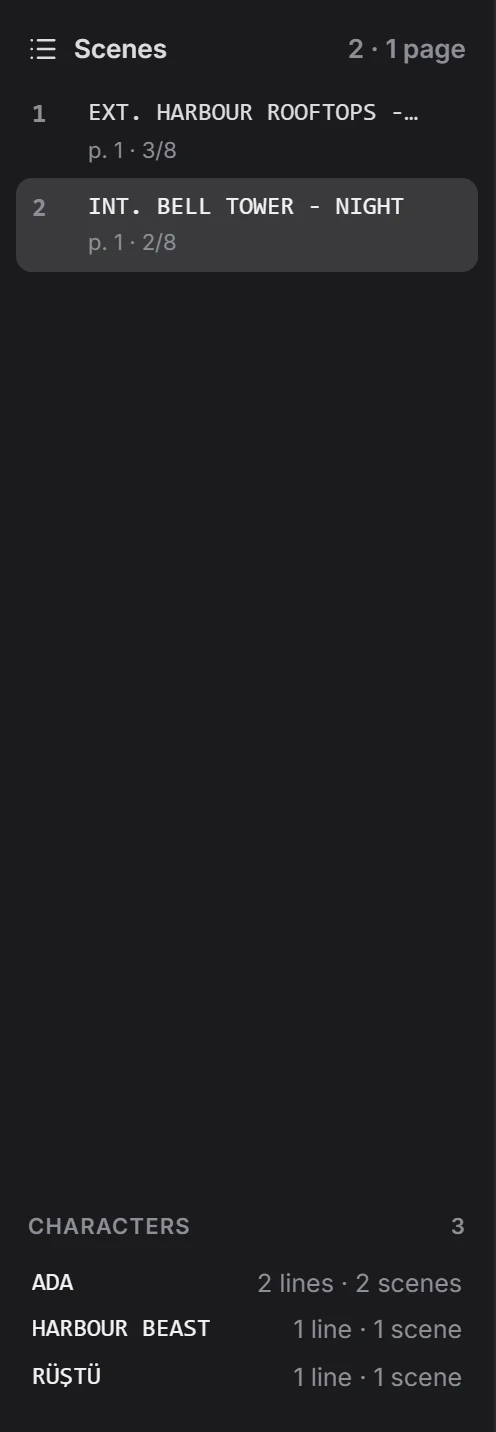
Write in the industry's format.

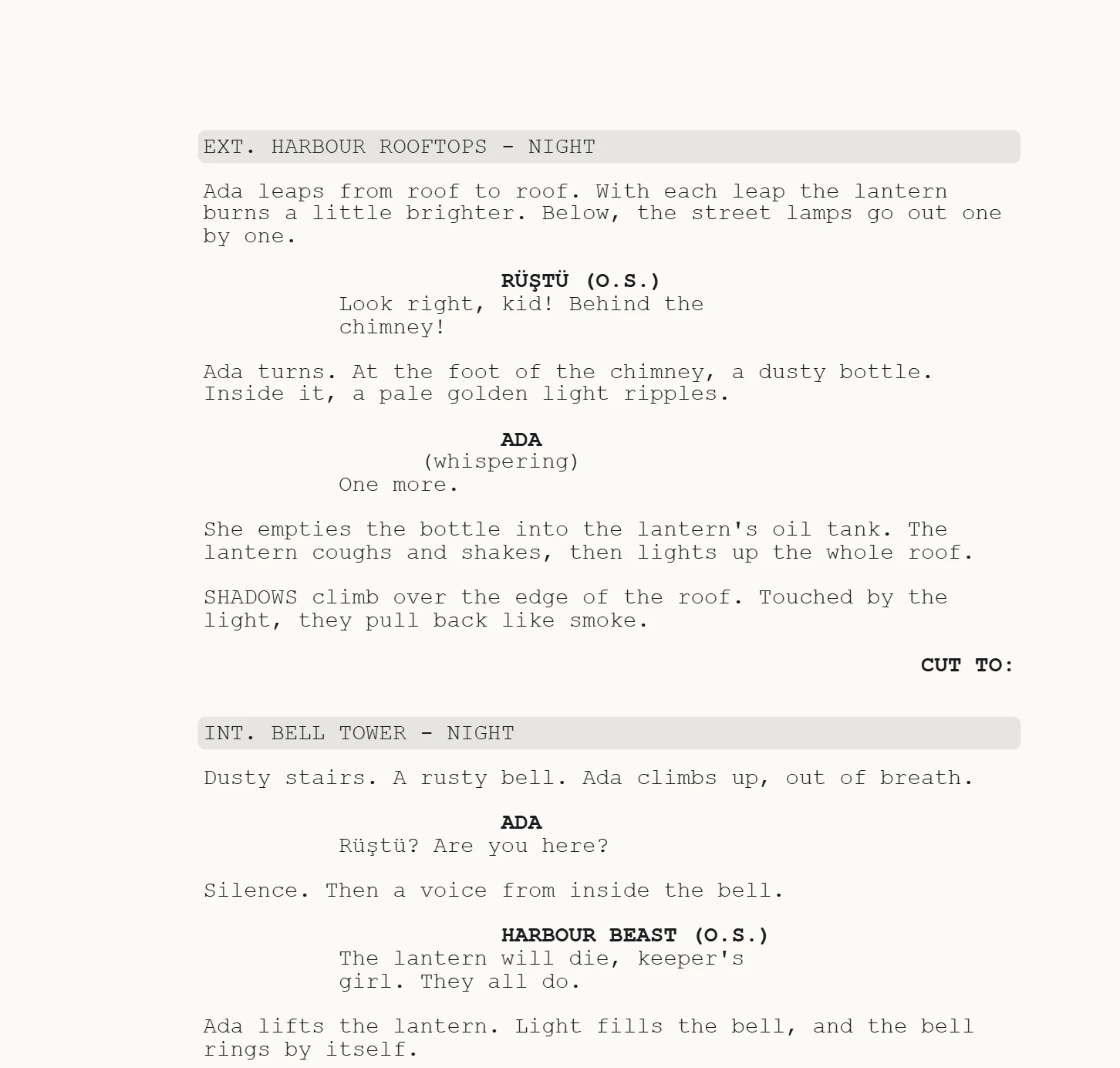
Scene heading, character, dialogue and transition fall into place. Page, scene and word counts sit at the bottom, and cursors show who's writing where.

Final Draft, Fountain, Word or PDF come in; PDF, FDX, Fountain and Word go out.
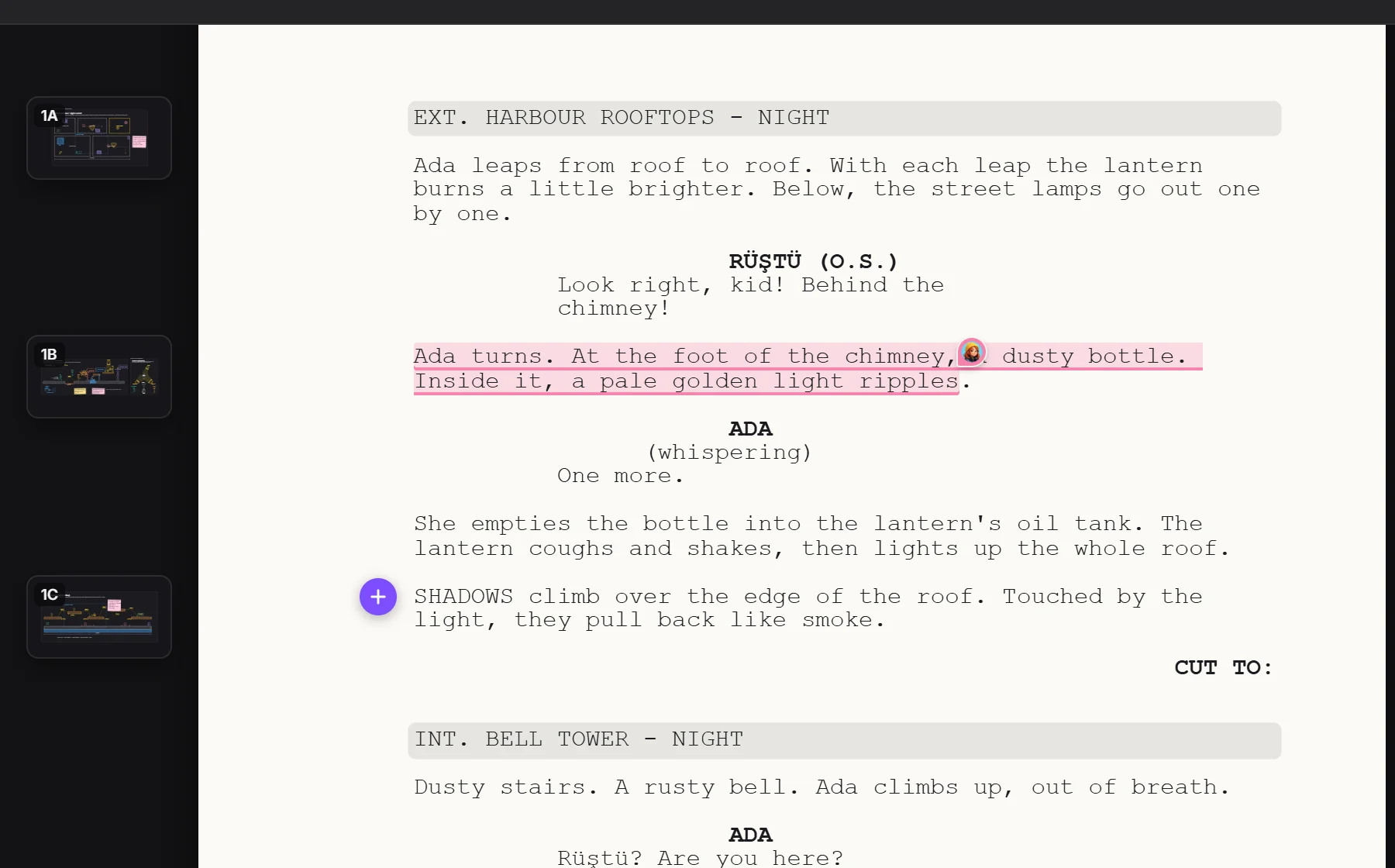
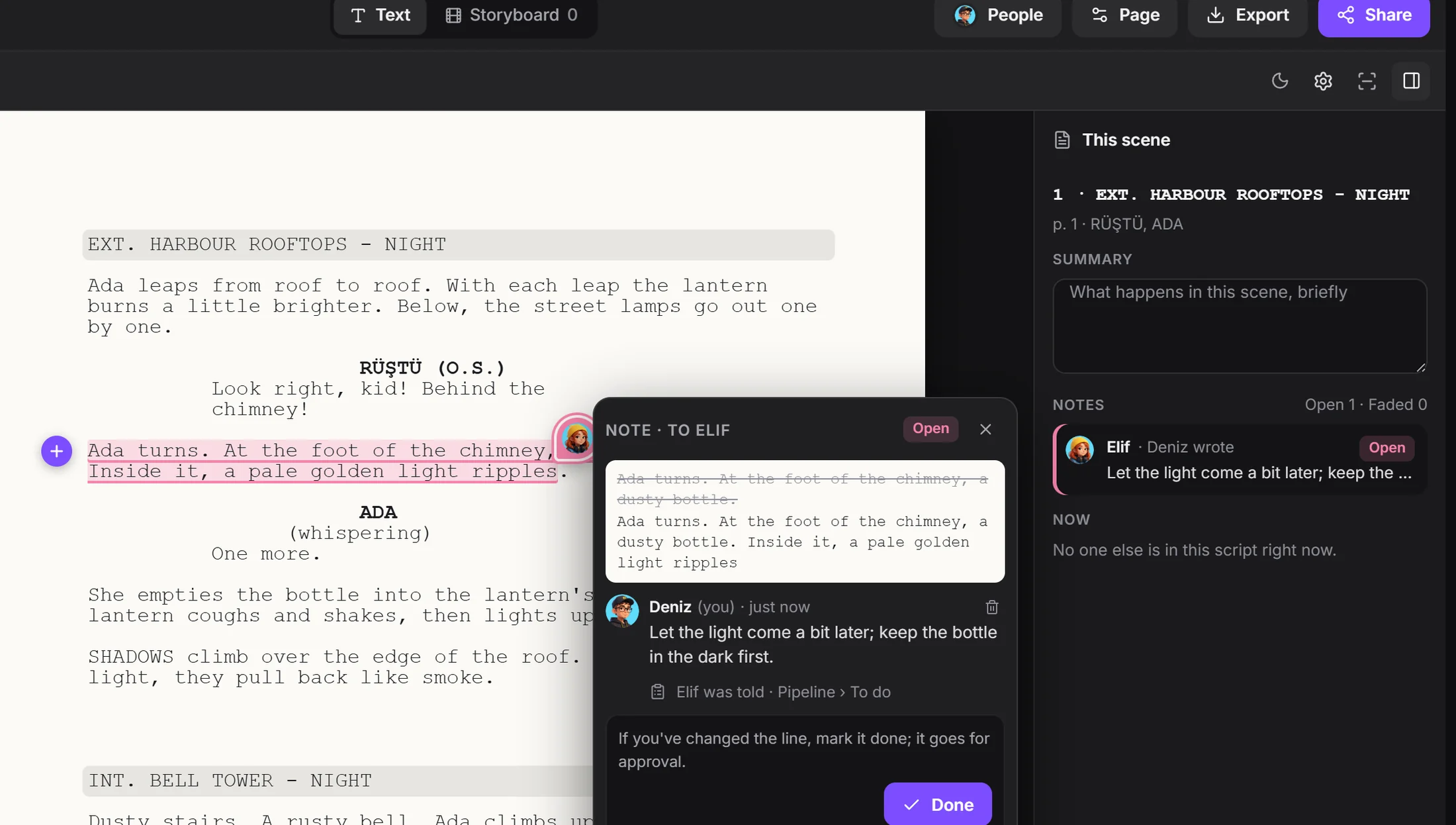
A script page and frames tied to its linesa note given to someoneadd a drawing to a lineframe tied to a line
2Note

The note becomes a task.

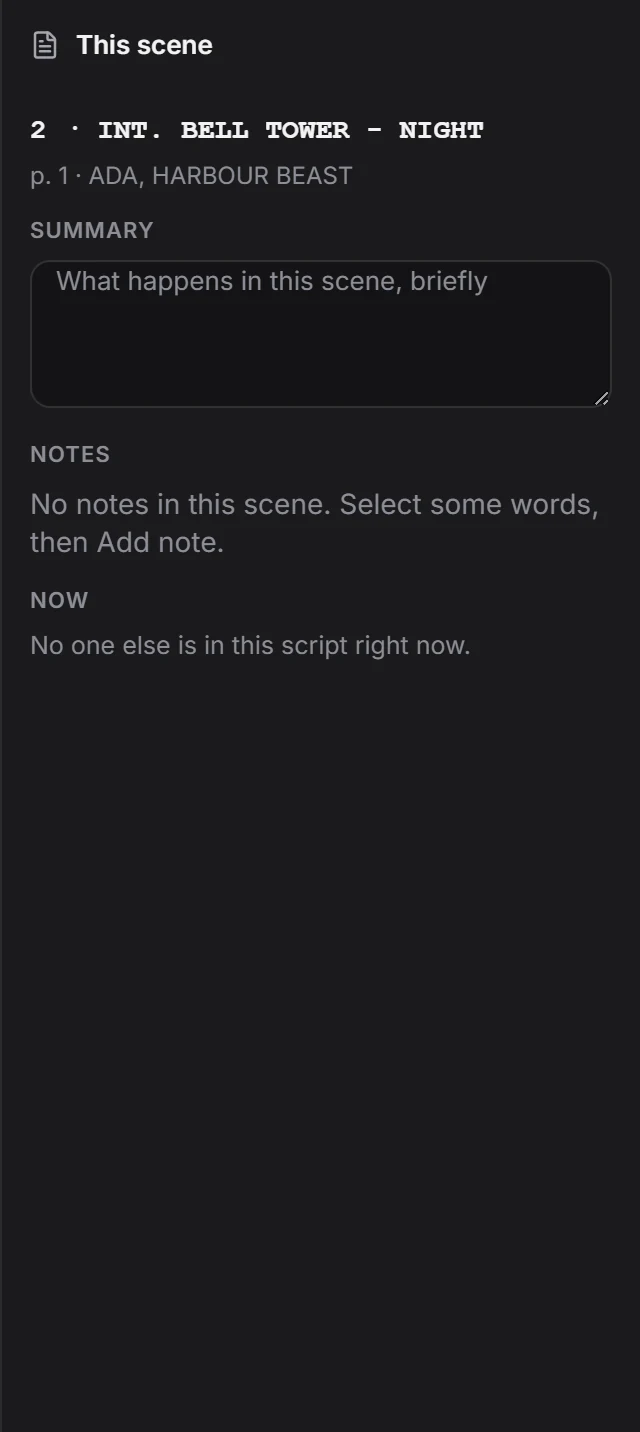
Put a note on a line and give it to someone. The note becomes a task in Pipeline, gets answered in the bubble on the line, and the approval comes to you when it's done.

A note on a script line, given to someonebecame a task
3Storyboard

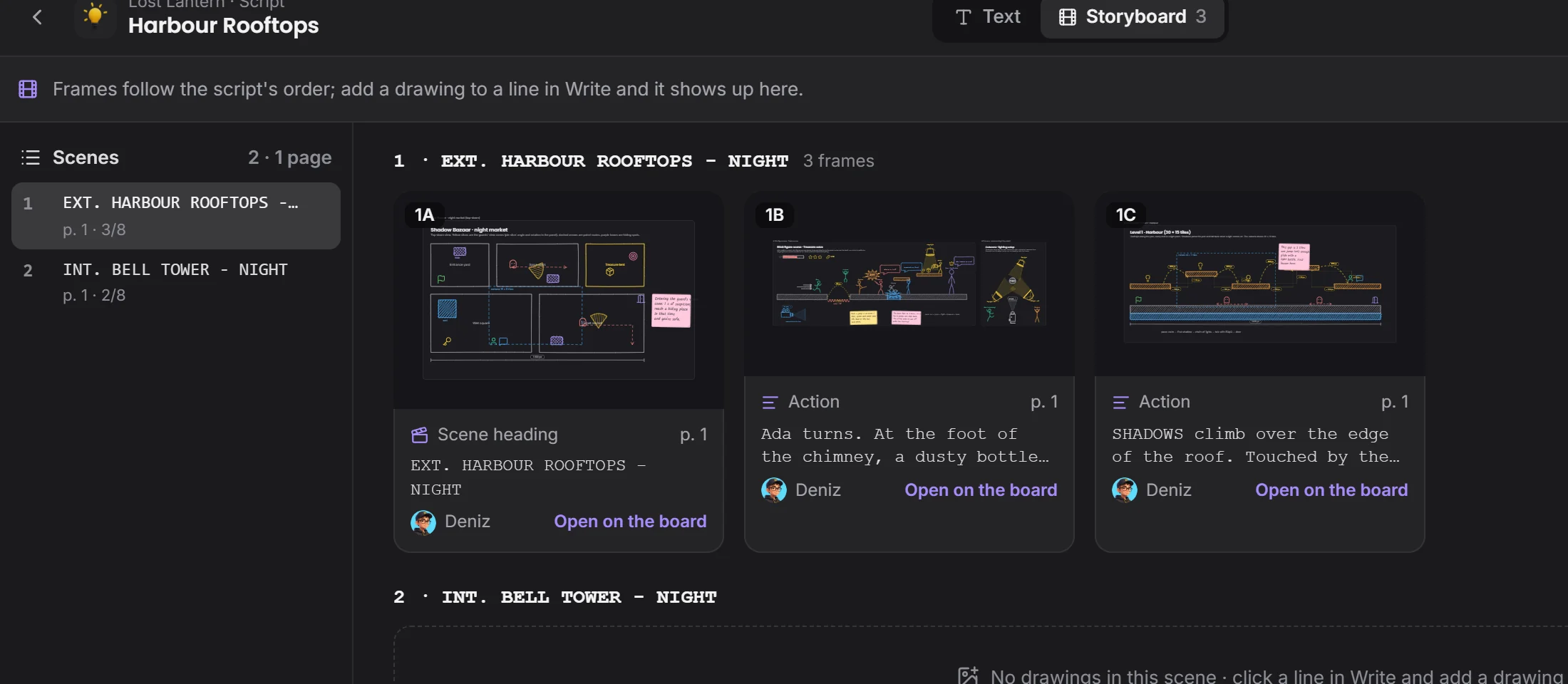
Tie a frame to a line.

A drawing can be tied to every line, and the Storyboard tab lays the frames out in script order. One click exports the lot as a PDF.

Storyboard tabframes in script order
4Pipeline

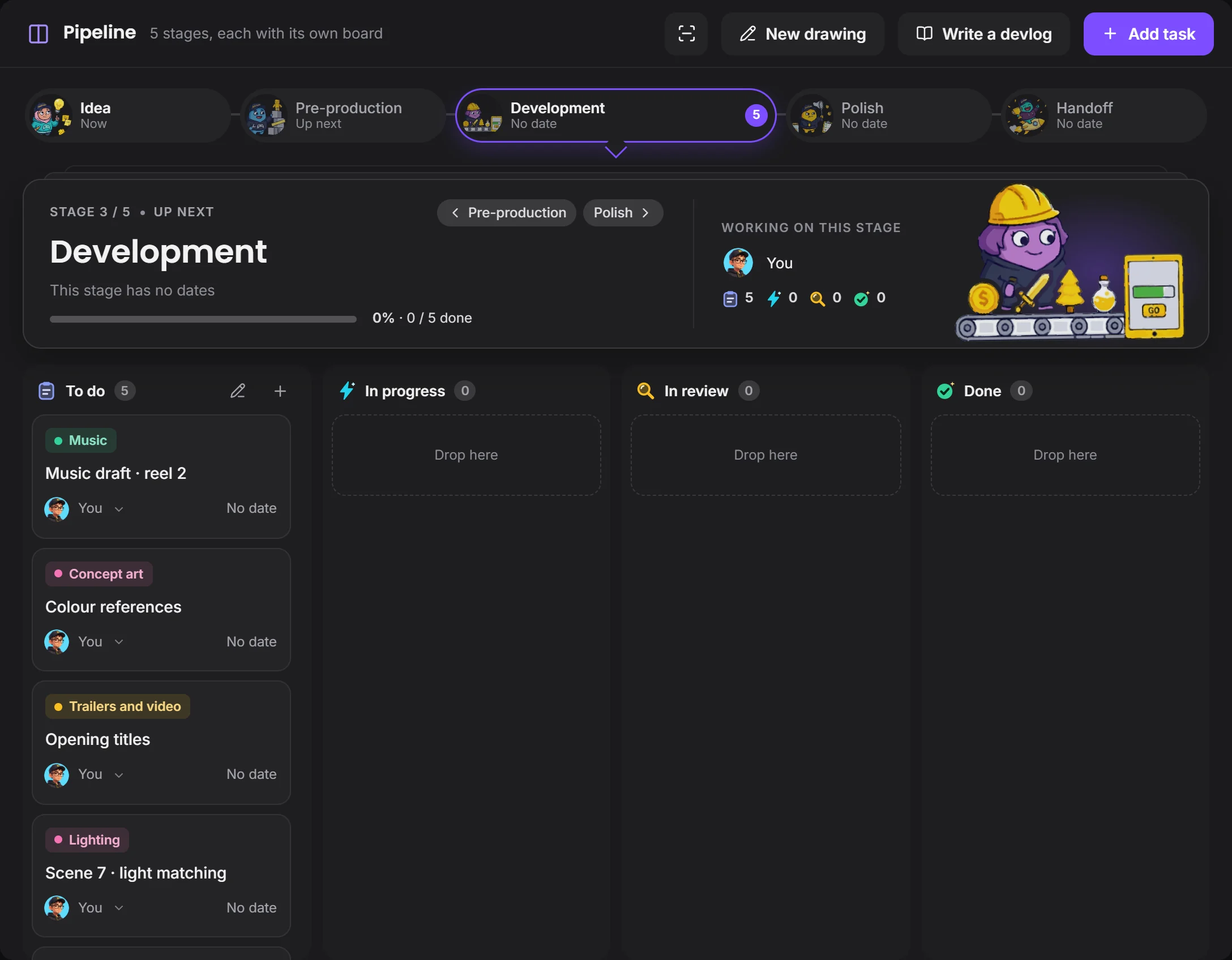
Follow the production stage by stage.

Idea, Pre-production, Development, Polish, Handoff: pick the stages and set dates. Each stage's board shows which job is with whom.

Pipeline on a short film projectyou set the stagesevery task has its field

How a scene moves along

From writing to handoff, no note gets lost in a message history.

PageThe scene is written
NoteDropped on a line, it becomes a task
FrameThe drawing is tied to a line
ProductionMoves along the board
HandoffThe file closes with a version

Your programs stay the same.

Devchaos doesn't replace your program, it stands beside it. Whichever one is open shows on your Studio card; there are 50 programs on the list, and you can add yours if it's missing.

Premiere Pro
DaVinci Resolve
After Effects
Nuke
Blender
OBS

Questions

Can I open my Final Draft file?

Yes. Final Draft, Fountain, Word, PDF and plain text come in; PDF, FDX, Fountain and Word go out.

Can we set our own pipeline stages?

Yes. You pick ready-made stage names such as Idea, Pre-production, Development, Polish and Handoff, put them in order, and give each an icon and a date. You can save the set as a template and use it in another project.

Is there voice chat?

Not yet, it's coming soon. Voice rooms and camera are on the way. For now you use the room's text chat during a screen share.

Where do our files live?

You choose from three places: the Devchaos server (2 GB per project), a computer left on at the office, or your own cloud storage (such as Cloudflare R2, Amazon S3 or Backblaze).

Next solutionPost production →

POST

It's clear which version is the latest.