Product
Solutions

By field

Games VFX Animation Film and TV Post production Ads and music videos XR / VR

By role

Programming Game and level design Script 2D art 3D and characters Animation VFX and compositing Sound and music Directing and production
Editions Platforms Community Sign in My page
Theme
Motion
Download for Windows

Solutions/By role

SCENE

Write like it's a page. Write together.

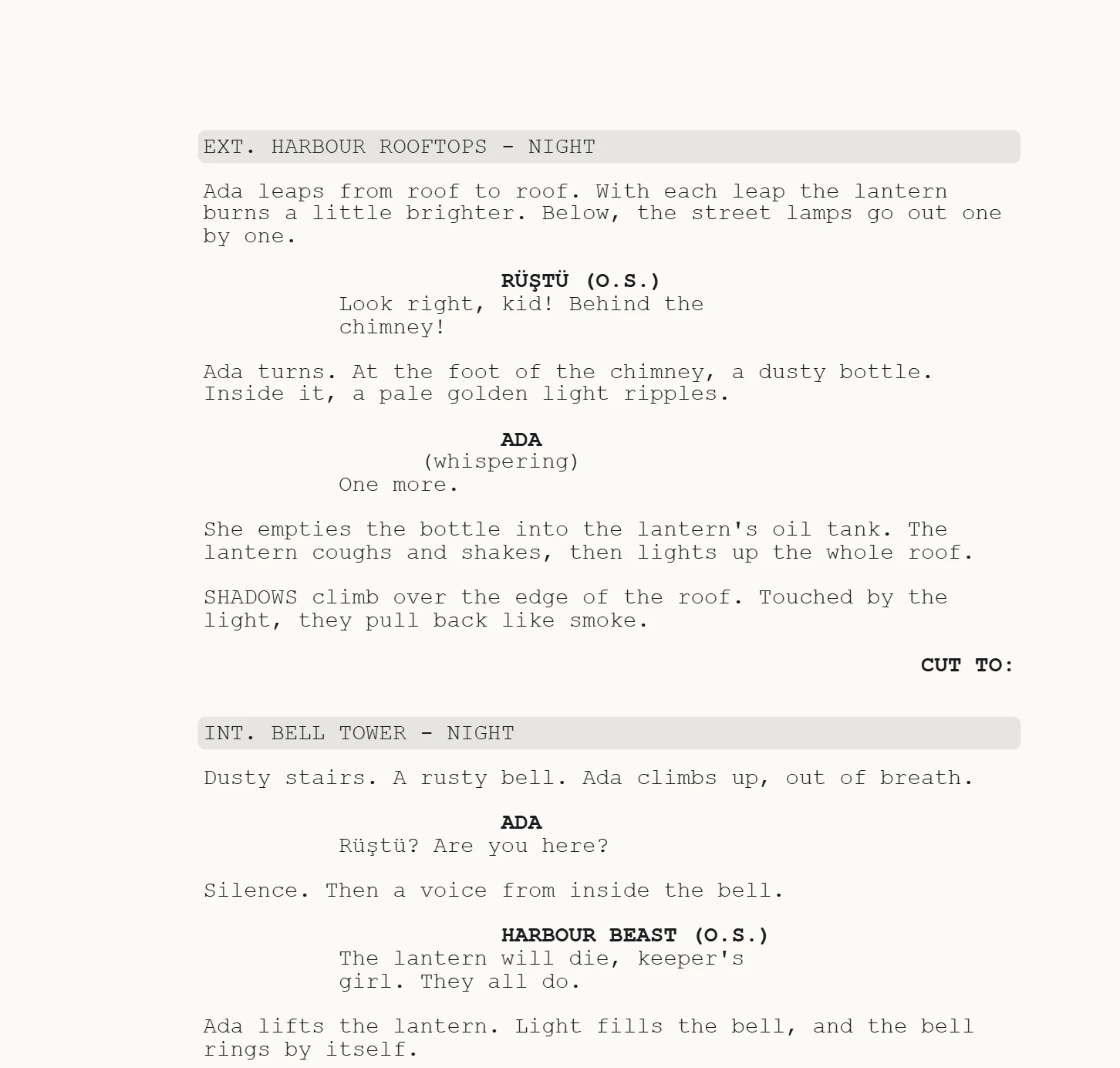
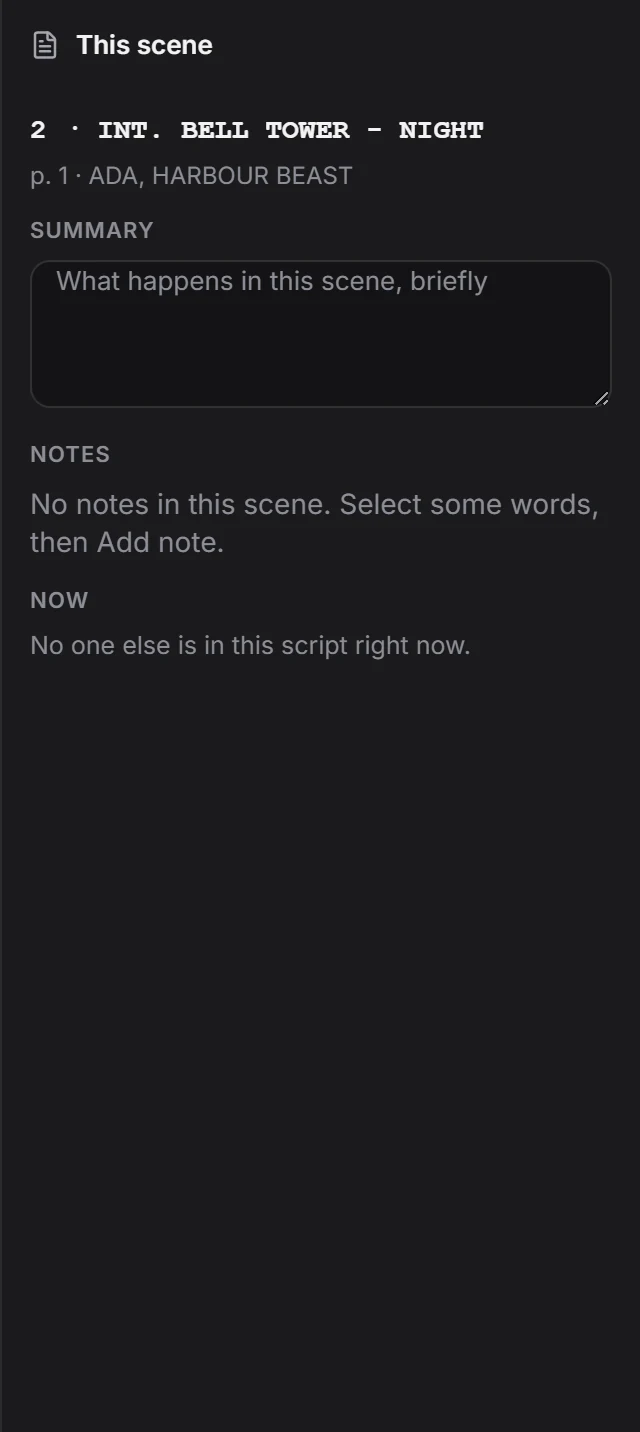
The industry's page format is ready. Your co-writer is on the same page, notes sit beside the line, drawings inside the scene.

Write scene by scene, and let notes become tasks.

The Script window, piece by piece.

Scroll and it falls into place.

You can write a script, a story or plain text.

1Writing

Don't think about the format.

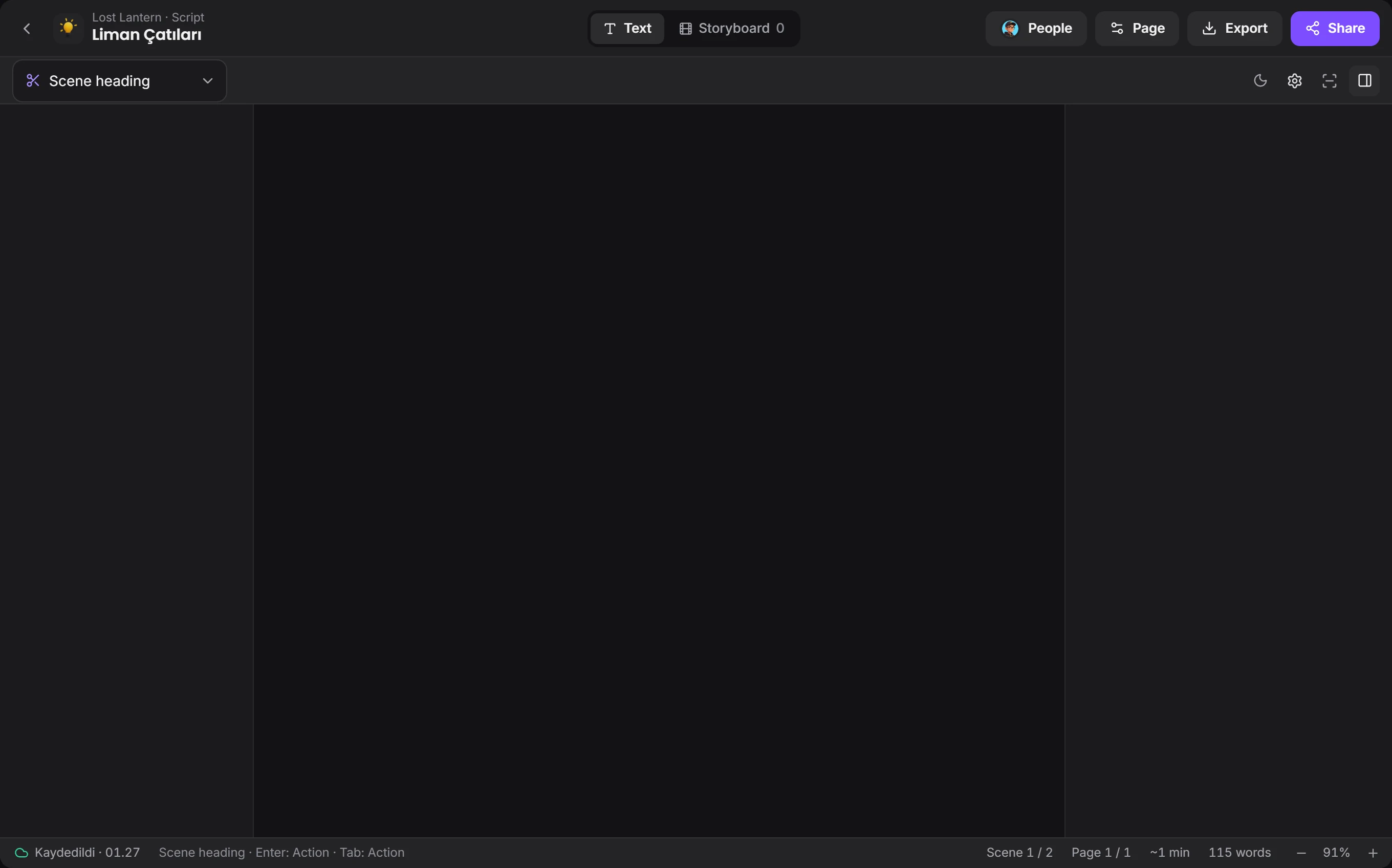
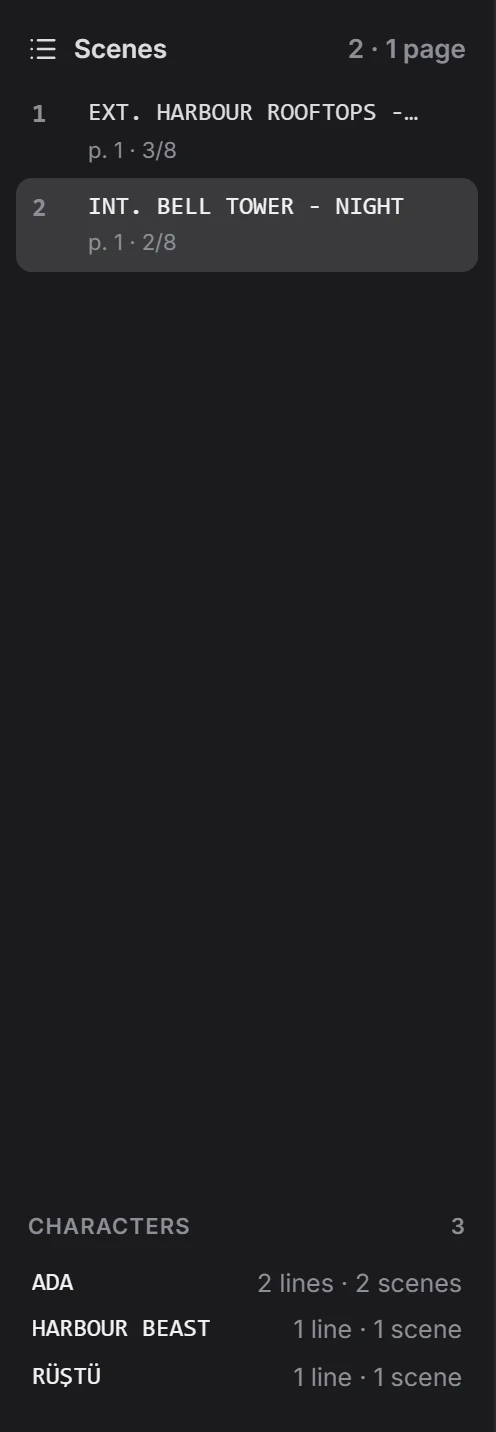
Scene heading, action, character, dialogue and transition fall into place. Enter and Tab are all you need as you write, and the title page and counters are ready.

Cursors show who's where while you write.
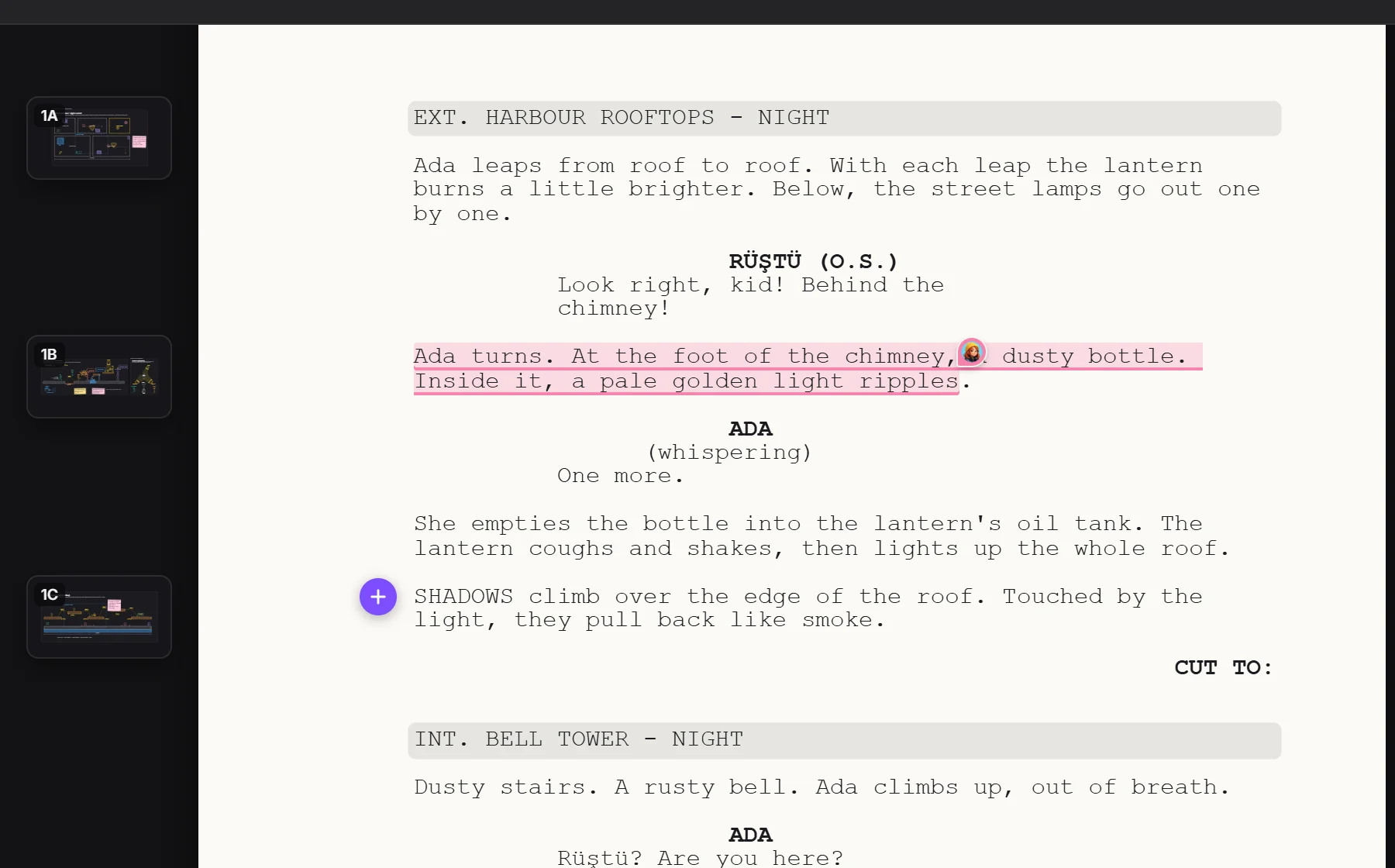
A script page and frames tied to its linesa note given to someoneadd a drawing to a lineframe tied to a line
2Note

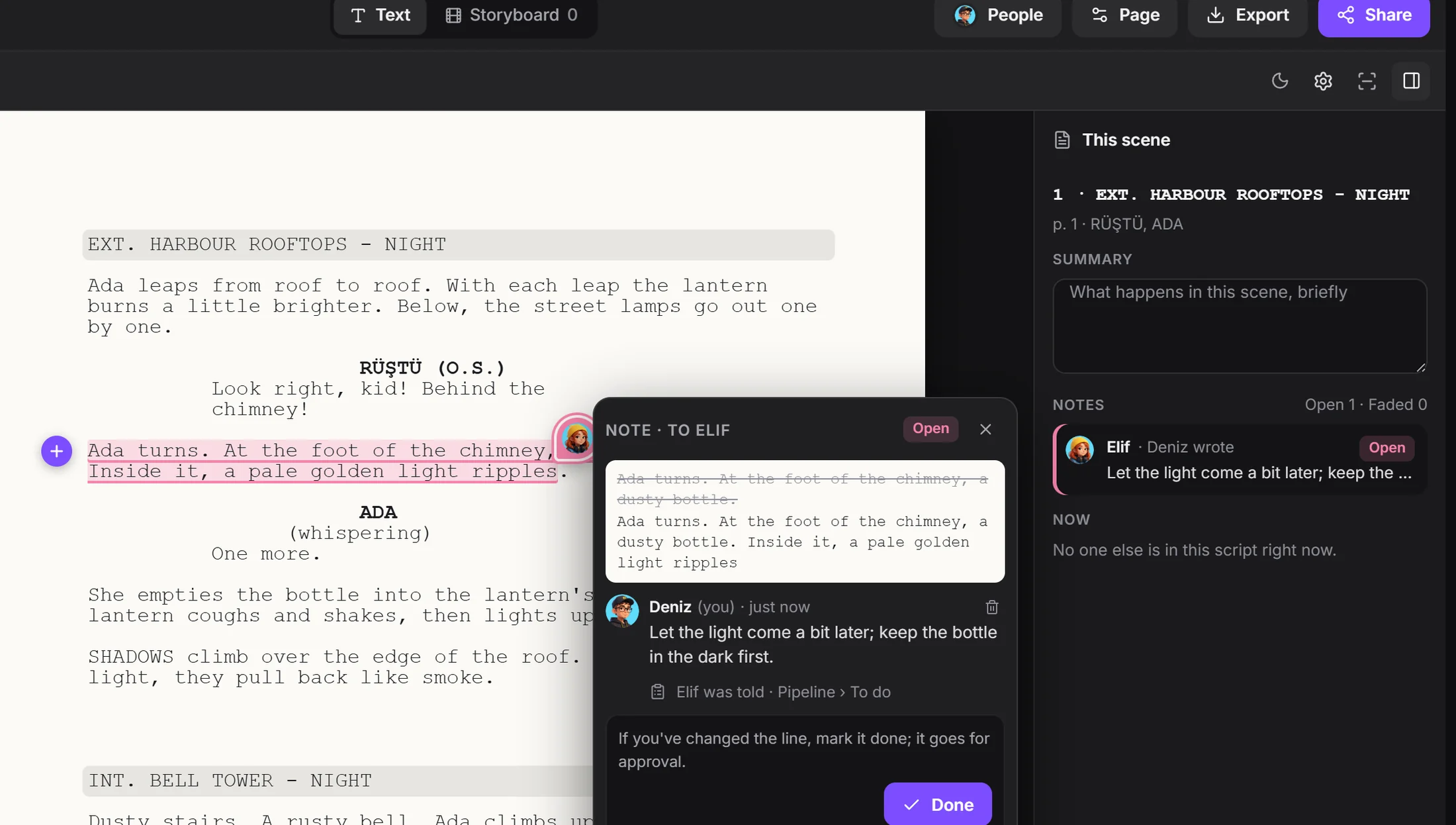
Put a note on a line, give it to someone.

The note becomes a task in Pipeline. Replies gather in the bubble, the work comes to you for approval when it's done, and an approved note fades on the page.

A note on a script line, given to someonebecame a task
3Storyboard

See what you wrote.

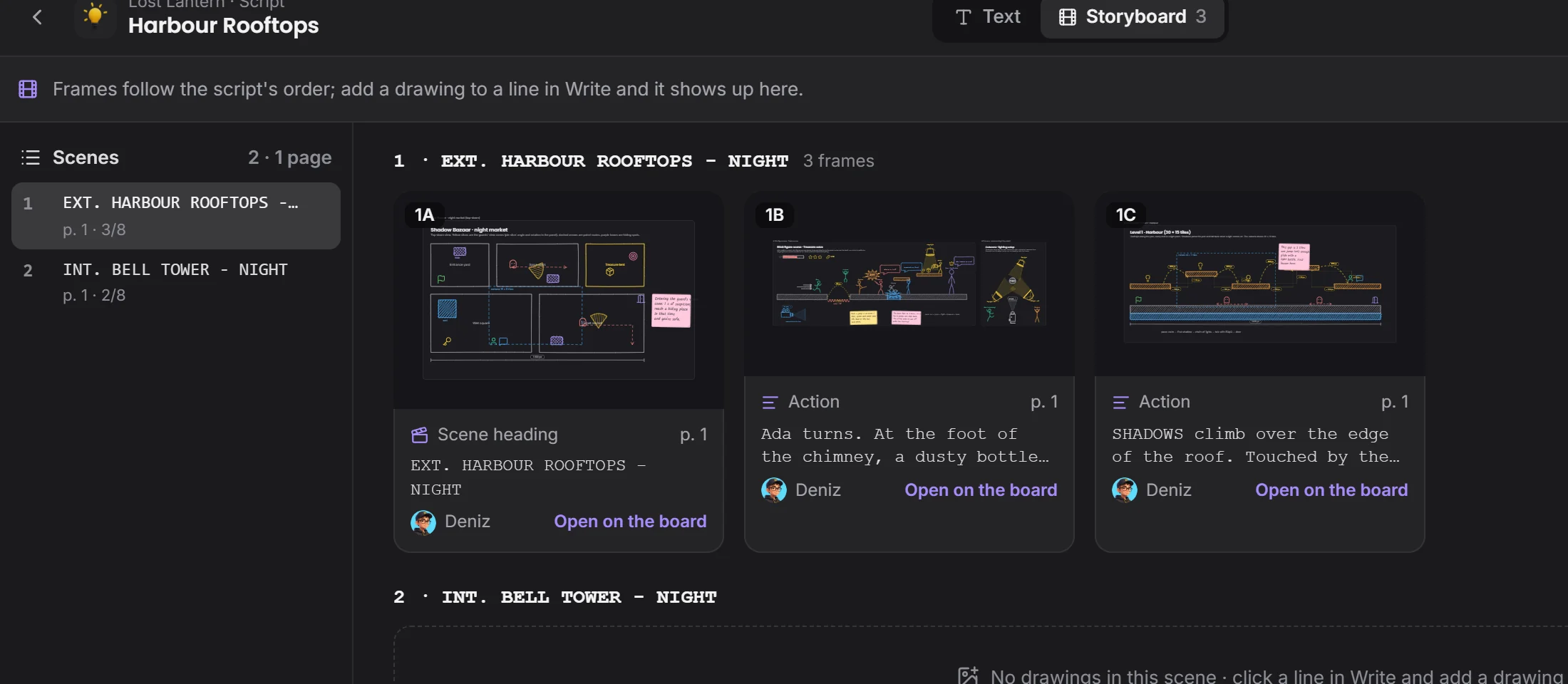
Tie drawings to lines and let the Storyboard tab put the frames in order. You and the director look at the same page.

Storyboard tabframes in script order
4Dialogue

Branching dialogue for games.

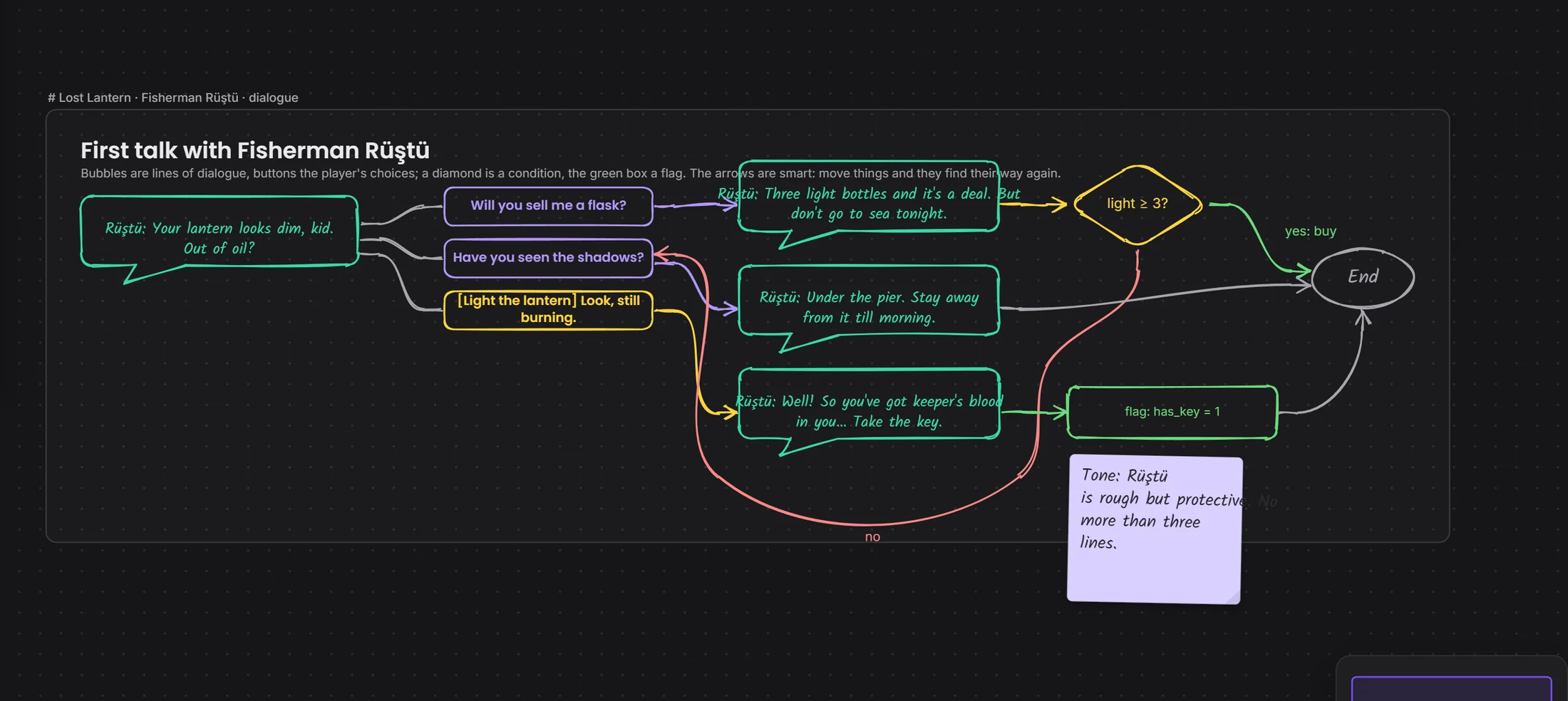
Build choices, conditions and outcomes as a tree in Drawing. Text and logic stay in one project.

A dialogue tree drawingplayer choicescondition

How a scene matures

Comments beside the line, not in an email.

DraftThe scene is written
NoteDropped on a line
TaskIt goes to someone on the team
ReplyTalked over in the bubble
ApprovalThe note fades

Your files come along.

Started in another program? No problem. Bring your file in, carry on here, and export it in the industry's format when you're done.

FDX
FOUNTAIN
DOCX
PDF

Questions

Which files can I bring in and send out?

Final Draft, Fountain, Word, PDF and plain text come in. PDF, FDX, Fountain and Word go out, and the storyboard exports as a PDF too.

Can several people write at once?

Yes. Everyone's cursor and name show on the page, and what's written is saved.

Is there voice chat?

Not yet, it's coming soon. Voice rooms and camera are on the way. For now you use the room's text chat during a screen share.

How much does it cost?

Completely free for a short while. We're in the test version: every window is open and nothing is charged.

Next solution2D art →

2D

Get comments on the picture itself.