1Drawing
Plan the space from above.
Draw rooms, passages and sight lines to measure. The grid can be dots, squares, isometric or hexagons, and rulers and guides are ready.
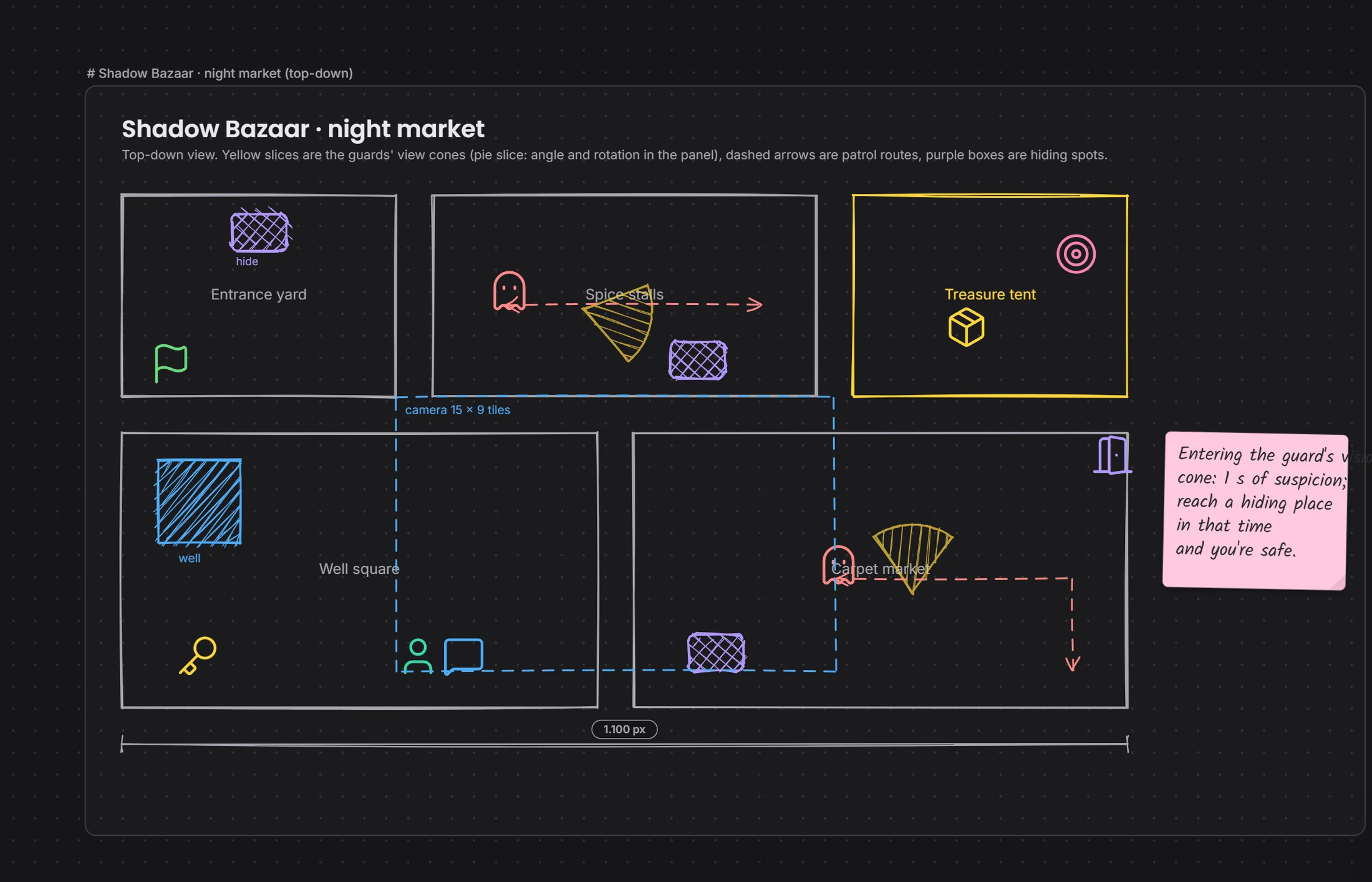 vision conecamera areareal measures
By field
Games VFX Animation Film and TV Post production Ads and music videos XR / VRBy role
Programming Game and level design Script 2D art 3D and characters Animation VFX and compositing Sound and music Directing and productionSolutions/By field
In XR you think about space, interaction and assets together. Draw the plan, turn the model in the chat, and see in Studio who is in which program.

Whatever engine the team is in, Studio shows it.
The Drawing window, piece by piece. Scroll and it falls into place.
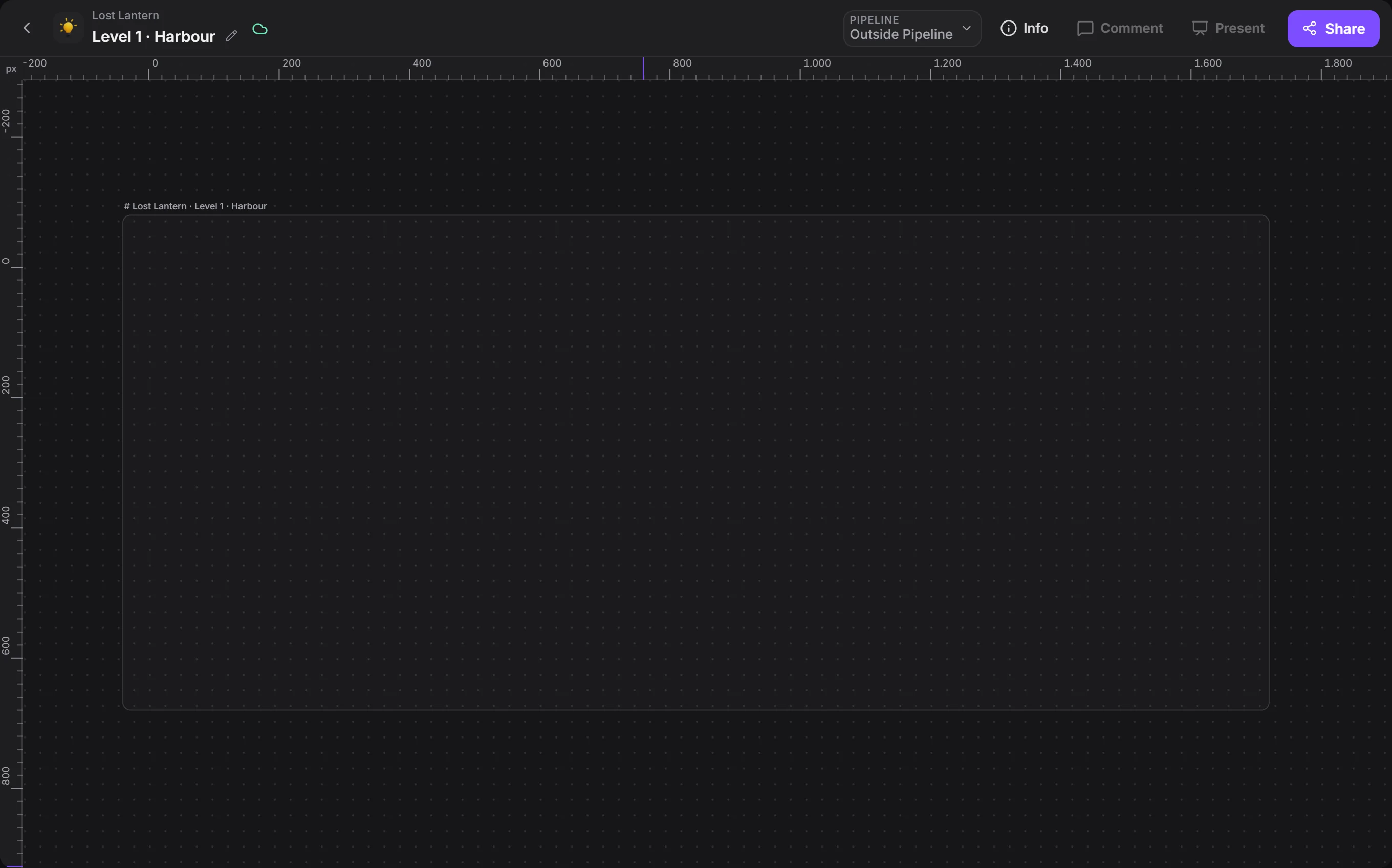
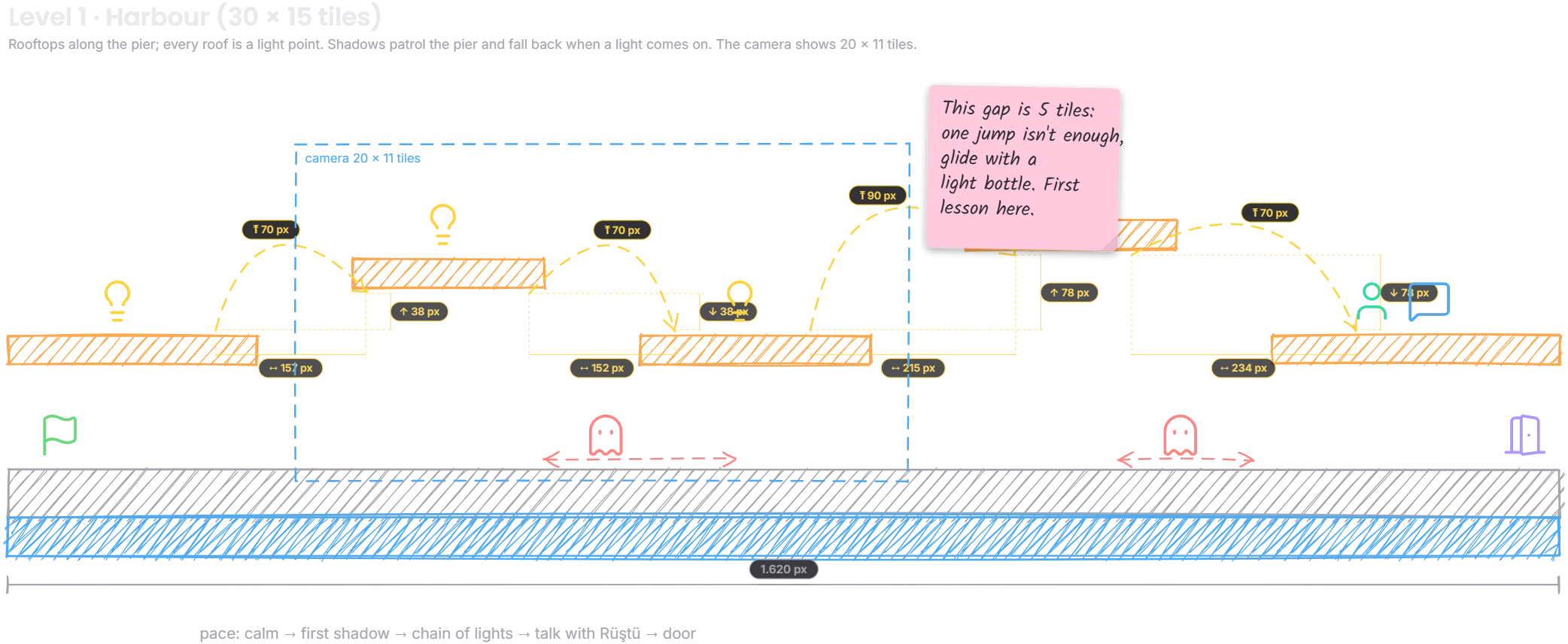

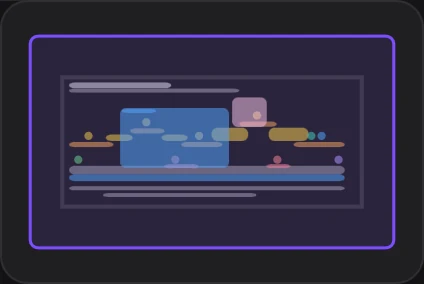

The unit can be px, tiles or cm.
Draw rooms, passages and sight lines to measure. The grid can be dots, squares, isometric or hexagons, and rulers and guides are ready.
vision conecamera areareal measuresController and keyboard drawings come as pieces. Which button does what: the team looks at the same scheme.
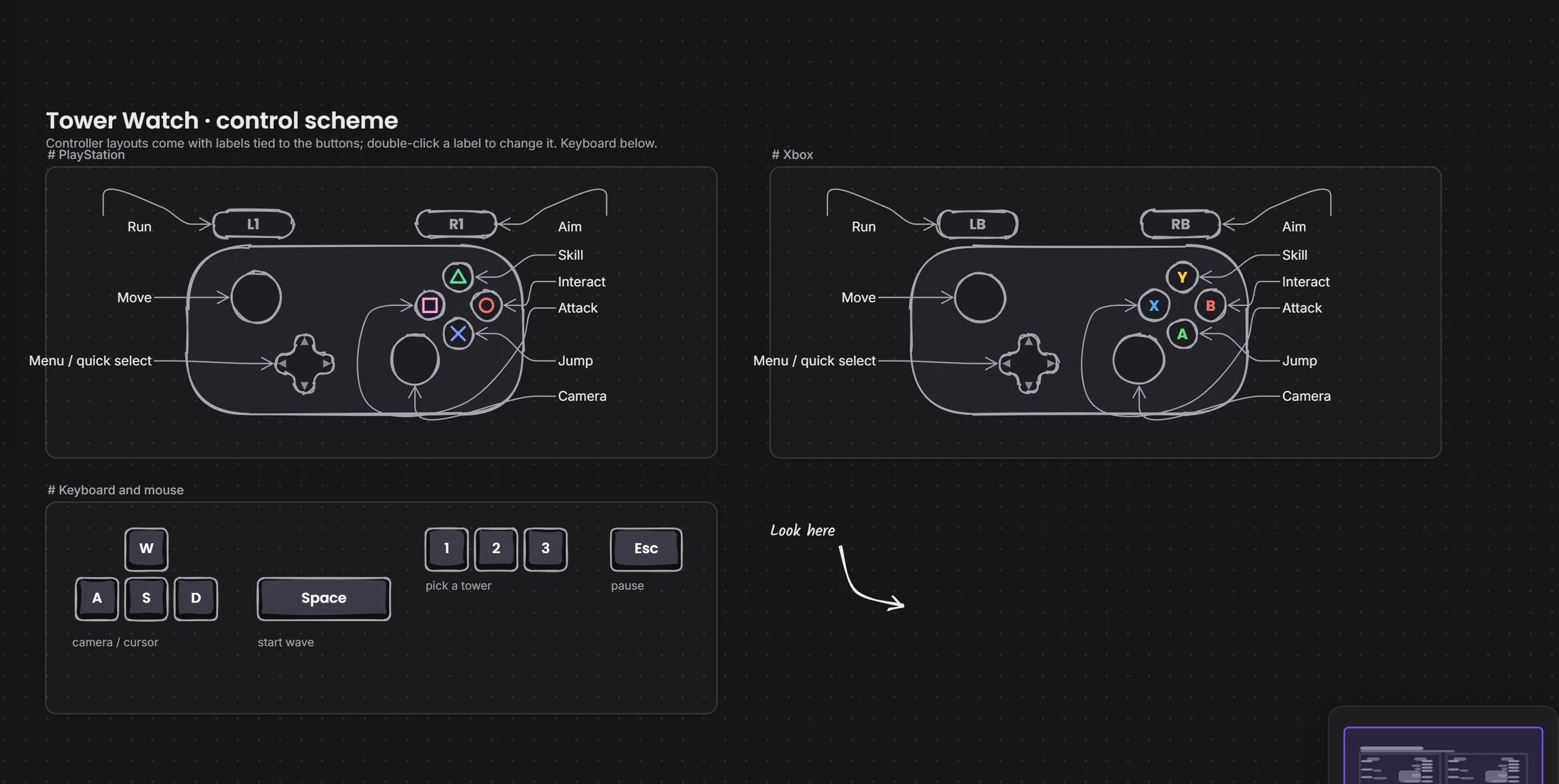 a label tied to a keykeyboard and mouse
.glb, .fbx, .obj and .stl turn inside the message. Wireframe view shows the triangle count, and you can place marks.
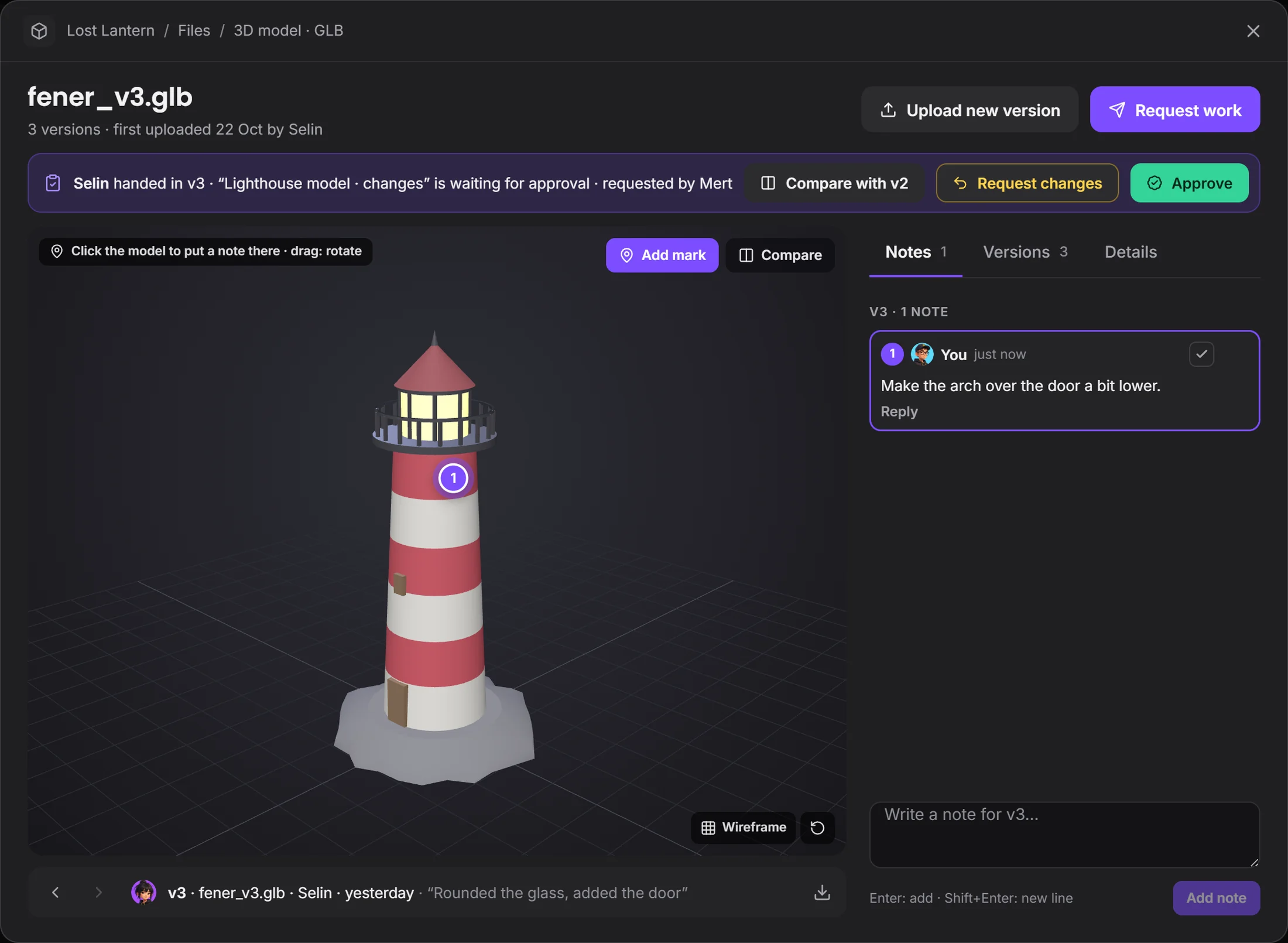 the mark is tied to the modelnote and repliesapprove or request changes
Everyone's card shows their open program, file and time. You know who's on what without asking.
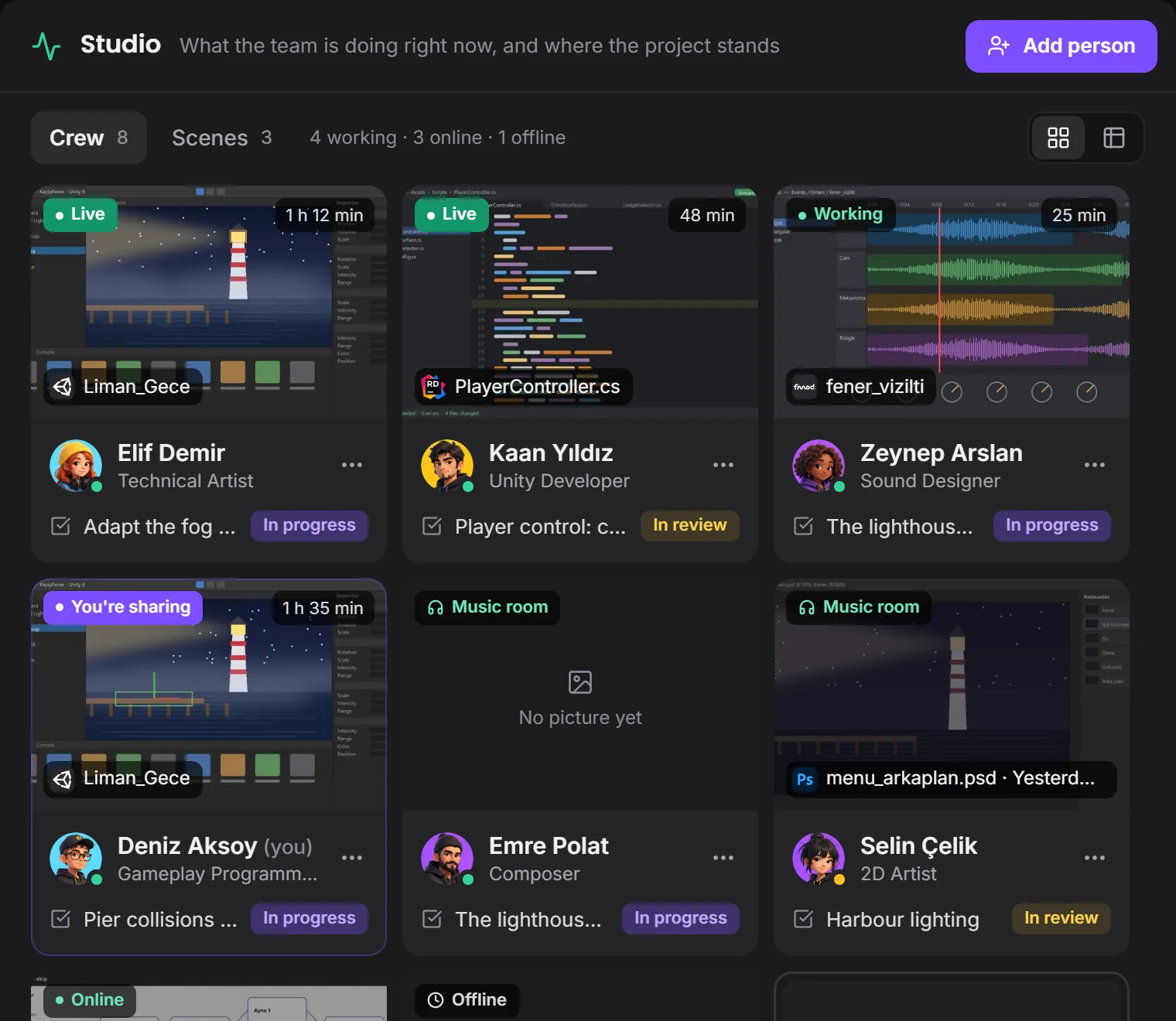 their open filehow long they've been at it
Plan, assets and tasks stay in one project.
Devchaos doesn't replace your program, it stands beside it. Whichever one is open shows on your Studio card; there are 50 programs on the list, and you can add yours if it's missing.
 Unity
 Unreal
 Blender
 Maya
 Substance Painter
Not yet. Drawing, tasks, files and model review work the same on XR projects; there's no in-headset preview.
Engine plug-ins are coming soon. Today Devchaos sees which program is open and the file name; with the plug-in, the open scene and selected object will show too.
Not yet, it's coming soon. Voice rooms and camera are on the way. For now you use the room's text chat during a screen share.
You choose from three places: the Devchaos server (2 GB per project), a computer left on at the office, or your own cloud storage (such as Cloudflare R2, Amazon S3 or Backblaze).