1Screen sharing
Talk by showing.
Share your animation program's window and the team watches live. Comments flow in the room's chat; there's no audio yet.
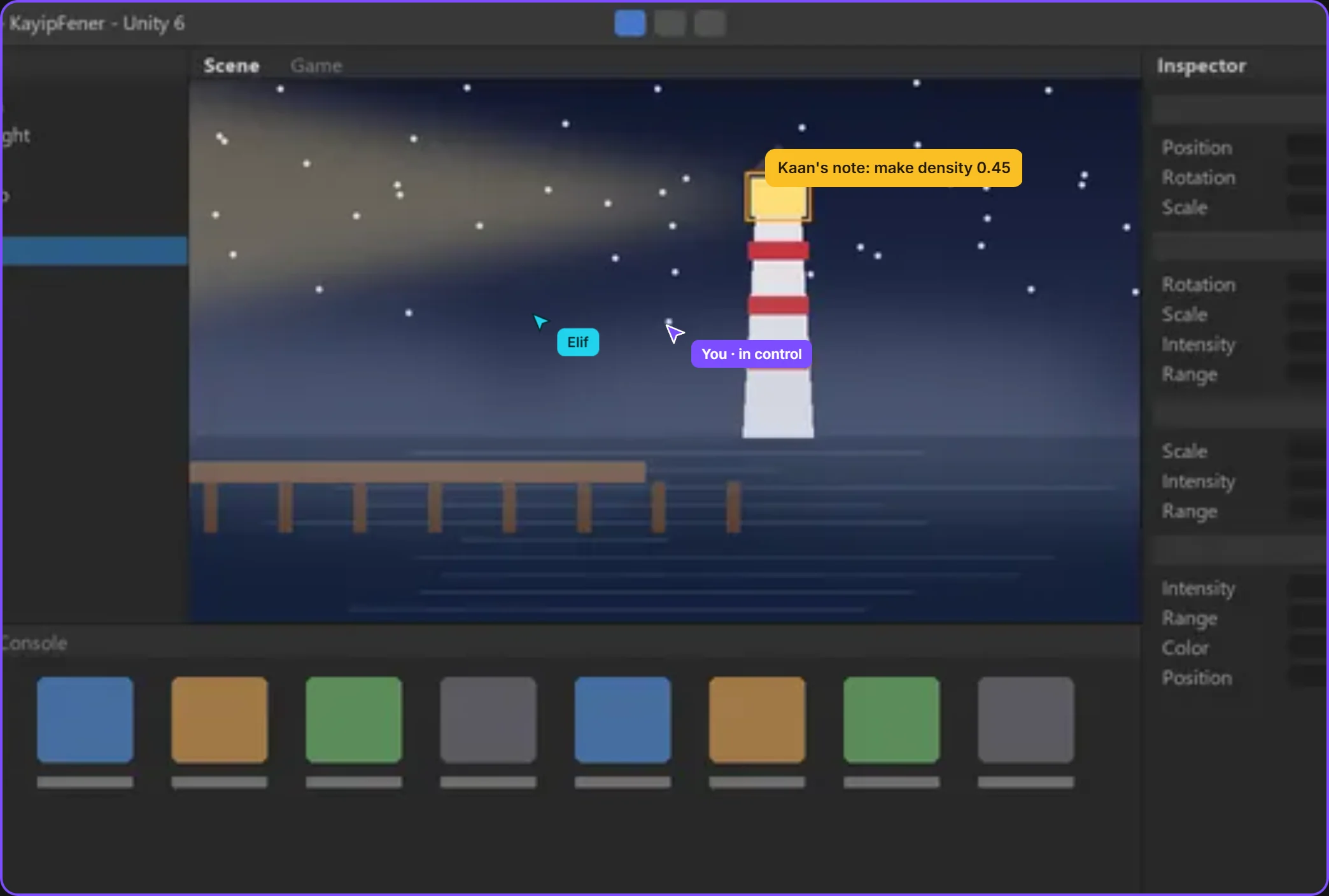 only this windowthe mouse moves with permission
By field
Games VFX Animation Film and TV Post production Ads and music videos XR / VRBy role
Programming Game and level design Script 2D art 3D and characters Animation VFX and compositing Sound and music Directing and productionSolutions/By role
Animation is hard to explain in writing. Open your window, draw the motion to measure, put versions side by side, and let comments stay where they belong.

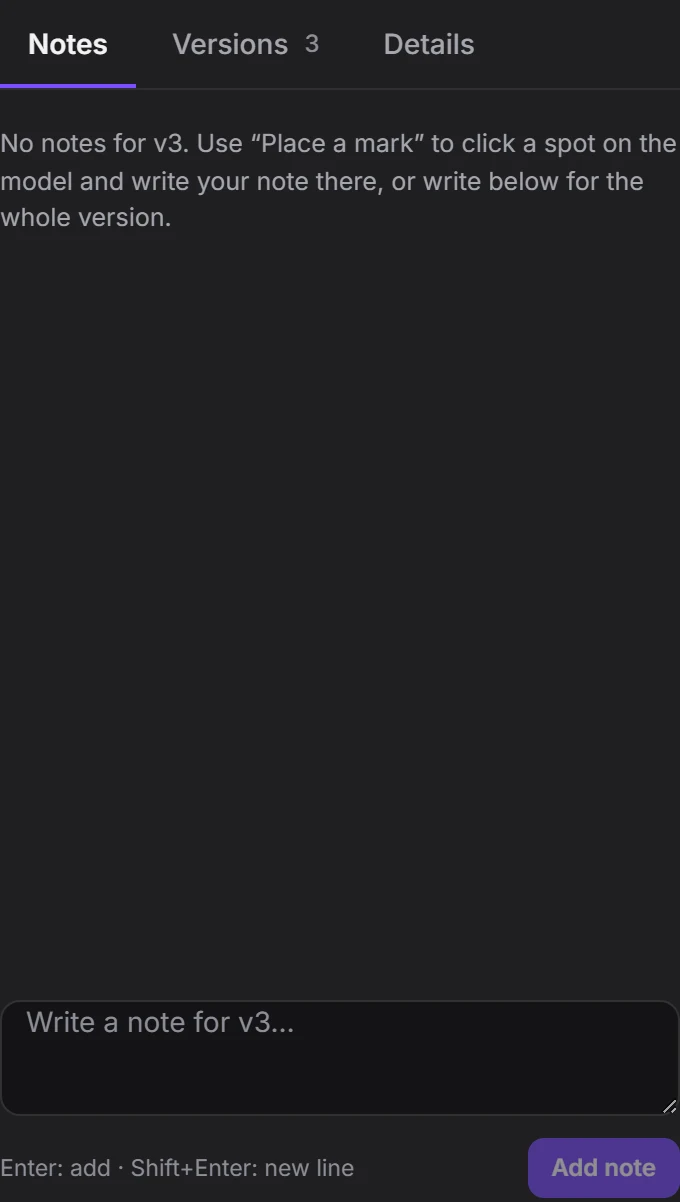
Compare versions and leave notes on them.
The model page, piece by piece. Scroll and it falls into place.


The team watches and, if you want, takes the mouse.
Share your animation program's window and the team watches live. Comments flow in the room's chat; there's no audio yet.
only this windowthe mouse moves with permissionJump arc, glide, slide: the measure piece shows height and time on the drawing, with the table beside it.
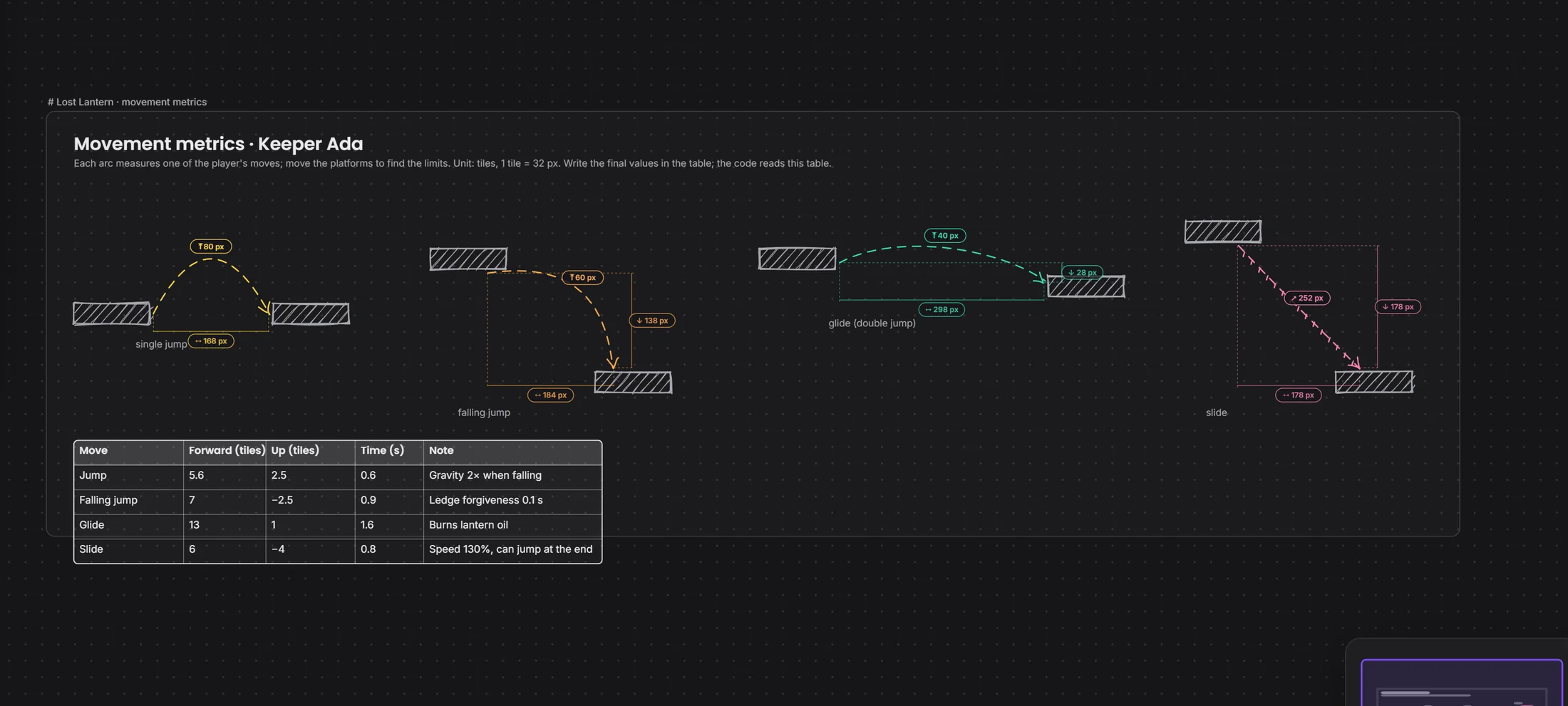 jump arcmeasure table
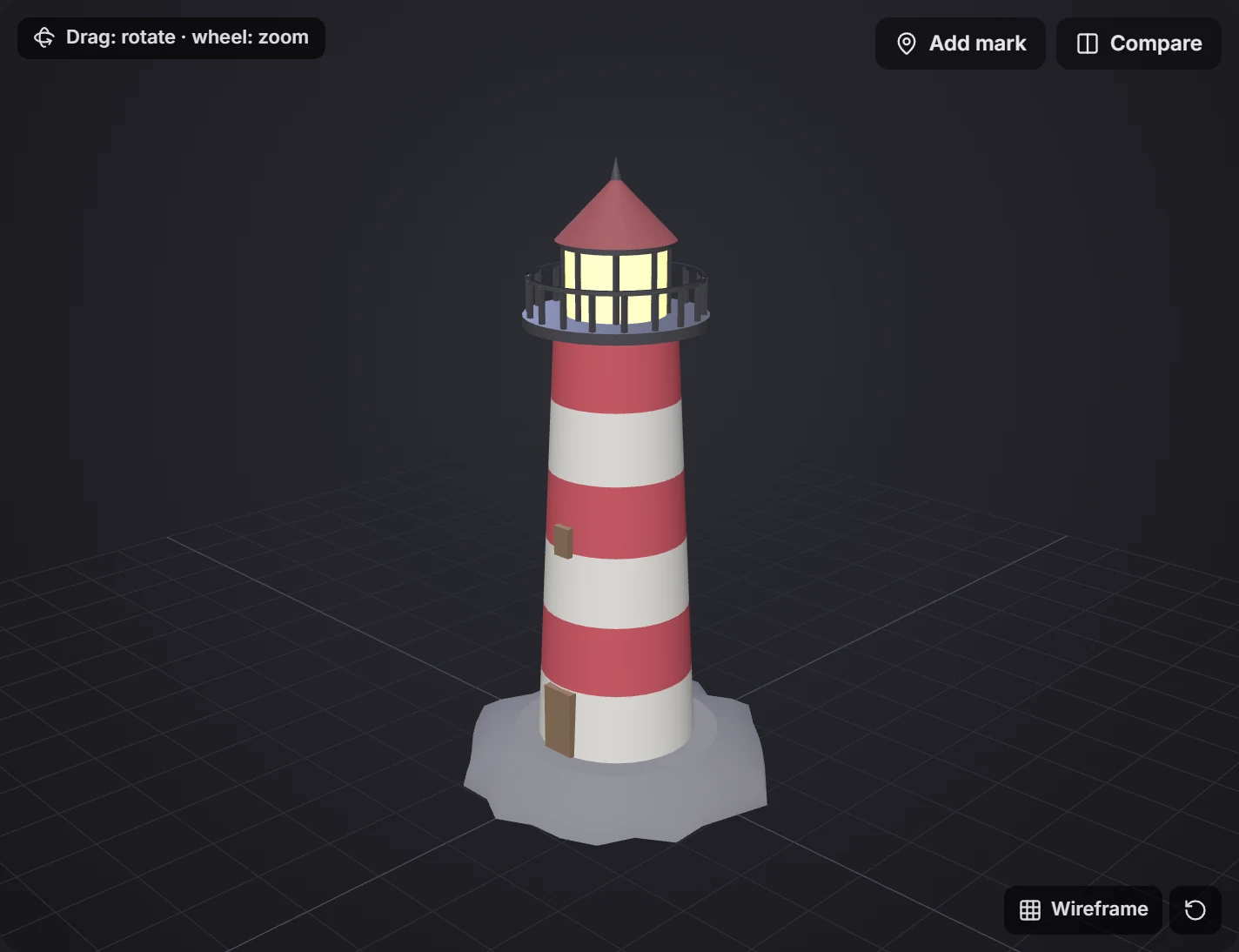
Open two versions on one screen and the models turn together. The decision is Approve or Request changes.
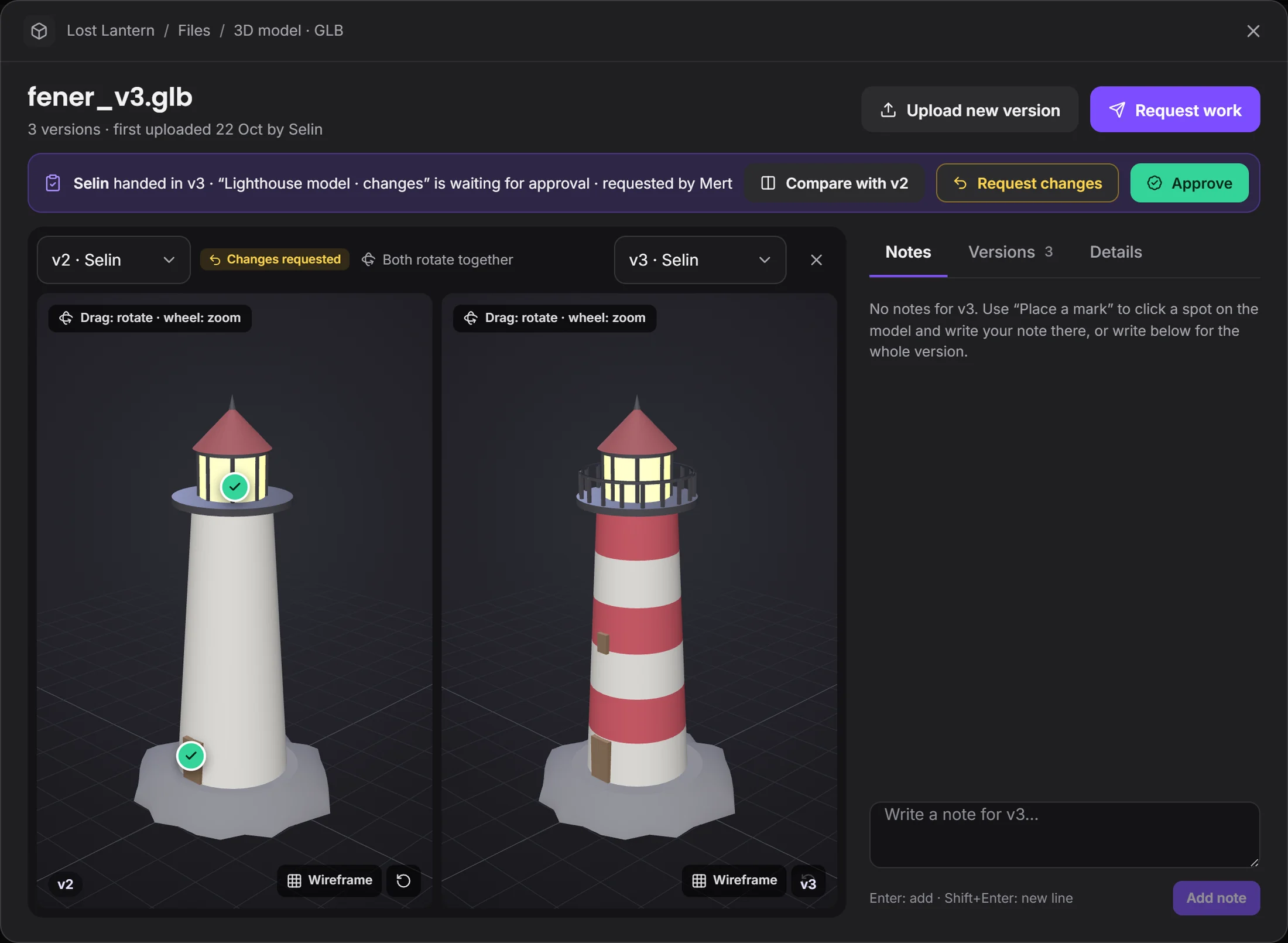 both turn togetherthe decision is made here
Every scene's task is on the board. Who's working, what's waiting for approval, what's done: at a glance.
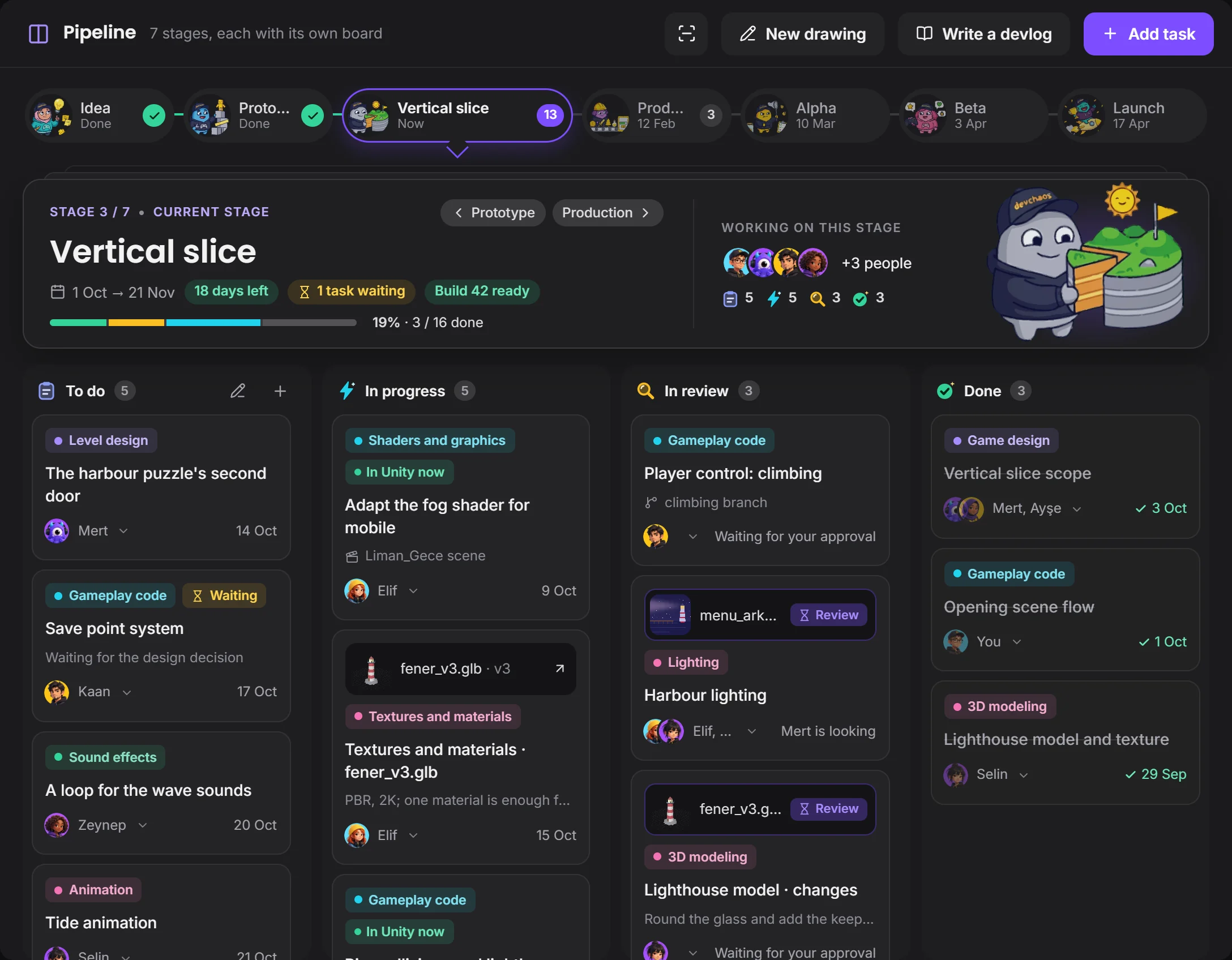 current stagefile waiting for approval
Comments, versions and tasks in one project.
Devchaos doesn't replace your program, it stands beside it. Whichever one is open shows on your Studio card; there are 50 programs on the list, and you can add yours if it's missing.
 Maya
 Blender
 Spine
 After Effects
 Cinema 4D
For now, marks go on pictures and 3D models. Video plays in the message, but marks on video aren't there yet.
Not yet, it's coming soon. Voice rooms and camera are on the way. For now you use the room's text chat during a screen share.
You decide. In What your team sees you choose who sees it, and whether that's the program, the file name, the time, screenshots and how often; you can hide a program and set limits by working hours or by project.
You choose from three places: the Devchaos server (2 GB per project), a computer left on at the office, or your own cloud storage (such as Cloudflare R2, Amazon S3 or Backblaze).